We just shipped v1.1.0 across the current MousePlugins lineup: one coordinated update wave, one consistent workflow.
Here is the short version, before we dive in plugin by plugin:
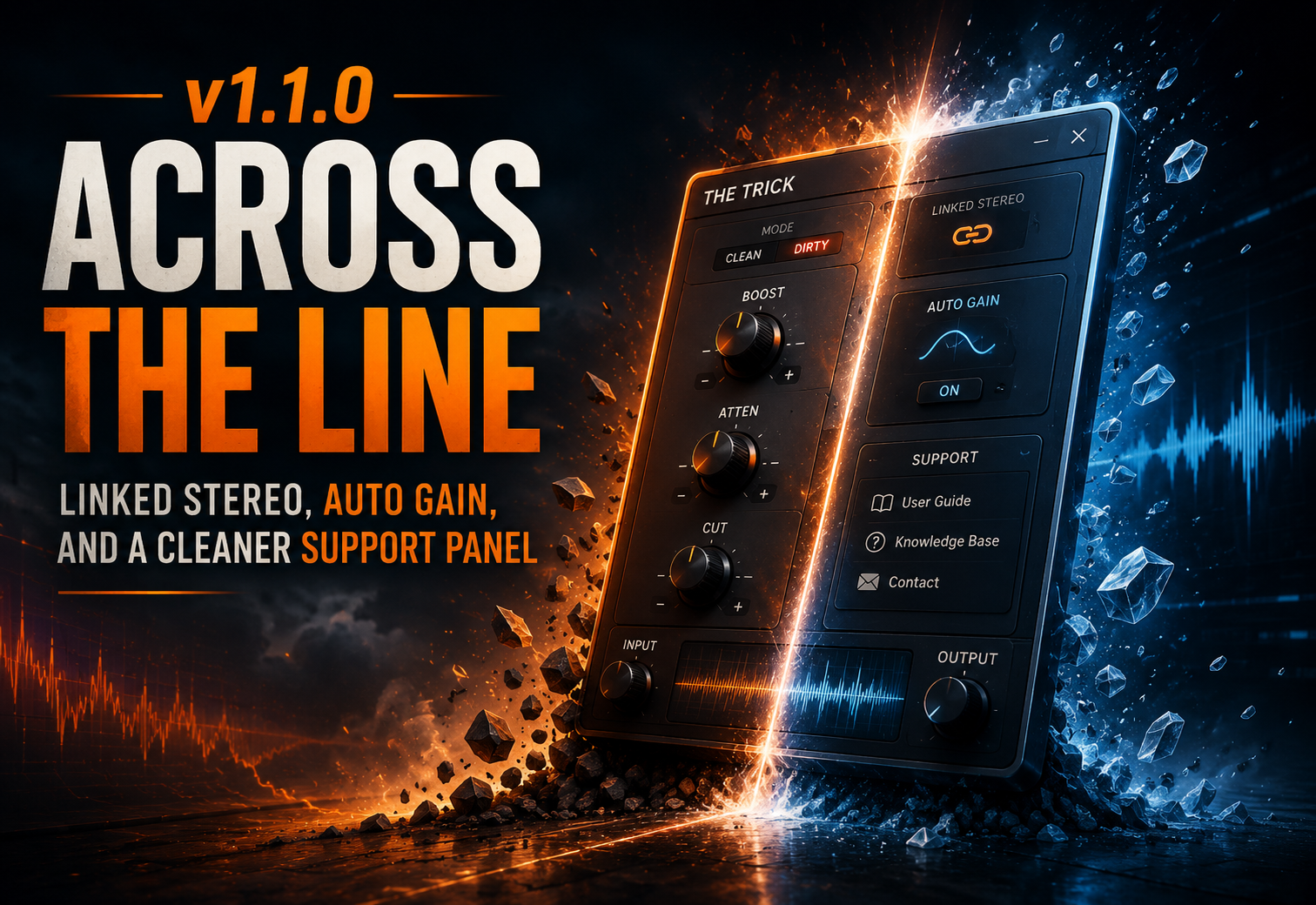
- Linked Stereo collapse. When you link L/R, you now get one lane, not two duplicates - more chart room, less screen clutter, and one set of controls to think about.
- Independent L/R and M/S are colour-coded the same way everywhere: green / blue for L / R, magenta / red for MID / SIDE.
- Input and Output Auto Gain. A one-button way to stage your audio to a sensible reference before and after the wet path, so bypass comparisons stay honest.
- Redesigned Support panel. About, System, Licence and Privacy laid out as clear cards with consistent action buttons - Copy / Save Diagnostics, Contact Support, Reset DSP, Open Config Folder, User Manual, Quick Start.
- Quieter trial behaviour. Demo mode now interrupts with a brief stretch of digital silence instead of any audible burst.
Now, plugin by plugin.
HysteresisShaper 1.1.0
HysteresisShaper gets the full Linked Stereo workflow with a warmer colour flow across MAGNETIC DETAIL, HYSTERESIS CORE, and TEXTURE. Independent L/R paints the two lanes lime / spring / green and cyan / blue / indigo so they read unambiguously, and M/S gets its own magenta-MID / red-SIDE sweep across the strip. Input and Output Auto Gain land in every routing, and the minimum window size is smaller for laptop and Full HD setups.
Mastino 60 1.1.0
Mastino 60 now uses linked stereo compression when linked - shared detector, matched gain reduction on both sides - and gains a proper Independent M/S mode alongside L/R. The Support panel moves to the new shared MousePlugins UI component, and the preset browser finally takes a double-click. Loading a preset no longer unexpectedly flips your stereo mode; the compression recipe stays separate from the current routing workflow.
The Trick 1.1.0
The Trick opens up to three routings - Linked Stereo, Independent L/R, and Independent M/S - each with its own colour identity and a full per-lane EQ recipe. A new parallel MIX knob blends the dry input against the wet EQ path, while Auto Gain helps keep bypass comparisons close in loudness. Quick Start and User Manual have been rewritten for the new surface.
Smith Island EQ 1.1.0
Smith Island EQ collapses Linked Stereo down to a single lane so the EQ graph stretches across the full channel area - much more room for detailed moves. The BROAD buttons in the footer now mirror each band's accent in every mode, so the row reads as Lo / Mid / Hi at a glance. Auto Gain shows up in Stereo, L/R, and M/S. Windows users get a smaller default size and a lower minimum window.
StudioHum 1.1.0
StudioHum gets a cleaner stereo gain workflow - Linked Stereo, Independent L/R, or M/S-style lane control - and a clearer licence panel with a visible trial status chip. Reset to Init lands in the menu alongside a direct shortcut to the MousePlugins website. Linux builds target glibc 2.35 for broader distro compatibility, and both CLAP and VST3 are included in the package.
DeepFryer 1.1.0
DeepFryer jumps to the modern MousePlugins interface - header, footer, menu, right column, lane panels, and control layout all redrawn to match the rest of the lineup. Stereo, L/R, and M/S lane workflows are now first-class, with dedicated bypass, gain, auto-gain, and link controls per lane. New DeepFryer charts and RMS meters carry per-lane colours with linked-lane aggregation, and keyboard shortcuts for undo / redo and copy / paste round out the release.
GlassBreaker EQ 1.1.0
GlassBreaker EQ is the biggest visual jump in the wave - a brand-new interface, a real-time spectrum / EQ display with draggable band nodes, input and output RMS meters beside the chart and in the footer, and lane-aware display for Stereo, L/R, and M/S. A new Break Mode lives in the global section. Undo / Redo and Copy / Paste move into the header, and the plugin can import presets from previous GlassBreaker versions.
Existing sessions are designed to carry over
Existing projects, presets, and licences are designed to carry over across the v1.1.0 updates. No re-activation or manual preset migration should be required. Install the new build in your usual plugin folder, rescan if your DAW needs it, and your sessions should open normally with the updated interface and workflow.
You can grab the updates from each product page, or use the releases page if you want the full timeline.