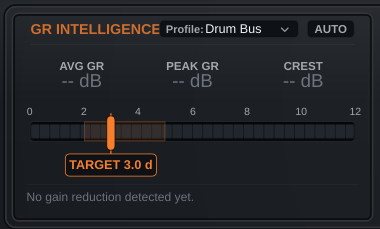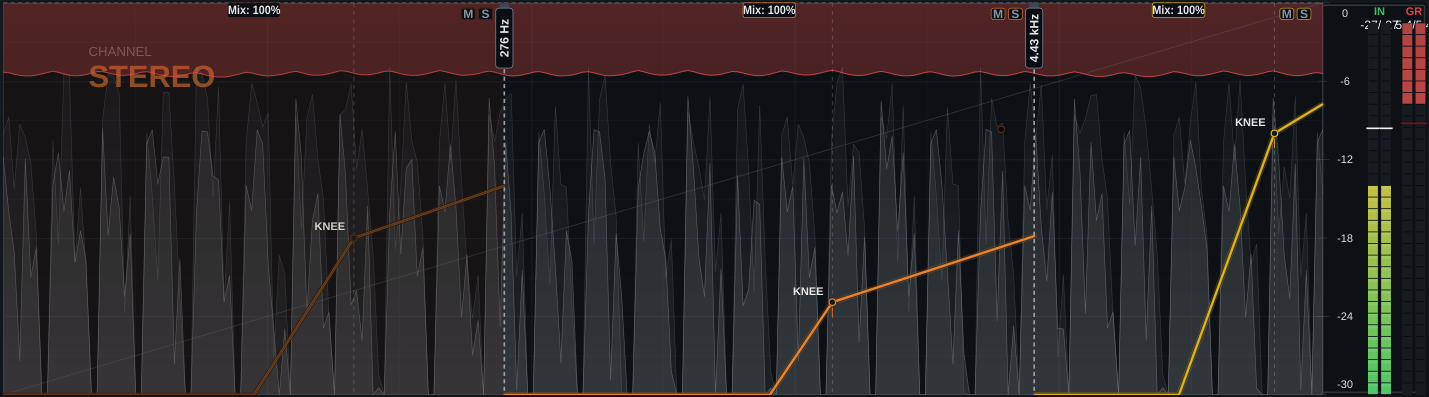
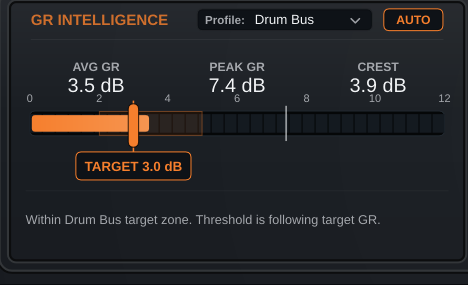
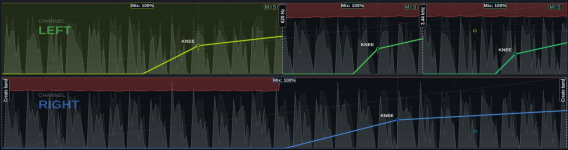
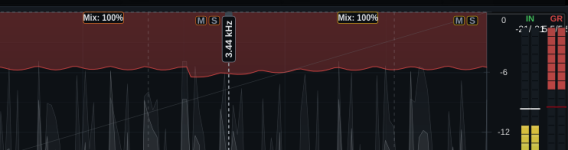

Fast gain reduction, hard-knee attitude, and enough recovery movement to make close mics and buses feel more urgent.
Hold low-end notes in place without turning the attack into paste. Use the detector filter when the lows push too hard.
Drive it harder than you should, then pull Mix back. The useful range is not hidden in a menu.
| Control | Function |
|---|---|
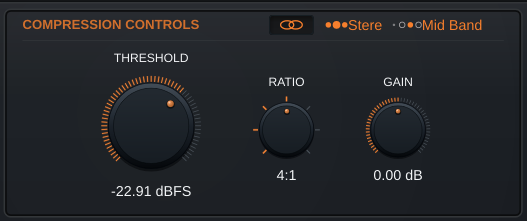
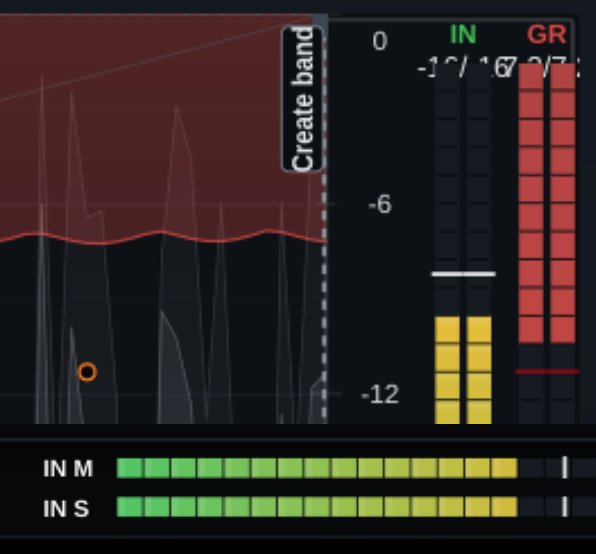
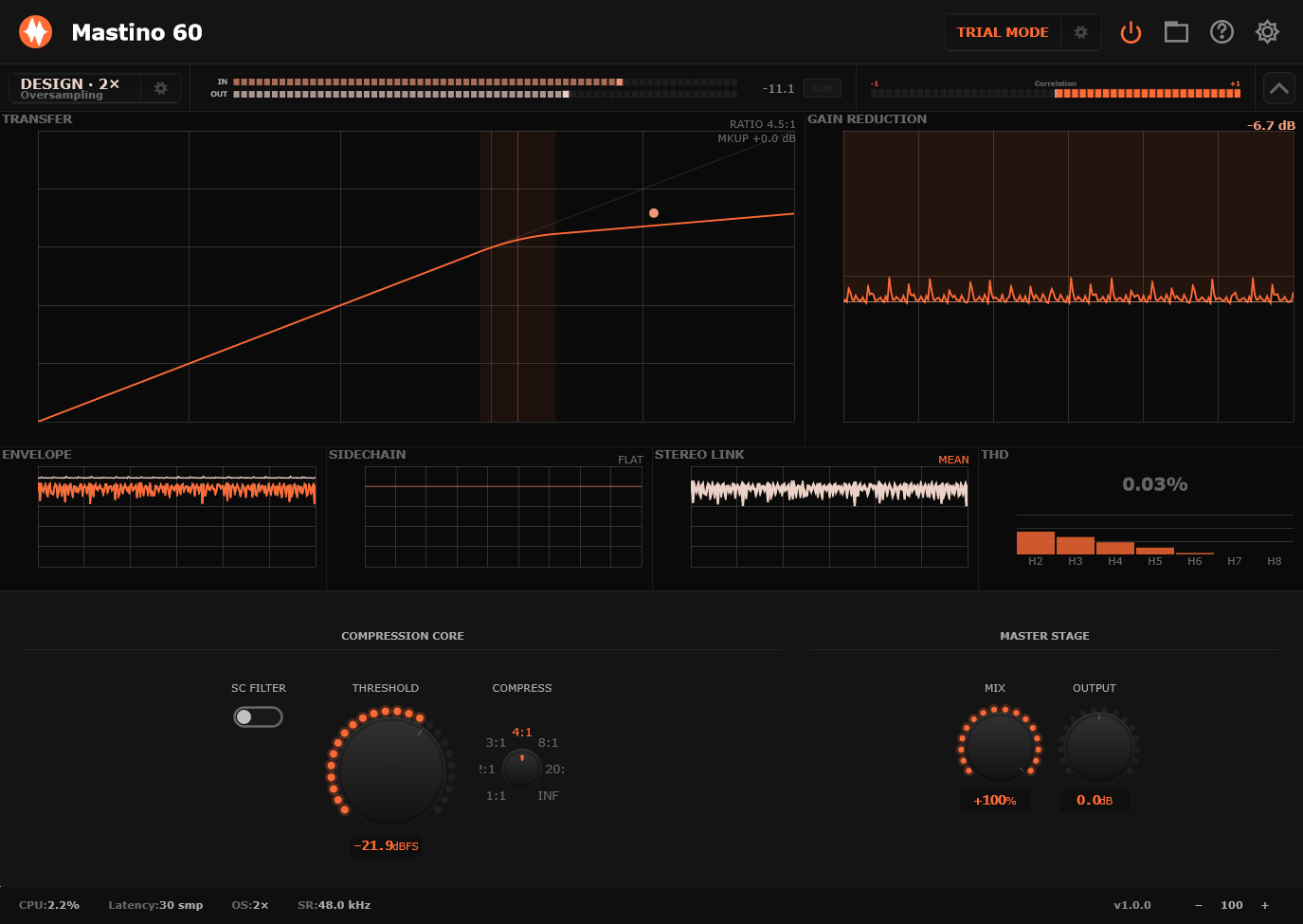
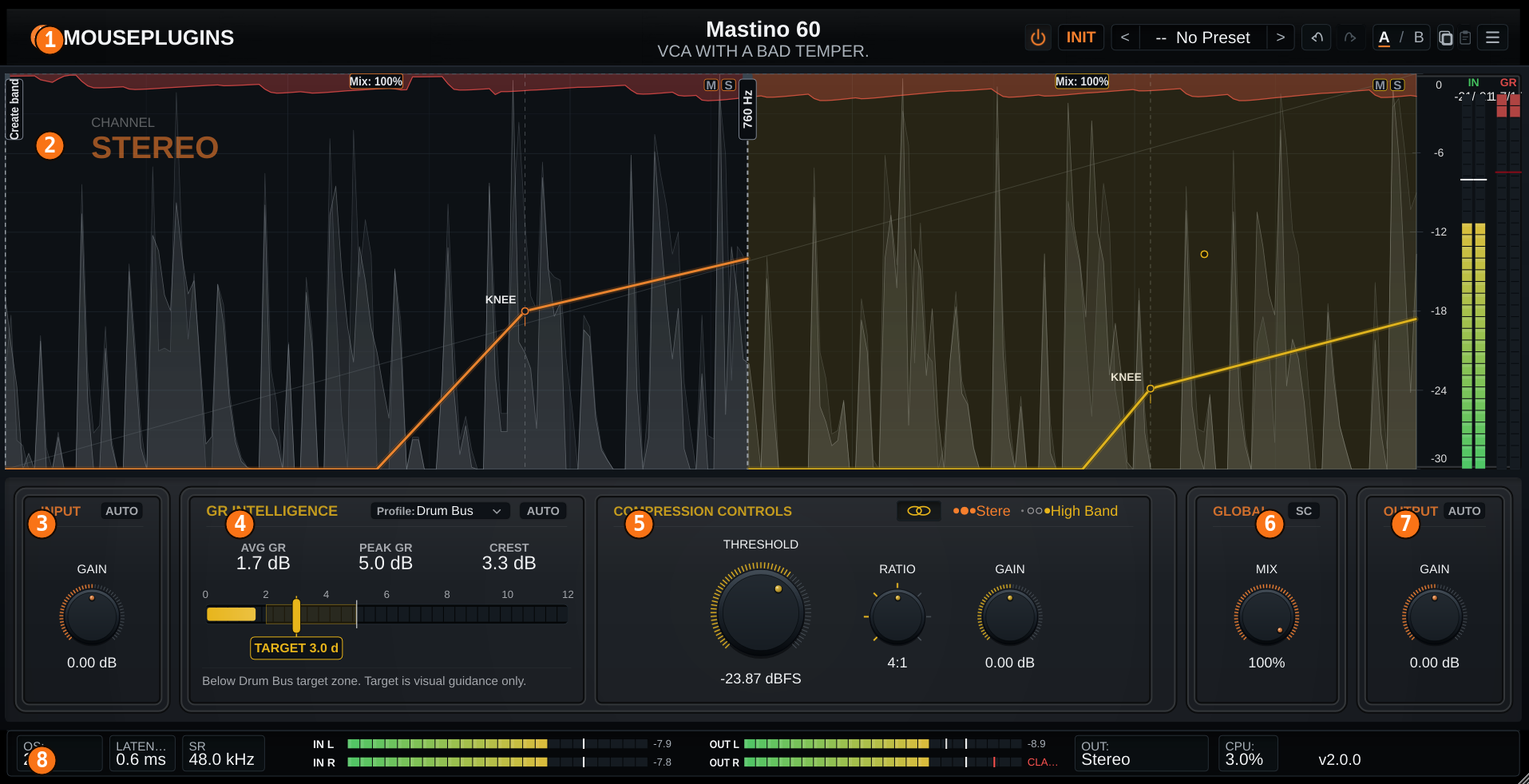
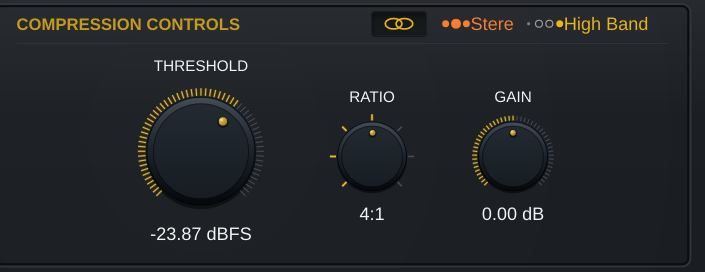
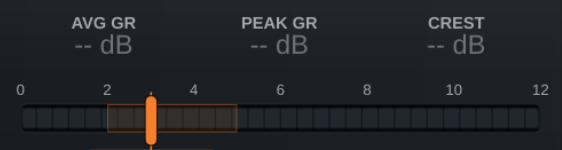
| Threshold | Input-dependent compression threshold · Lower until the gain reduction meter moves with the groove |
| Compress | Compression amount / ratio control · Moderate for control, high for clamp and parallel work |
| SC Filter | Detector low-frequency shaping · Raise it when kick or bass makes the compressor overreact |
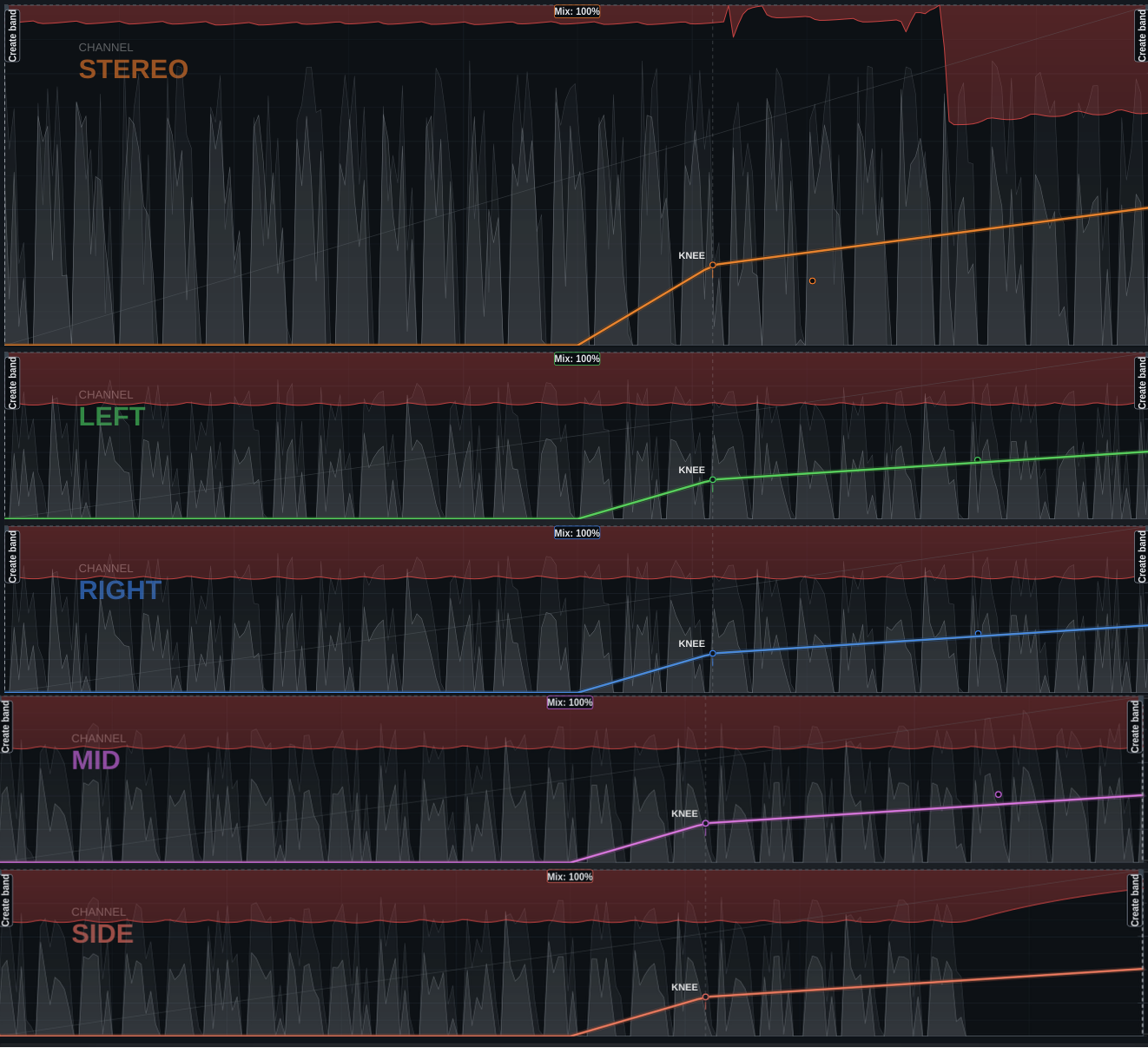
| Stereo Link | Detector linking control · Higher for stable stereo image, lower for more channel movement |
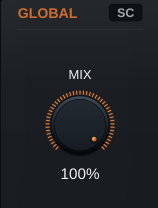
| Mix | Dry/wet parallel blend, 0-100% · 100% for control, 10-40% for parallel crush |
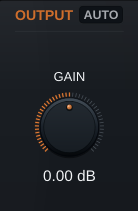
| Output | -40 to +40 dB post-compression trim · Level-match before bypass comparison |
| Quality | Live (1x) / Design (2x) / Mix (4x) / Master (8x) · Live for tracking, Mix for everyday work, Master for final renders |
Drum Bus Grab. Lower Threshold until the groove starts leaning forward, raise SC Filter if the kick dominates, then trim Output into the next stage.
Bass Lock. Use moderate compression to keep notes stable before tone shaping. Blend with Mix if the transient needs to stay exposed.
Parallel Crush. Push the compressor until it is too obvious, then bring Mix down. Useful on drums, percussion rooms, aggressive bass, and synth buses.
| OS | Windows 10+ 64-bit / Linux 64-bit (Ubuntu 20.04+, Fedora, etc.) |
| CPU | Any 64-bit x86 |
| Latency | Fixed low latency, host-compensated |
| Sample rate | 44.1 kHz - 192 kHz |
| Activation | Email activation — No iLok, No Dongle |
| Formats | CLAP · VST3 · Windows / Linux |
| Version | 1.0.0 |
Yes. Mastino 60 reports fixed low latency to the host so your DAW can compensate automatically.