70% off sitewide until May 31st 2026, 23:59 UTC. Shop now →
MousePlugins

DeepFryer

Polite sound ends here.

Measurement-fitted tube saturation. H2 body and roundness at low Drive, H3 takes over between 50-80%. Three tube-style voicings, Bias control, up to 8x oversampling.

Formats CLAP VST3
€17.70 v1.1.0
Sign in to leave feedback

Stripe checkout. Cards, PayPal, wallets, and eligible Klarna instalments may be available.

Tube saturation, measured and fitted.

Many saturation designs are built around a static waveshaper. DeepFryer is built around measured, drive-dependent harmonic behaviour: how H2, H3, and overall saturation balance shift as the stage is pushed harder.

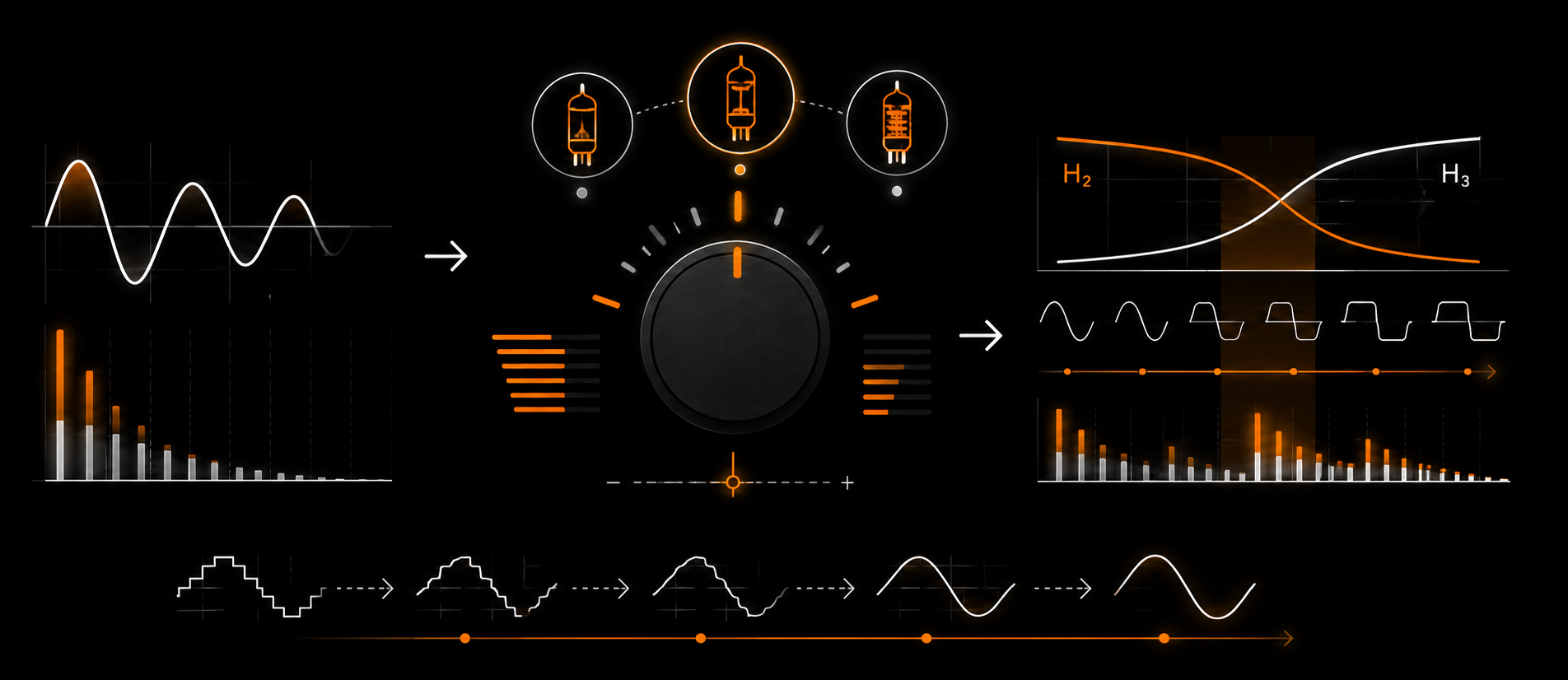
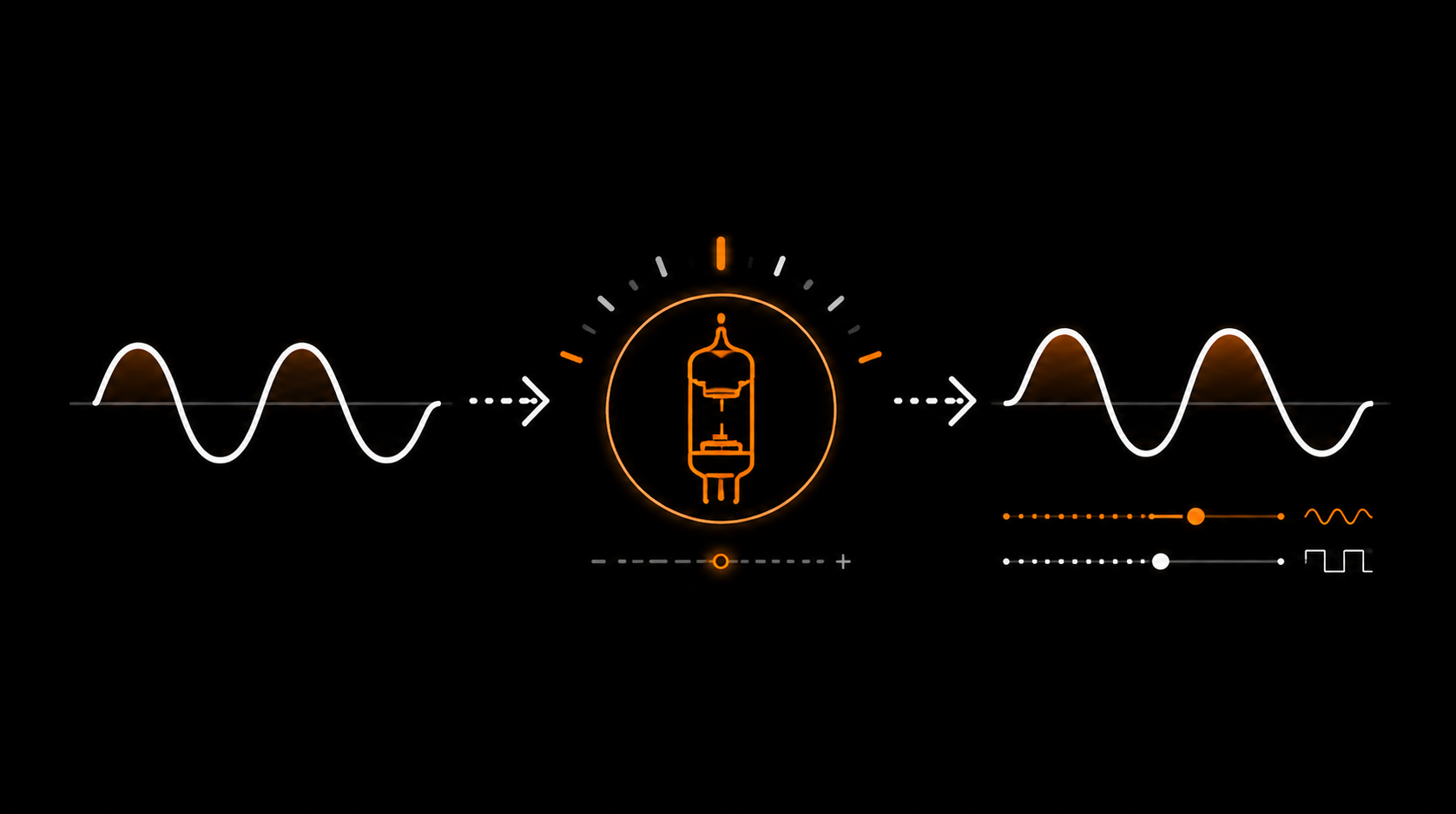
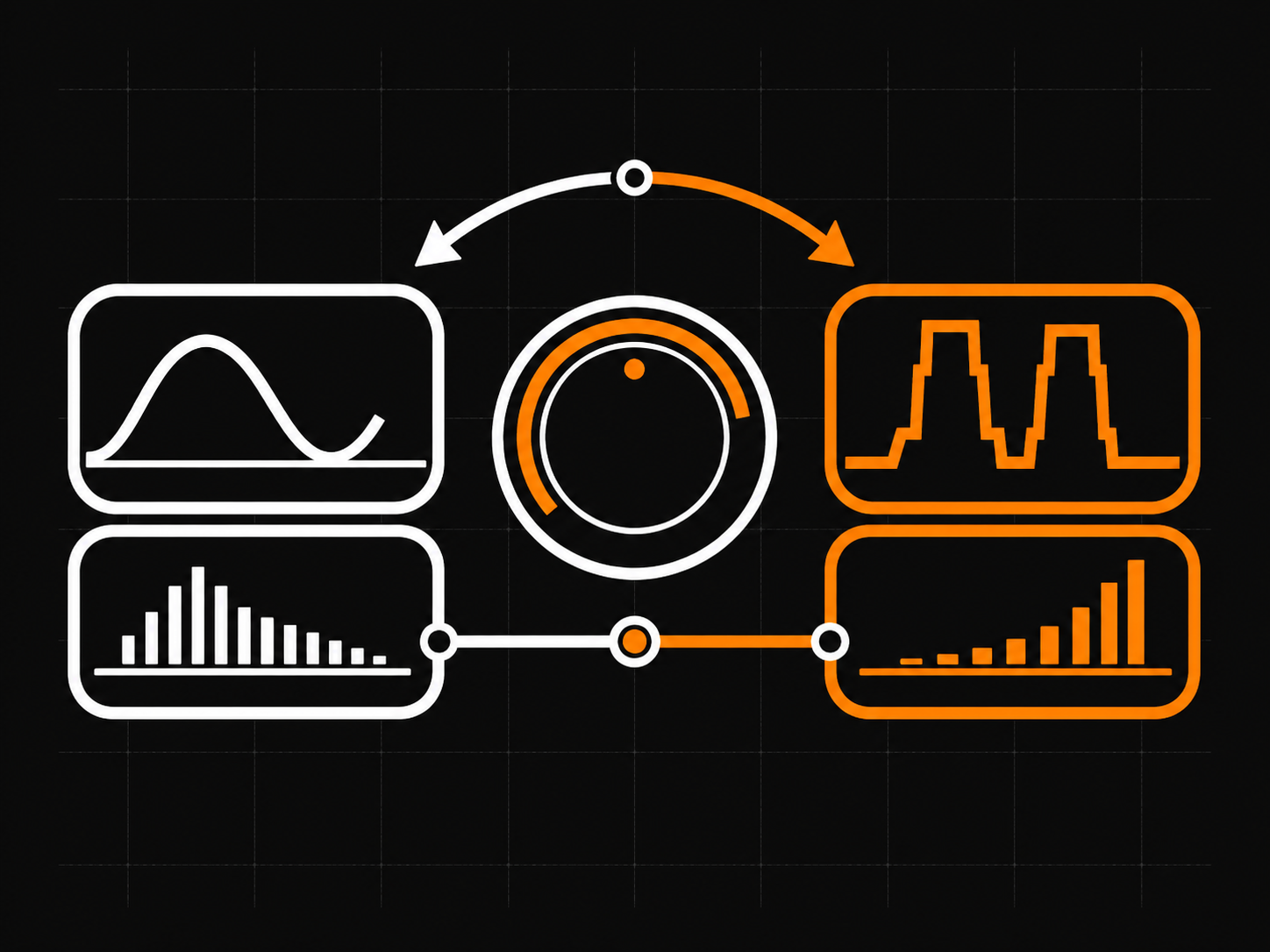
The result is a saturation curve that doesn’t just “add distortion”; it changes character as Drive rises. At low Drive, second-harmonic (H2) content dominates: gentle, even-order body and density that can thicken a signal without taking over its character. Push the Drive higher and third-harmonic (H3) content climbs until it overtakes H2 somewhere between 50% and 80%. Past that point the sound gets edgier, grittier, more present — the tube is no longer easing in, it’s breaking up.

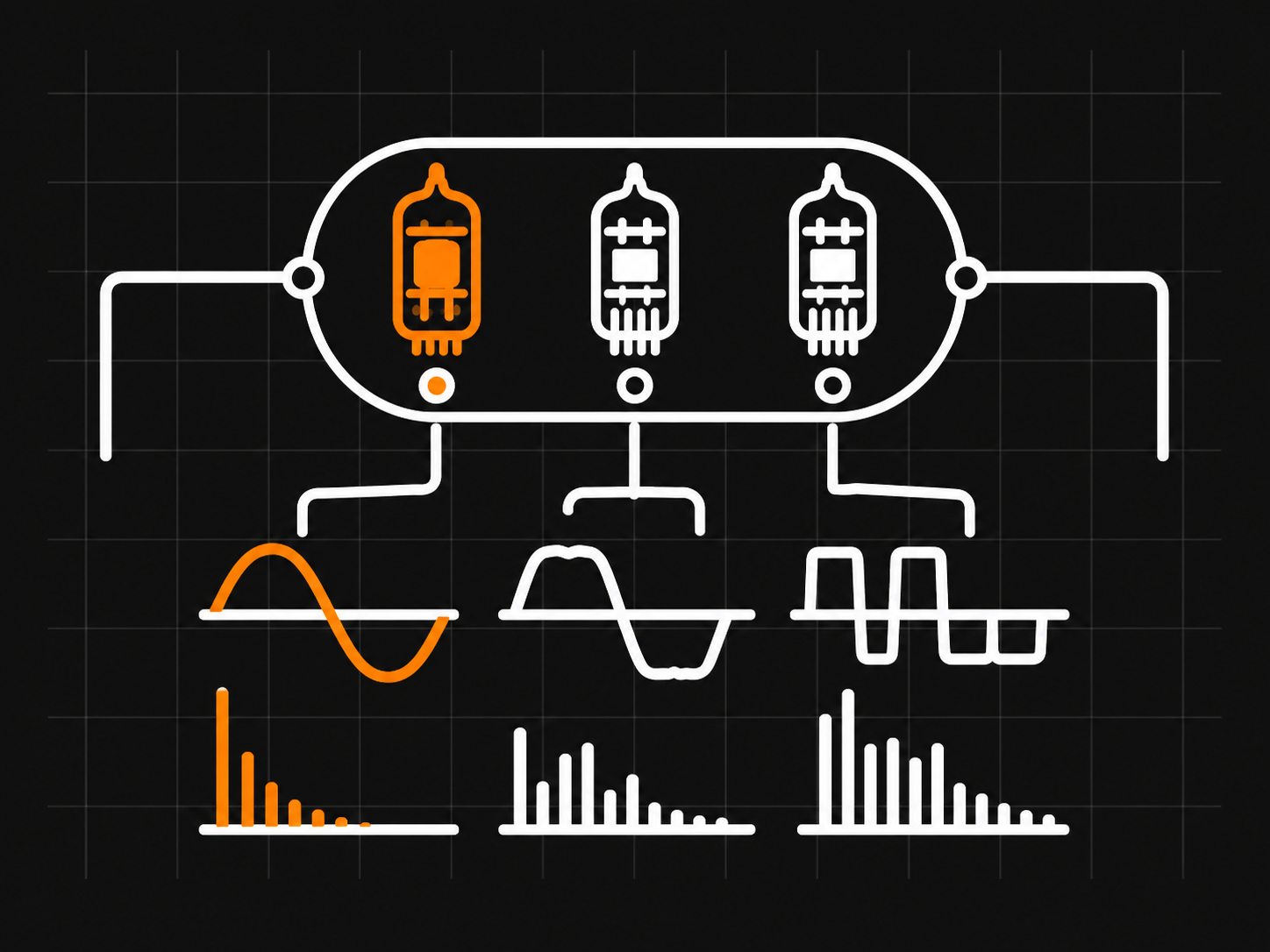
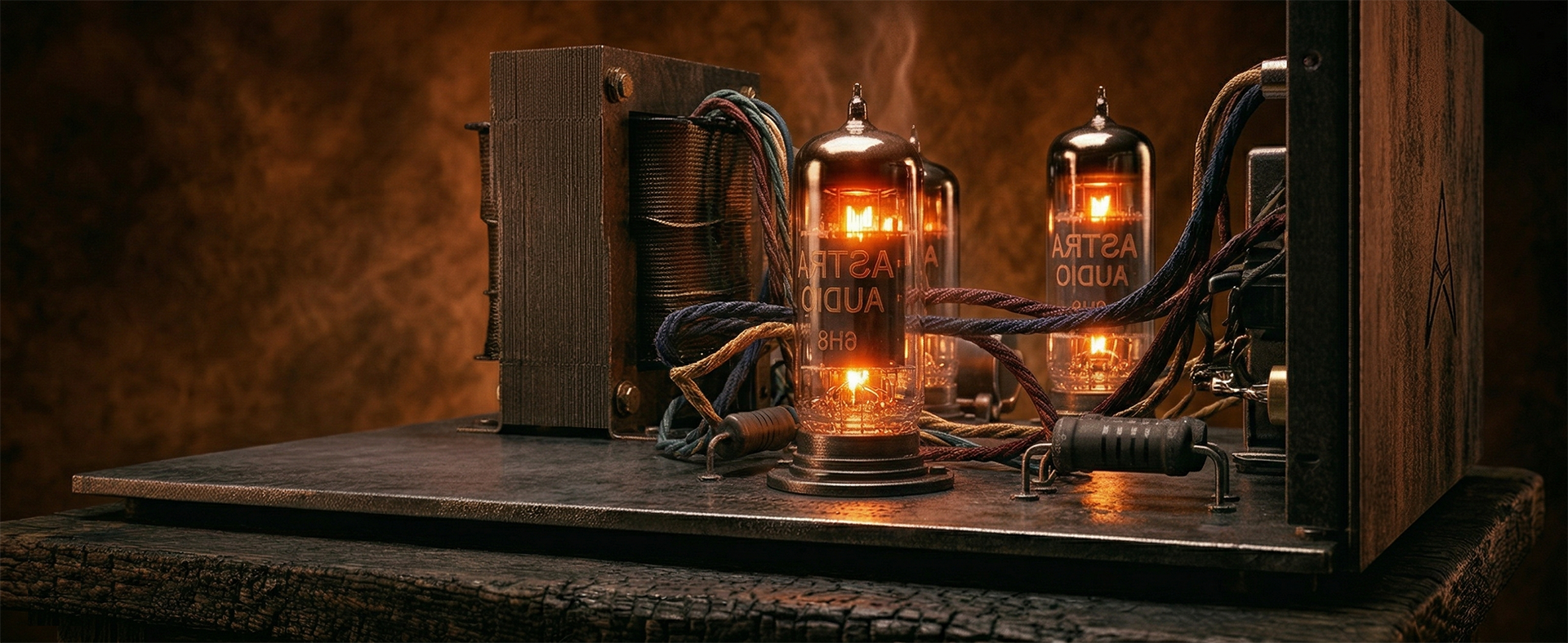
Three tube-style voicings — Triode, Pentode #1, Pentode #2 — each with a different harmonic fingerprint measured from different operating points. A Bias control shifts the DC offset inside the saturator, letting you nudge the H2/H3 balance without touching Drive. A pre-saturation high-pass filter keeps low-end content from muddying the harmonics. A post-saturation tilt control lets you shape brightness after the saturation stage.

Four Quality modes (Live, Design, Mix, Master) control oversampling from 1× to 8×. Higher modes push aliasing artefacts further above the audible band — Design (2×) is the sweet spot for sound-building, Master (8×) for final renders.

Auto-Gain compensates for the level change introduced by Drive, so bypass comparison is loudness-matched. Mix blends dry and wet for parallel saturation; at 0% Mix, the dry signal passes through unchanged.

DeepFryer is offline-first. No internet connection required after activation. No plugin telemetry, no phone-home, and no online account requirement to run the plugin. License locally, make noise immediately.
  • Triode (T)
  • Pentode #1 (P1)
  • Pentode #2 (P2)
Tube saturation, measured and fitted.

Measurement-fitted tube saturation. H2 body and roundness at low Drive, H3 takes over between 50-80%. Three tube-style voicings, Bias control, up to 8x oversampling.

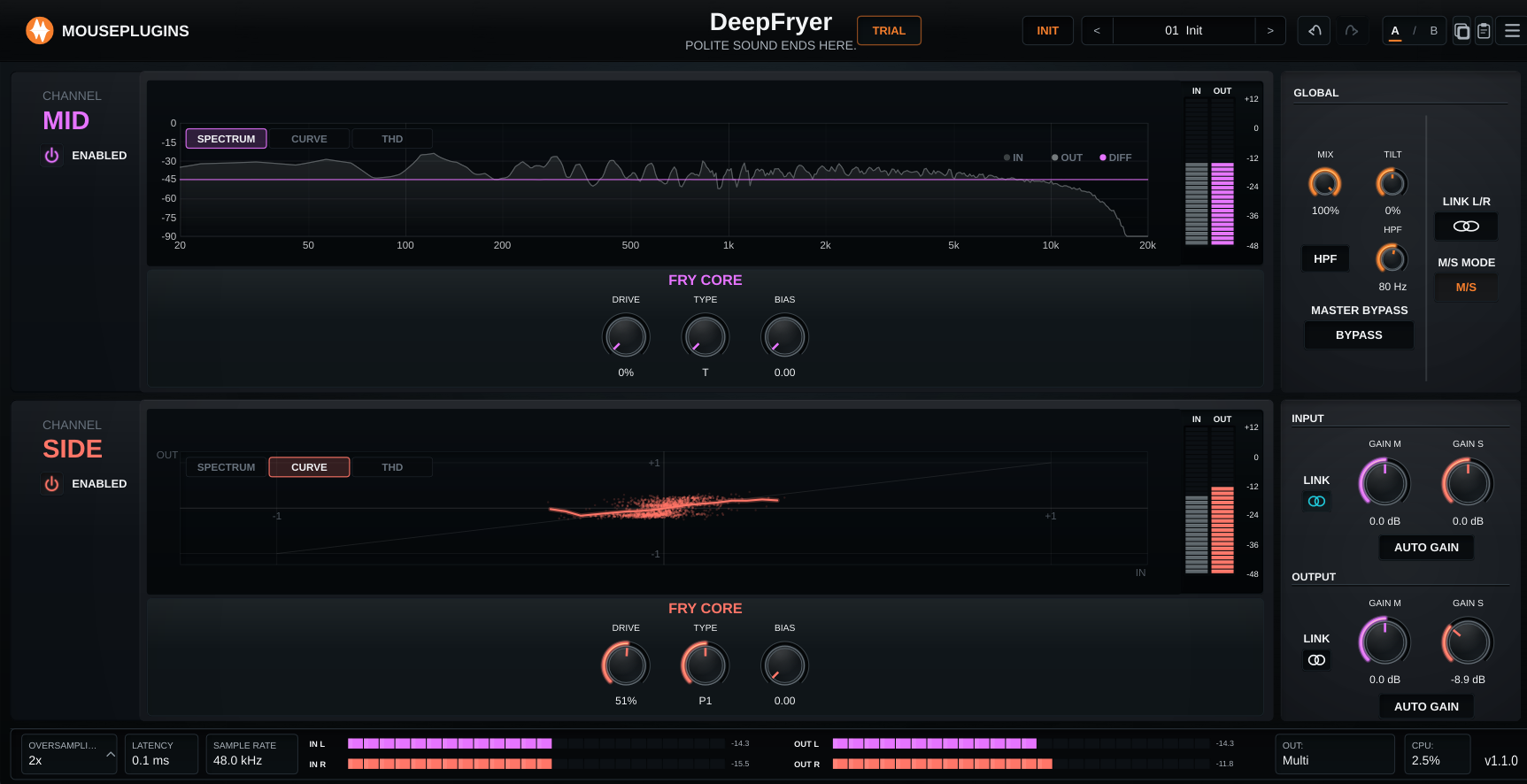
DeepFryer UI
Triode (T)

Default voicing. Balanced H2/H3 behaviour — round, even-harmonic body at low Drive, controlled odd-harmonic edge once you push past the crossover. The catch-all character.

Pentode #1 (P1)

Tighter mids, earlier H3 onset. Breaks up sooner than the triode and holds its character harder — the one to reach for when you want the saturation to be obvious.

Pentode #2 (P2)

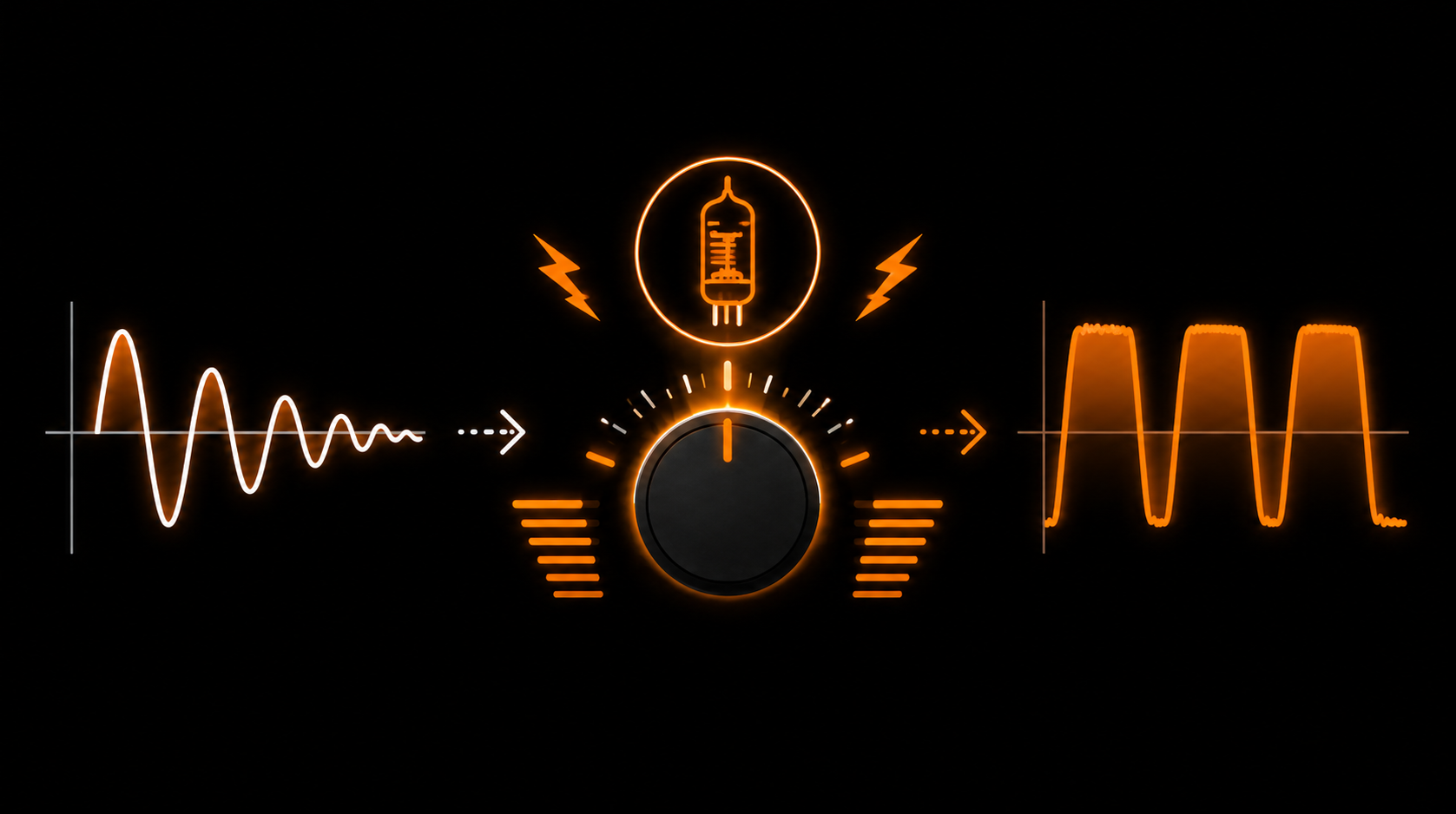
The aggressive model. Heaviest H3 plateau at high Drive. Use when polite is not the assignment.

01
H2 → H3 CROSSOVER

Body and roundness, then teeth

At lower Drive settings, DeepFryer leans into H2 - second-harmonic body, roundness, and density. Push Drive harder and the balance shifts toward H3, adding third-harmonic edge, bite, and a more aggressive saturation shape. One knob moves the source from polite colour to properly gnarly.

Body and roundness, then teeth
02
THREE TUBE VOICINGS

Triode, Pentode #1, Pentode #2

Each Type setting is fitted from a different measured operating point. Triode gives the softer, rounder response, while the two Pentode voicings push harder and shape the harmonic envelope in different ways. Choose the voicing first, then drive into it.

Triode, Pentode #1, Pentode #2
03
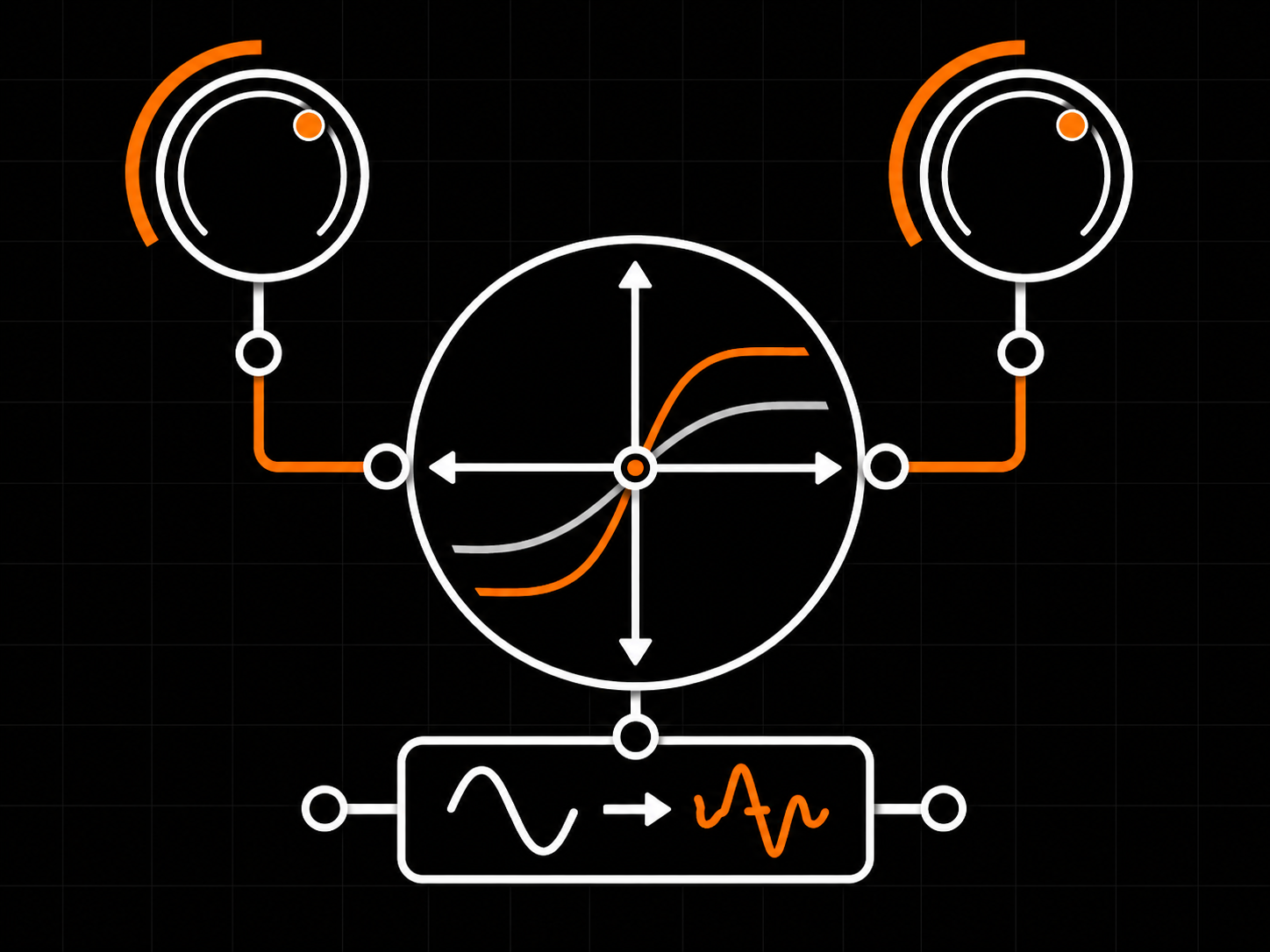
BIAS + DRIVE

Two knobs, two axes of harmonic motion

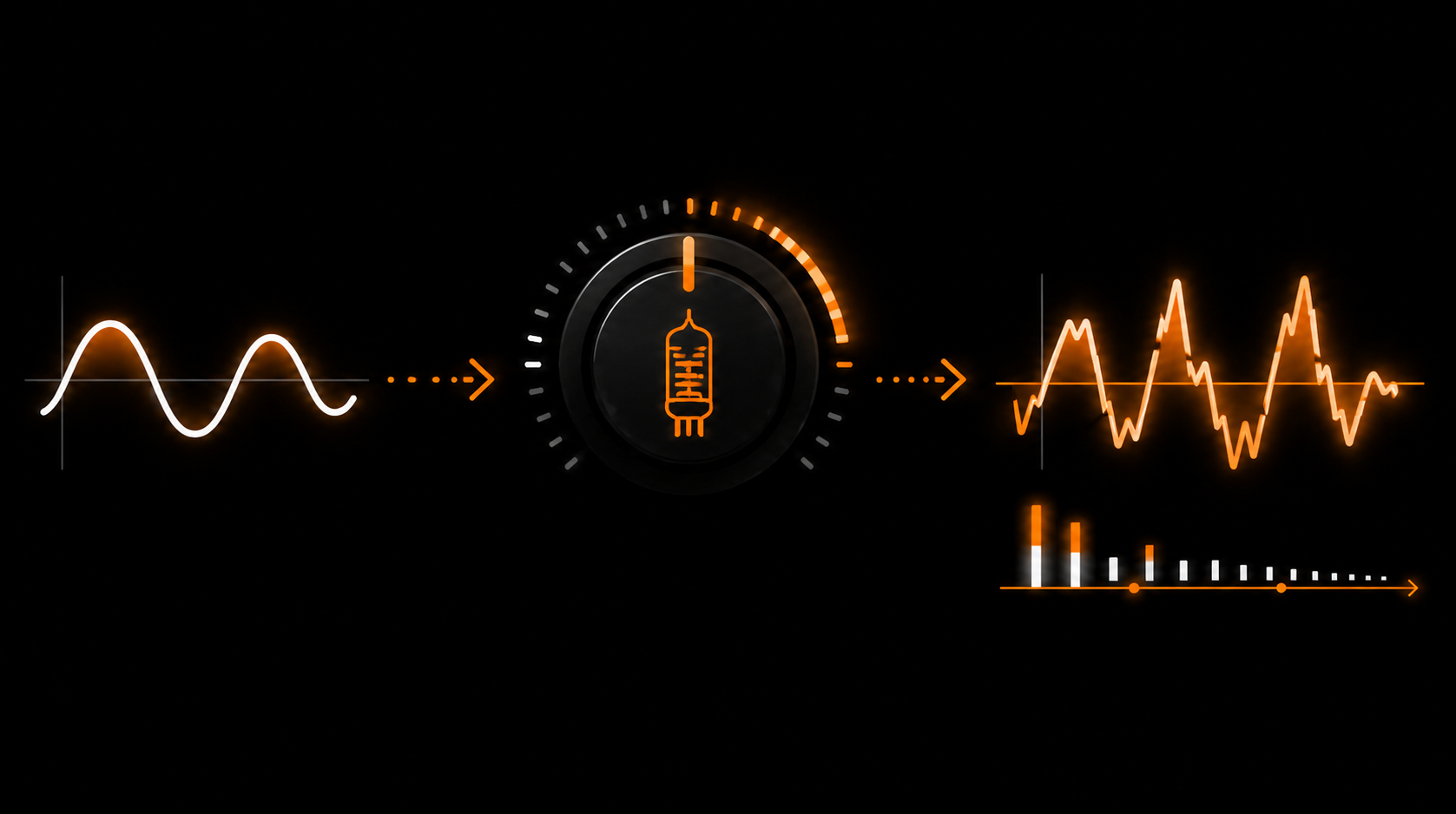
Drive sets how hard the signal hits the saturator and moves the H2/H3 balance. Bias shifts the operating point of the saturation stage, changing the harmonic skew without simply adding more Drive. Two independent moves, two clearly different shapes in the spectrum analyzer.

Two knobs, two axes of harmonic motion
04
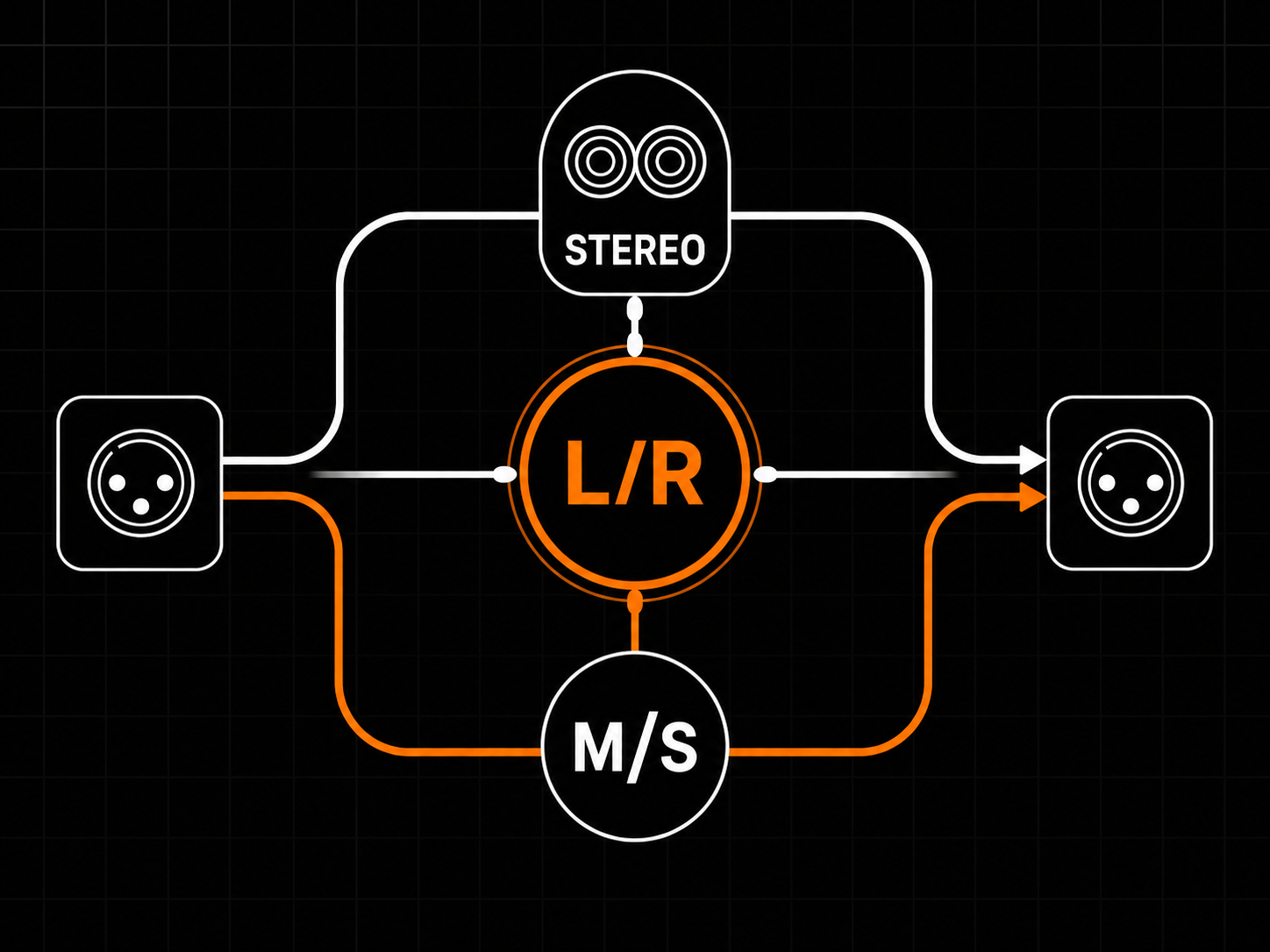
ROUTING IN ONE CLICK

Stereo, L/R, or M/S

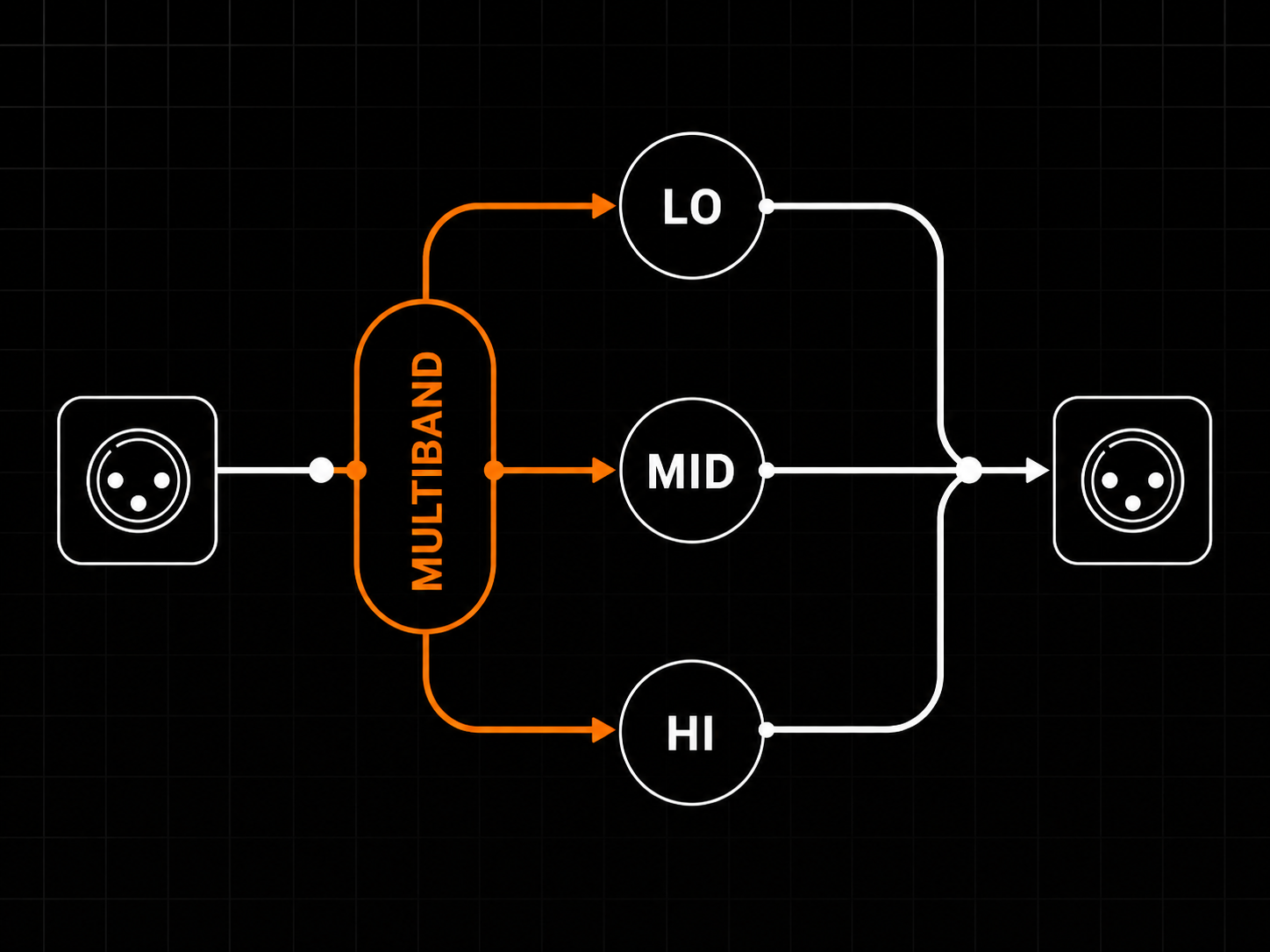
Switch between Stereo, Left/Right, and Mid/Side operation from one control. Internal Mid/Side encode/decode and Lane Link let you move quickly between classic stereo colour, independent dual-lane saturation, and width-aware tone shaping.

Stereo, L/R, or M/S
Overview
Plugin type Tube-style saturation with H2→H3 harmonic crossover
Use cases Drum / bass / vocal colour, parallel saturation, mix-bus colour and density, lo-fi crunch
Channel modes Stereo, Left/Right, Mid/Side
Lane linking Linked or unlinked processing per mode
Reported latency 0 samples at Live/1x; higher fixed, host-compensated latency in oversampled modes
Processing
Signal path Input stage, pre-saturation HPF, Fry Core (Drive + Bias + Type), post-saturation Tilt, parallel mix, output stage
Saturation engine Measurement-fitted tube-style; H2-dominant at low Drive, H3-dominant at high Drive (character flip around 65-70%)
Tube voicings Three tube-style voicings — Triode, Pentode #1, Pentode #2 — each fitted from a different measured operating point
Bias DC-bias offset inside the saturator; pushes harmonic balance toward H2 without re-dialling Drive
Pre-saturation HPF High-pass before the saturator for clean low end
Post-saturation Tilt Broad tonal balance after the saturator
Oversampling 1x, 2x, 4x, 8x
Quality modes Live 1x / Design 2x / Mix 4x / Master 8x
Internal processing High-precision internal DSP
Controls
Drive 0-100% — input gain + harmonic-balance crossover
Bias 0.00-1.00 DC offset, skews H2/H3 balance
Type T / P1 / P2 tube voicings
HPF Pre-saturation high-pass frequency
Tilt Broad post-saturation tonal balance
Mix Parallel dry/wet blend
Channel Mode Stereo / Left-Right / Mid-Side
Lane Link Linked / Unlinked
Input / Output Gain staging with optional Auto Gain
Auto Gain Input and output gain staging helpers calibrated around 0 VU / -18 dBFS RMS
Master Bypass Global
Knob reset Double-click any knob
Metering
Input meters Per active lane, peak + RMS
Output meters Per active lane, peak + RMS
Spectrum view Real-time harmonic content (H2, H3 motion vs Drive)
Curve view Input/output transfer curve for current Drive
THD view Total harmonic distortion vs input level
Correlation Status strip
Footer readout Quality, latency, oversampling, sample rate, CPU, version
Formats
Plugin formats VST3, CLAP
Sample rates 44.1, 48, 88.2, 96, 176.4, 192 kHz
Channel layout Stereo in / stereo out
Automation All main controls exposed to host automation
Preset format Single-file .deepfryerpreset XML
System Compatibility
Windows 10 / 11 (64-bit)
Linux x64 glibc 2.35+
Tested / recommended Ubuntu 22.04+, Debian 12+, Mint 21+, Fedora 36+, Pop!_OS 22.04+
Rolling distros Arch / Manjaro / EndeavourOS / Garuda, openSUSE Tumbleweed
macOS Not currently shipped
CPU x86_64 with SSE2
RAM Negligible (DSP-only)
Internet Not required for activation
Licensing
License model Offline, machine-based
Activation Local license file
Machines Unlimited (personal use)
Resale Not transferable
Ownership Perpetual license, free updates included
Installation
Windows VST3 C:\Program Files\Common Files\VST3\
Windows CLAP C:\Program Files\Common Files\CLAP\
Linux VST3 ~/.vst3/ or /usr/local/lib/vst3/
Linux CLAP ~/.clap/ or /usr/local/lib/clap/
Components VST3 + CLAP for Windows and Linux
Authorization Local license file, no internet check
T is the balanced triode default: rounded at low Drive, controlled edge at high Drive. P1 is a pentode with tighter mids and earlier H3 onset: it breaks up sooner and holds its character harder. P2 is the aggressive pentode, with the heaviest H3 plateau past the crossover. Reach for T when in doubt, P1 when you want the saturation to be obvious, and P2 when polite is not the assignment.
The crossover is not a single click-point. It happens across a range, roughly between Drive 50% and 80%, with the character flip becoming most obvious around 65–70%. Below that, H2 still dominates and the sound feels rounder and thicker. Above it, H3 takes over and the tone becomes edgier, grittier, and more present.
Bias is a DC offset applied inside the saturator (range 0.00–1.00). It skews the waveform asymmetry, pulling the harmonic balance toward H2 without changing how hard the Drive is pushing. Use it to add roundness and even-harmonic body without re-dialling Drive, or to create character variation when A/B-ing Types.
Live (1×) for tracking: no added processing latency and lowest CPU. Design (2×) for sound design and general work. Mix (4×) when balancing in context and pushing Drive higher. Master (8×) for final render passes where you want the highest oversampling setting. Higher modes reduce aliasing further but cost latency and CPU; the plugin reports latency to the host so most DAWs compensate automatically.
Auto-Gain is on by default. It compensates for the gain change Drive introduces so that bypass A/B comparisons are less affected by volume differences. Turn Auto-Gain off in Settings if you want the raw output level to move with Drive.
The HPF is a pre-saturation high-pass filter (20–500 Hz, toggleable). It reduces subsonic content before it hits the saturator; heavy low-end content can otherwise push the saturation into muddy distortion. Enable it around 60–80 Hz on anything with significant bass, such as kick, bass, or low synths. This lets the mids and highs hit the saturation stage more clearly.
Yes. Every control works, every preset loads, and every quality mode renders. The only limitation is a 0.5-second noise burst every 60 seconds, which will be printed in renders and exports. No time limit, no account required.
Drive, Bias, Tilt, HPF Freq, Mix, and Trim are continuous parameters and are designed for smooth automation. Type (T/P1/P2) is a discrete switch: changes are audible as a character jump, not a crossfade, so schedule those at phrase boundaries or between sections.
What's Included
DeepFryer box
  • DeepFryer Plugin
  • Quick Start
  • Full User Manual
  • Factory presets
Supported Formats
CLAPVST3
System Requirements
Windows: 10 or later
Linux x64: glibc 2.35+
  • Ubuntu 22.04+
  • Debian 12+
  • Linux Mint 21+
  • Fedora 36+
  • Arch / Manjaro / EndeavourOS / Garuda
  • openSUSE Tumbleweed
  • Pop!_OS 22.04+
Host: 64-bit VST3 or CLAP-compatible DAW
Free updates Included for DeepFryer 1.x
Secure payments Stripe, PayPal, wallets, Klarna when eligible
Human support Real replies when something breaks
Cart
Cart empty
Browse Plugins