70% off sitewide until May 31st 2026, 23:59 UTC. Smith Island EQ free until May 13th 23.59 UTC.

Smith Island EQ

Confident moves on the master bus.
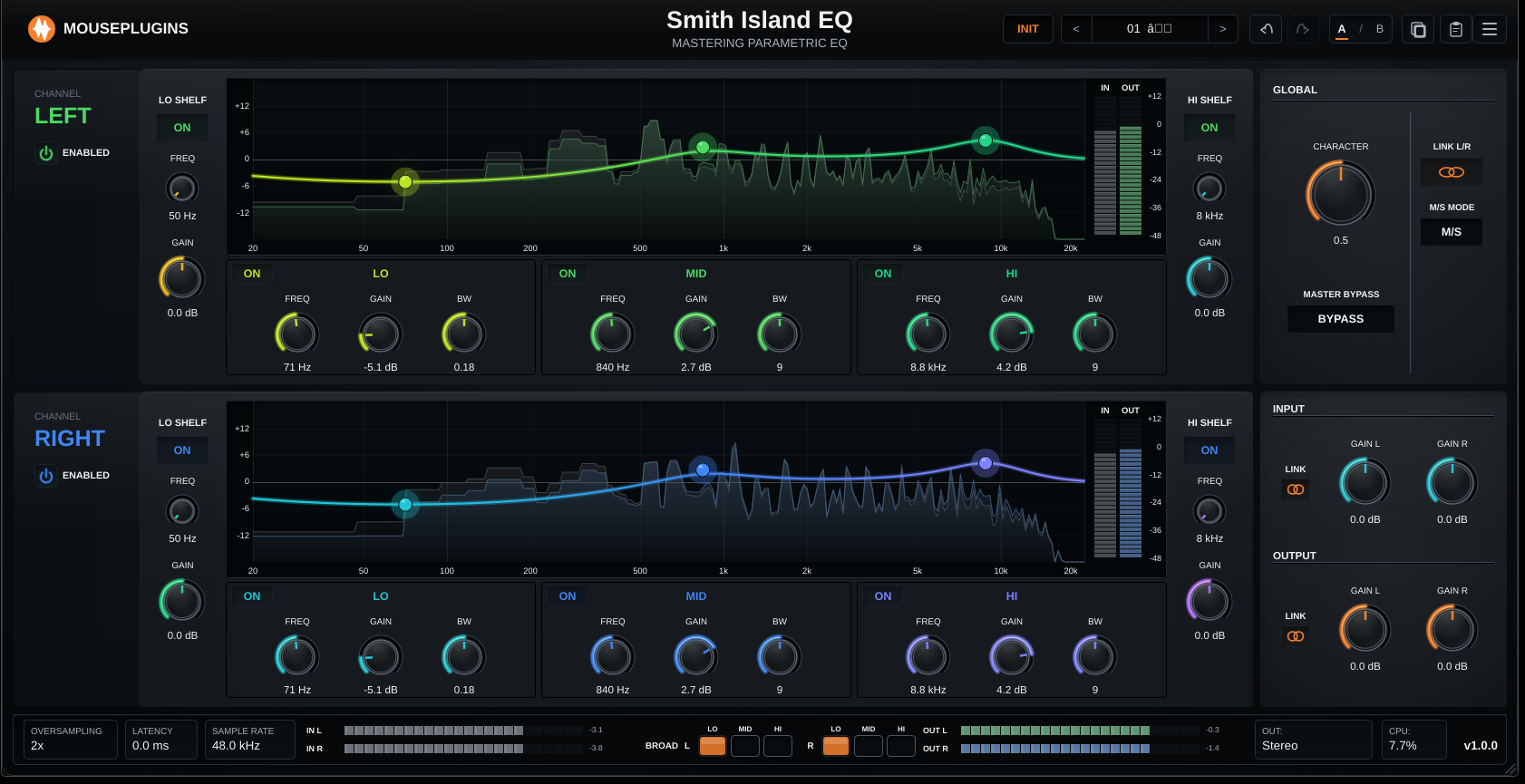
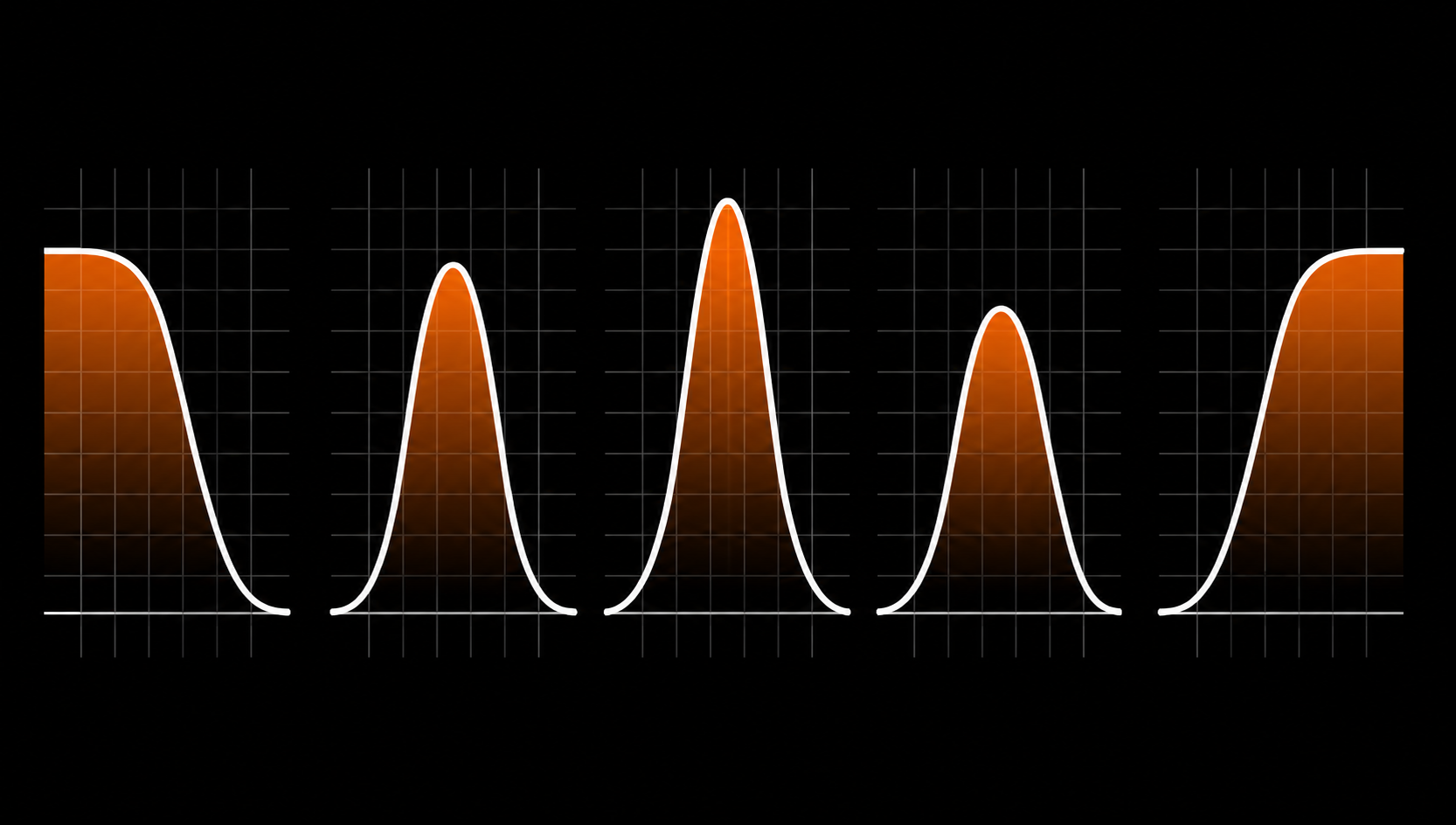
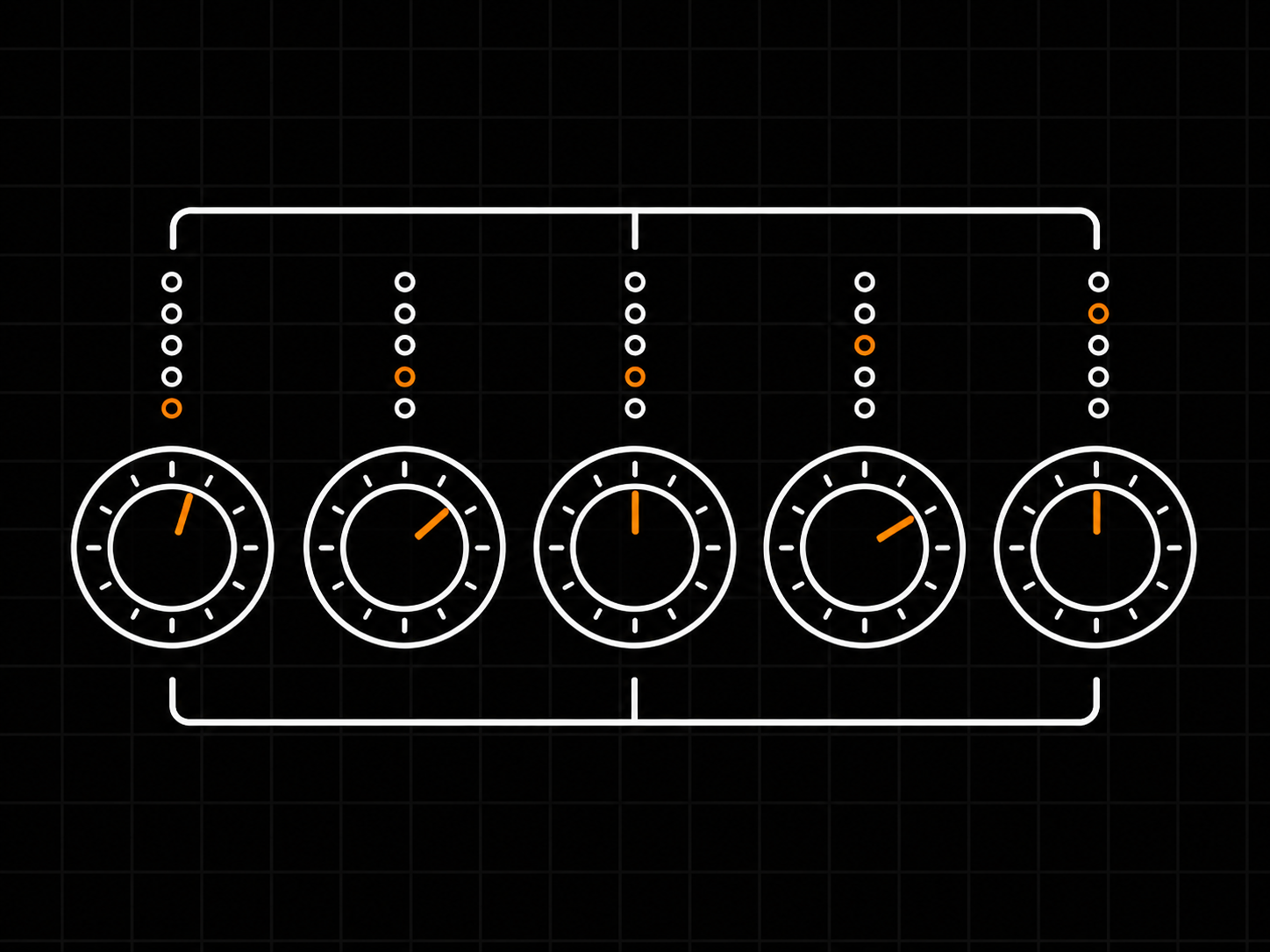
5 sections per channel - Lo Shelf, Lo, Mid, Hi, Hi Shelf.
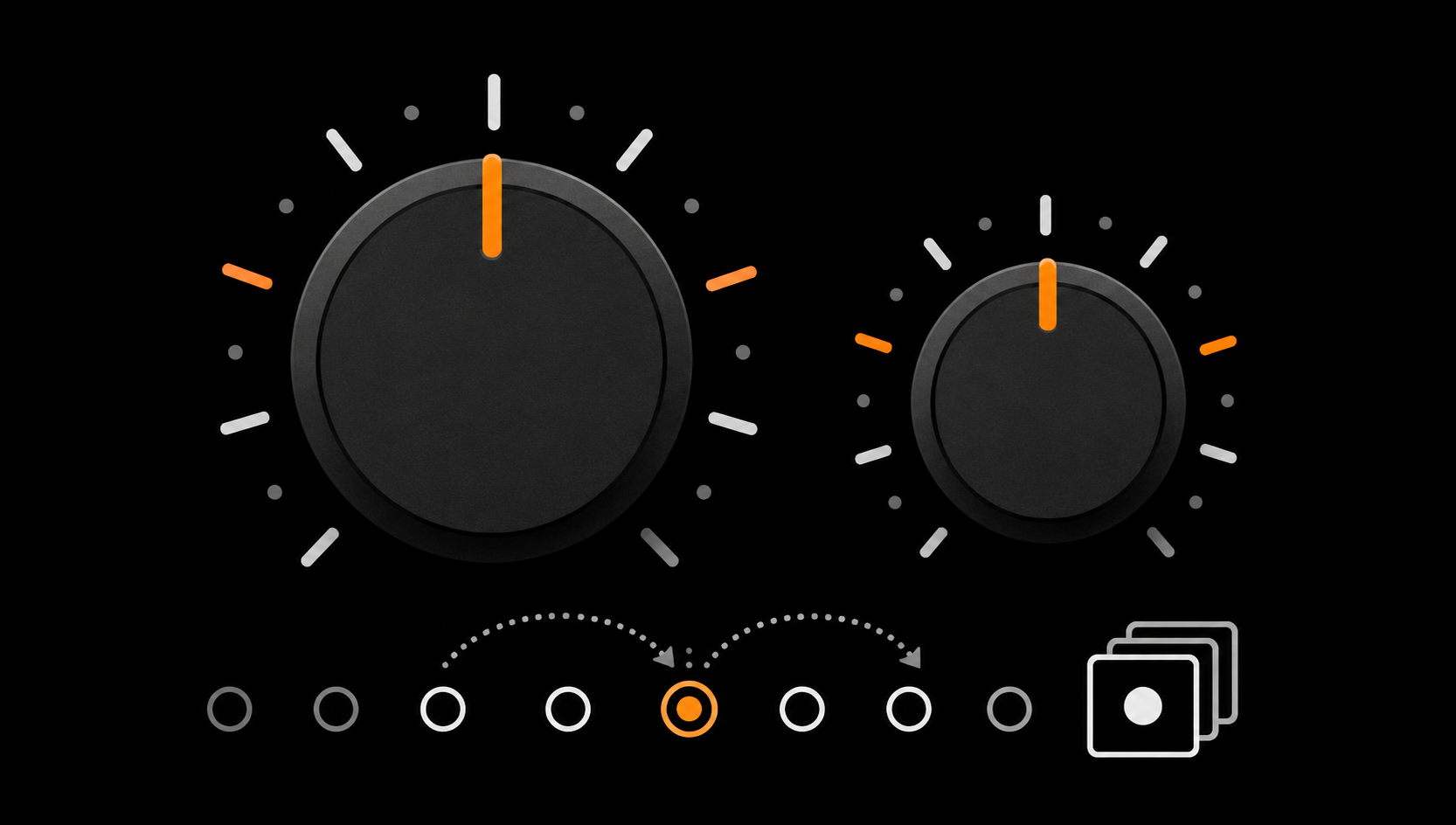
Stepped controls - 24 frequencies, 5 bandwidths. Recallable.
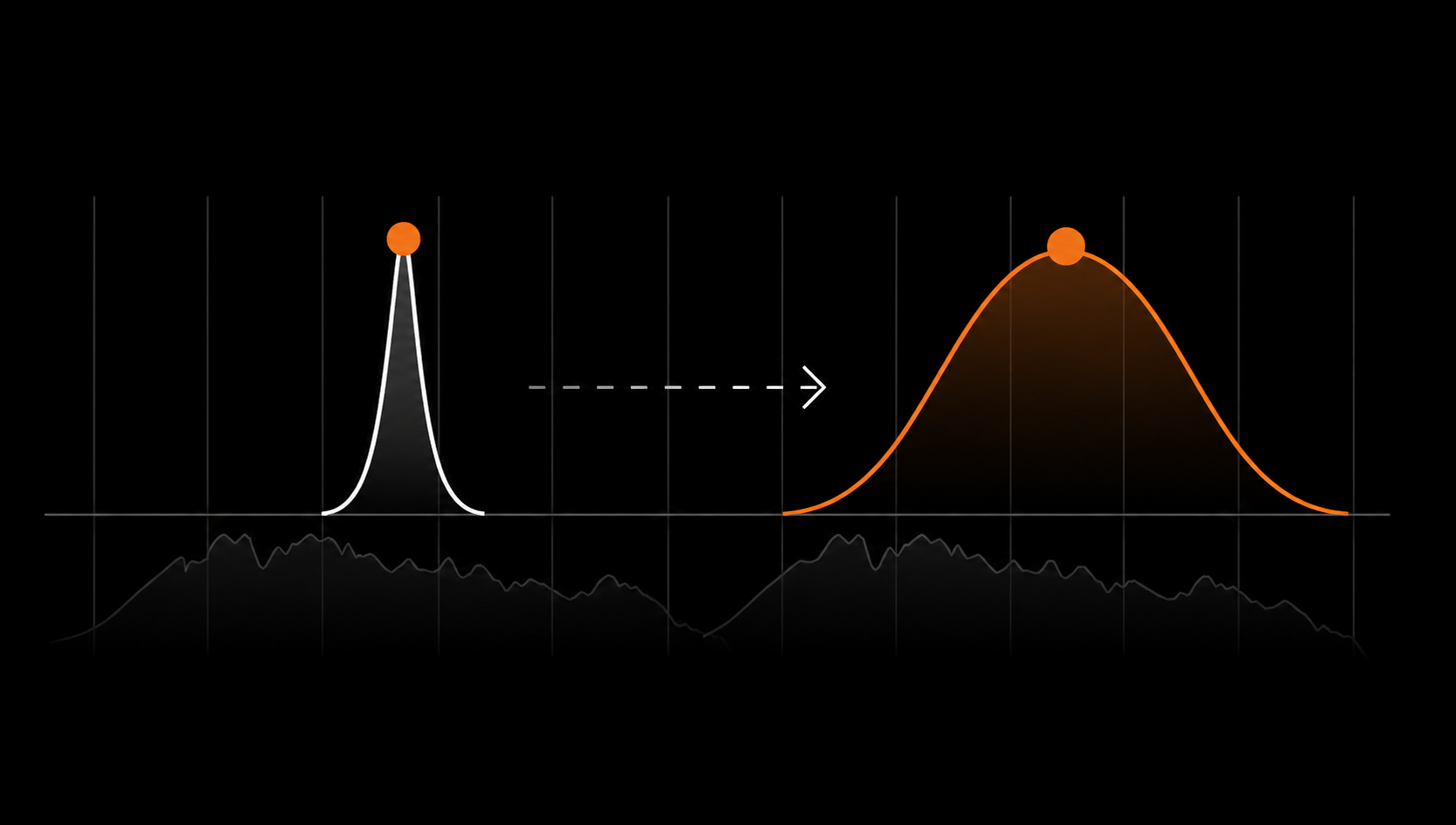
BROAD mode - one toggle opens any band into a wider, two-to-three-octave bell.
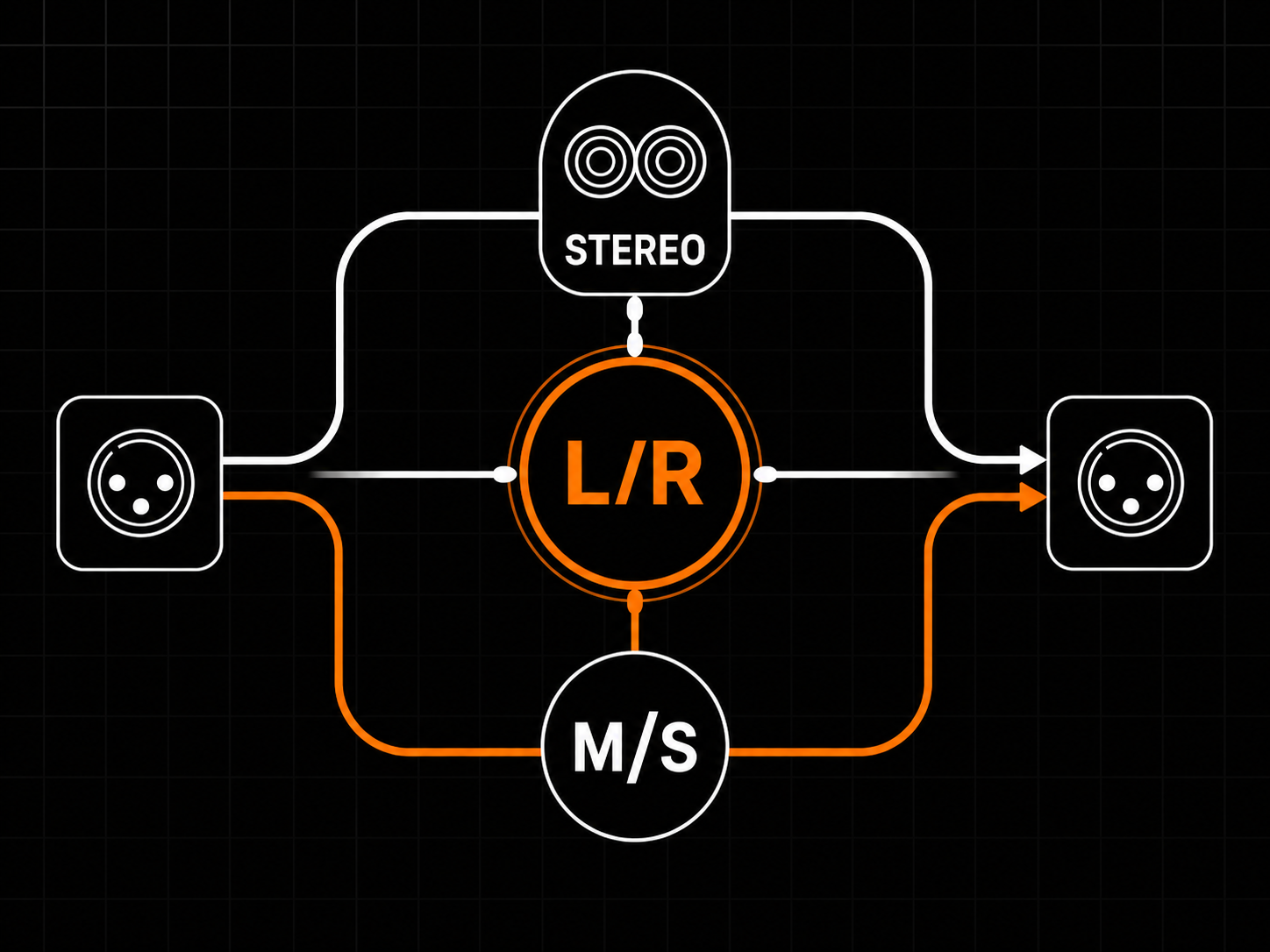
Mid/Side, in one click - internal encode/decode, no routing puzzle.
Editing toolbar - Undo / Redo, A/B compare, Copy / Paste, INIT.

VST3 / CLAP / Standalone. Linux and Windows. Offline-first.
Smith Island EQ interface

5 sections per channel

Lo Shelf - Lo - Mid - Hi - Hi Shelf. Same five on every strip, every routing mode.

Stepped controls

24 frequency positions and 5 bandwidth positions per band. Recallable settings, comparable across sessions.

BROAD mode

One toggle per band opens the Q into a sweeping musical bell across two-to-three octaves.

Mid/Side, one click

Encode and decode are internal. Same five bands now operate on mid and side independently.

Editing toolbar

Undo/Redo, A/B compare, Copy/Paste, INIT - every audio and control parameter is tracked.

Offline-first activation

No iLok. No dongle. No internet required after activation.

Five sections. Stepped knobs. BROAD bells. One-click Mid/Side.

The five sections, on every channel.
Lo Shelf, Lo band, Mid band, Hi band, Hi Shelf. The same five on every strip, in every routing mode. Stepped frequencies (24 positions per band), stepped bandwidths (5, 8, 9, 11, 15), and a BROAD toggle on every band. Smooth knobs are great for surgery; stepped knobs are better for mastering.

BROAD: the wide musical posture.
Engaging BROAD multiplies the band's Q by 0.2, opening the bell into a wide musical curve across two-to-three octaves of the spectrum. Same centre frequency, different posture. The wide moves the standard Qs can't reach. One toggle. No second plugin instance.

Mid/Side, in one click.
A single M/S MODE toggle on each strip switches its routing from L/R to Mid/Side. Encode and decode are internal. Same five bands now operate on the mid and side signals independently. No decoder plugin, no routing trick, no extra license.

The GLOBAL panel.
Below the channel strips: M/S MODE (the routing toggle), CHANNEL LINK (mirrors moves between strips in real time), CHARACTER (small post-EQ tone shaping, modest by design), and per-strip INPUT and OUTPUT gain stages with optional L/R link. Use OUTPUT to compensate for perceived loudness when comparing dry/wet - the plugin doesn't auto-gain, your ear is in charge.

Editing comfort, built in.
Header toolbar: INIT (reset all parameters in one undoable step), Preset selector (browser, prev/next, save/rename/import/export), Undo/Redo (every audio and control change tracked), A/B compare (two snapshot slots, instant flip), Copy/Paste (full plugin settings state through the system clipboard). Trial chip in the header pulses red briefly during a demo burst, hides itself after activation.

Workflow in three habits.
Move, then OUTPUT-trim, then judge. Use A/B to compare two EQ decisions; use OUTPUT trim to judge them fairly. Settings are made to be recalled - stepped knobs plus an on-disk preset library mean today's move is tomorrow's move.

Where to insert it.
Master bus (the default position): tonal shaping before dynamics. Mix bus sweetening: after the glue compressor, before the master bus, with BROAD for the slow musical curves. Stereo group bus (drum/vocal/synth): stepped knobs let you A/B-match shapes across busses with confidence.

Don't.
Don't insert after the limiter and push top end - you're past the safety net. Don't A/B by ear while moving OUTPUT - your ear chases loudness. Don't stack Character on saturation, tape, or a hot limiter. Don't reach for narrow Qs to fix a master-bus problem - the problem is upstream.
ControlFunction
Lo Shelf 50 / 100 Hz toggle, continuous gain, fixed slope · Use 80 Hz +1.0 dB for master bus weight
Lo / Mid / Hi bands 24 stepped frequencies, 5 bandwidth positions, BROAD toggle per band · BROAD on for sweeping musical curves; narrower BWs for surgical moves
Hi Shelf 5 stepped turnover frequencies (6.8 / 10 / 12.5 / 16 / 20 kHz) · 12 kHz +1.5 dB is a safe master bus air lift
M/S MODE One toggle per strip; encode and decode internal · Use for side air lift / mid mud cut without external routing
CHANNEL LINK Real-time mirroring of moves between strips · On for symmetric stereo work; off for asymmetric M/S moves
CHARACTER Small post-EQ tone shaping, bypass-honest · Modest settings only - the last small touch after the EQ
INPUT / OUTPUT Per-strip gain stages, optional L/R link · Trim OUTPUT to level-match before bypass A/B comparison
Editing toolbar Undo / Redo, A/B compare, Copy/Paste, INIT, preset library · A/B is the move, not the test - keep two candidates active
[ Mix Bus ] -> Smith Island EQ -> [ Compressor / Limiter ] -> [ Output ]

**Master bus - the default.** Standard mastering position. Tonal shaping before dynamics. Strips run in L/R or Mid/Side as needed. Use OUTPUT to keep the level into the next stage where you want it.

[ Mix Bus ] -> [ Glue Compressor ] -> Smith Island EQ -> [ Master Bus ]

**Mix bus sweetening.** After your glue bus compressor, before the master bus. Use BROAD mode for slow musical curves on the bottom and top, narrower Qs for any specific problem range. Mid/Side is especially useful here for widening without phase tricks.

[ Drum / Vocal / Synth Bus ] -> Smith Island EQ -> [ Mix Bus ]

**Stereo group bus.** Same shape as the mastering use, applied at the bus level. The discrete steps mean you can A/B-match across busses with confidence - set the same shape on two busses and they actually have the same shape.

System Requirements
OSLinux 64-bit (Ubuntu 20.04+ / equivalent) and Windows 10/11 64-bit
CPUAny 64-bit x86
Ram minimum4 GB
Ram recommended8 GB+
Disk50 MB
HostAny VST3 or CLAP host
Sample rate44.1 kHz - 192 kHz
Latency0 samples reported to host
NetworkNot required after activation
ActivationEmail activation — No iLok, No Dongle
FormatsCLAP · STANDALONE · VST3 · Windows / Linux
Version1.0.0
Operational FAQ
Q: How do A/B compare and Copy/Paste work?

A/B keeps two full plugin settings states in slot A and slot B; one click swaps between them. Copy/Paste moves the entire plugin settings state through the system clipboard so you can move a setting between two instances or between two sessions.

All Smith Island EQ FAQs →
Cart
Cart empty
Browse Plugins