MousePlugins

Smith Island EQ

NEW
Confident moves on the master bus.

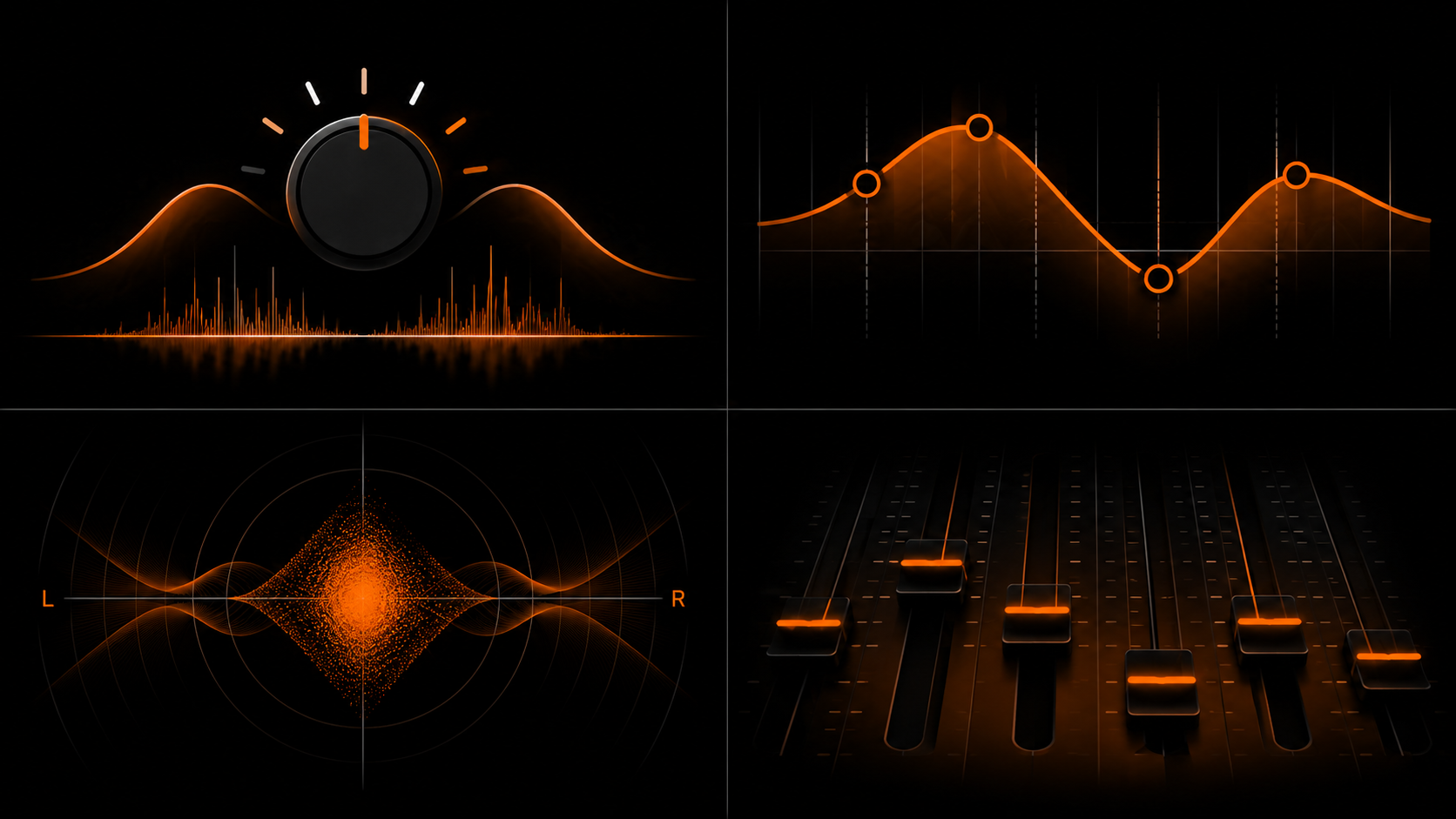
Stereo mastering EQ. Stepped frequencies, BROAD bells, Stereo / L/R / M/S routing. VST3 + CLAP, Linux + Windows.

Formats CLAP VST3
€59.00 v1.1.0
Sign in to leave feedback

Stripe checkout. Cards, PayPal, wallets, and eligible Klarna instalments may be available.

Confident moves on the master bus.

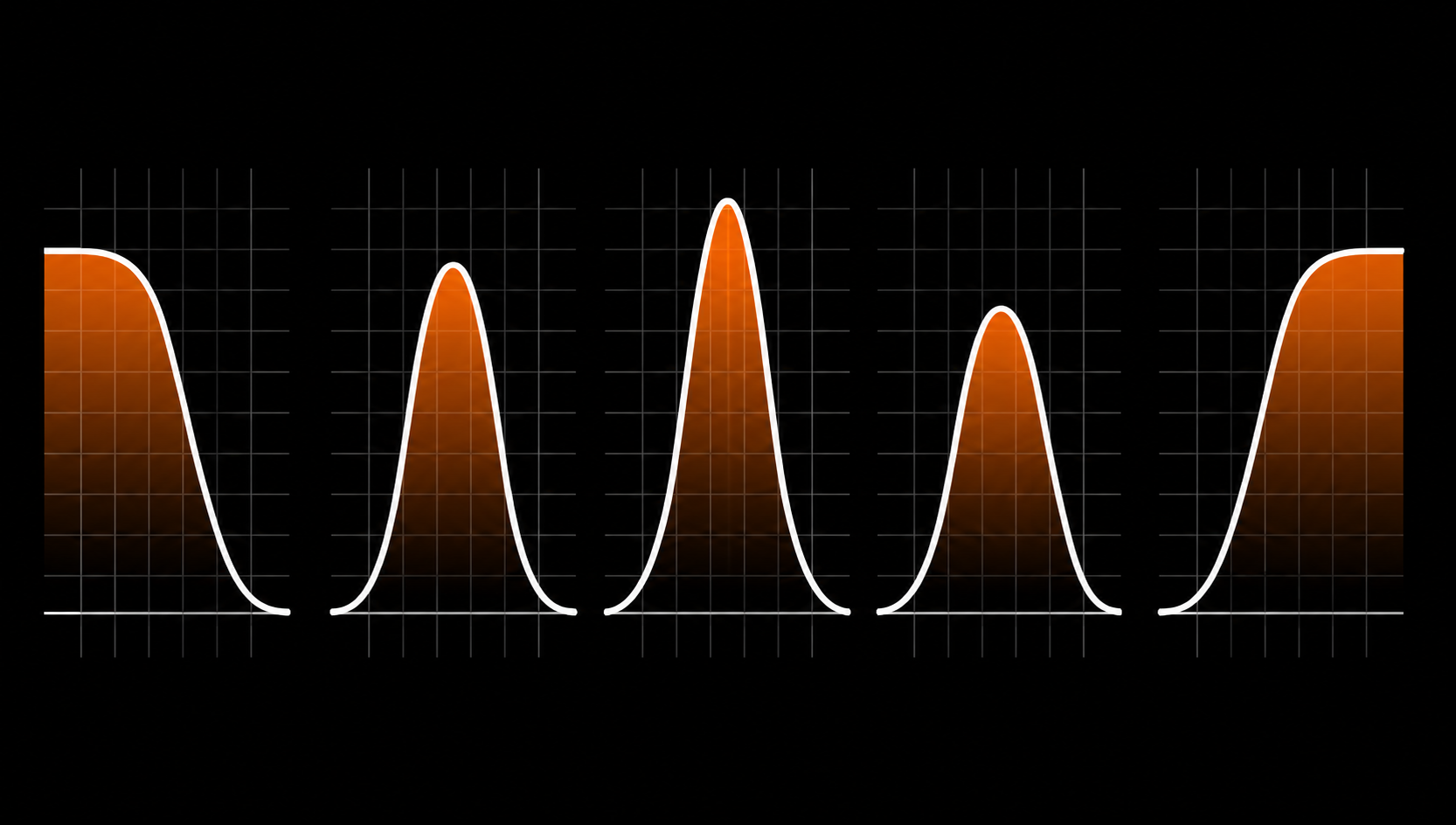
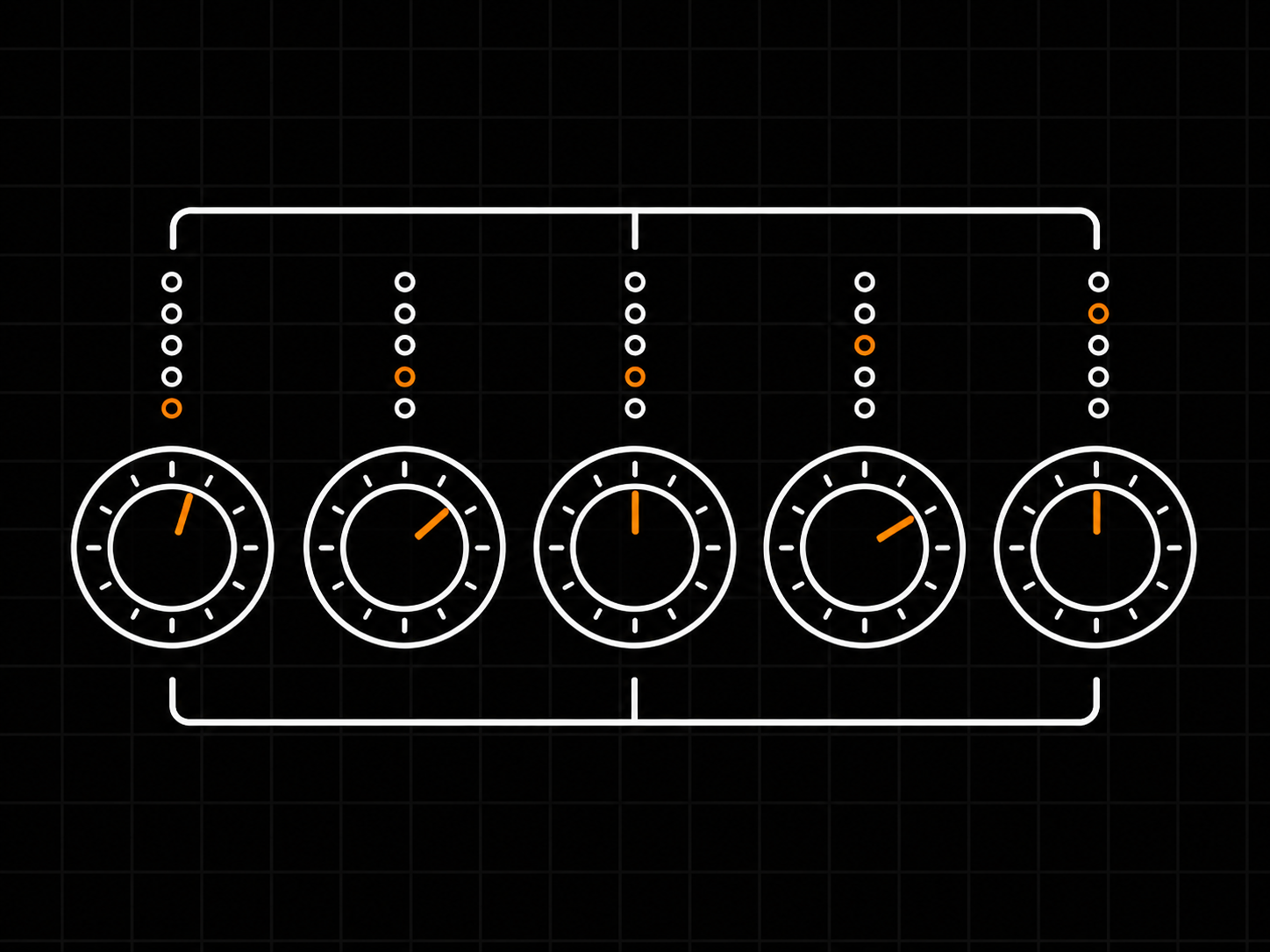
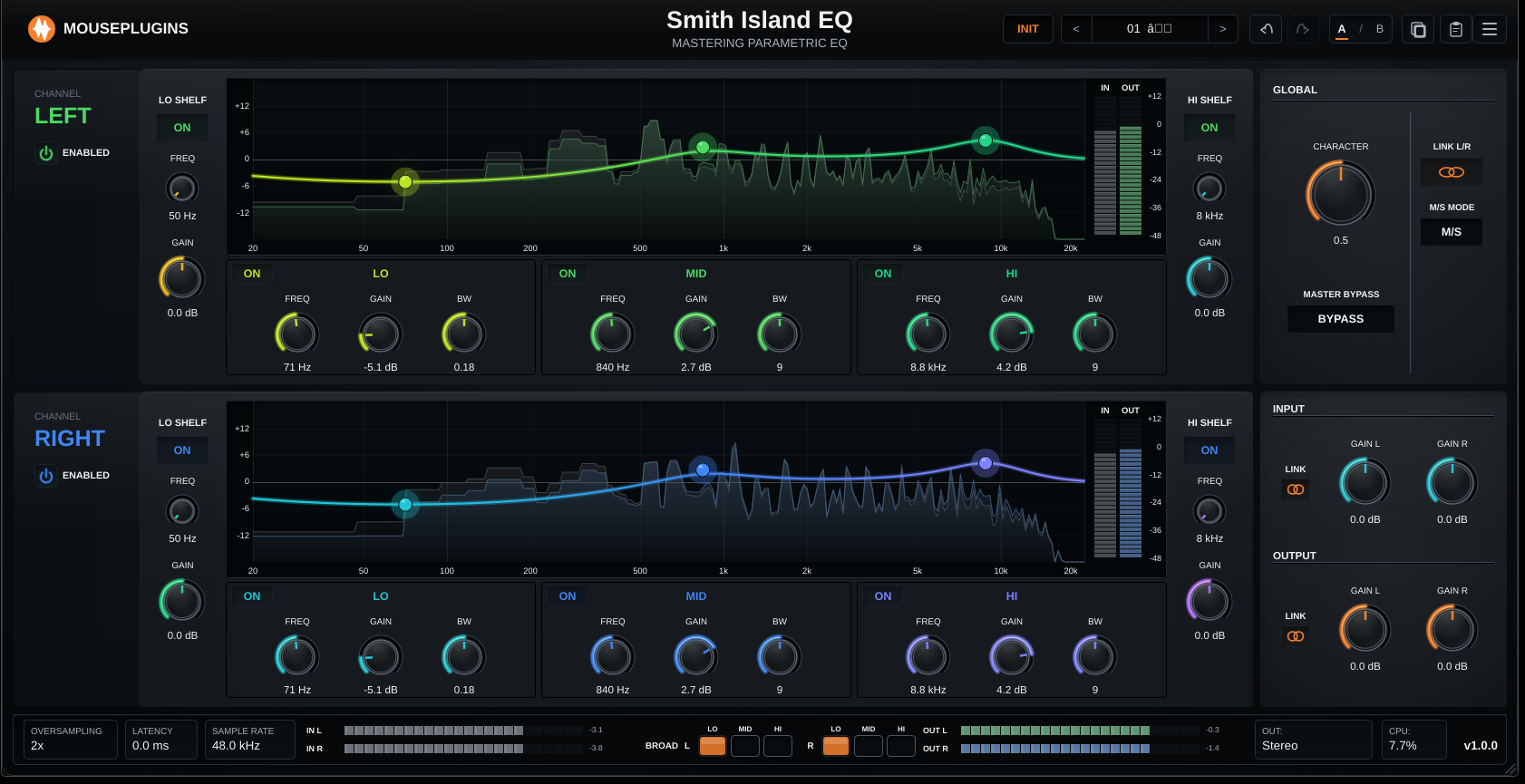
The five sections, on every channel. Lo Shelf, Lo band, Mid band, Hi band, Hi Shelf. The same five on every strip, in every routing mode. Stepped frequencies, five bandwidth positions per bell band, and a BROAD toggle on every band. Smooth knobs are great for surgery; stepped knobs are useful for recallable mastering moves.

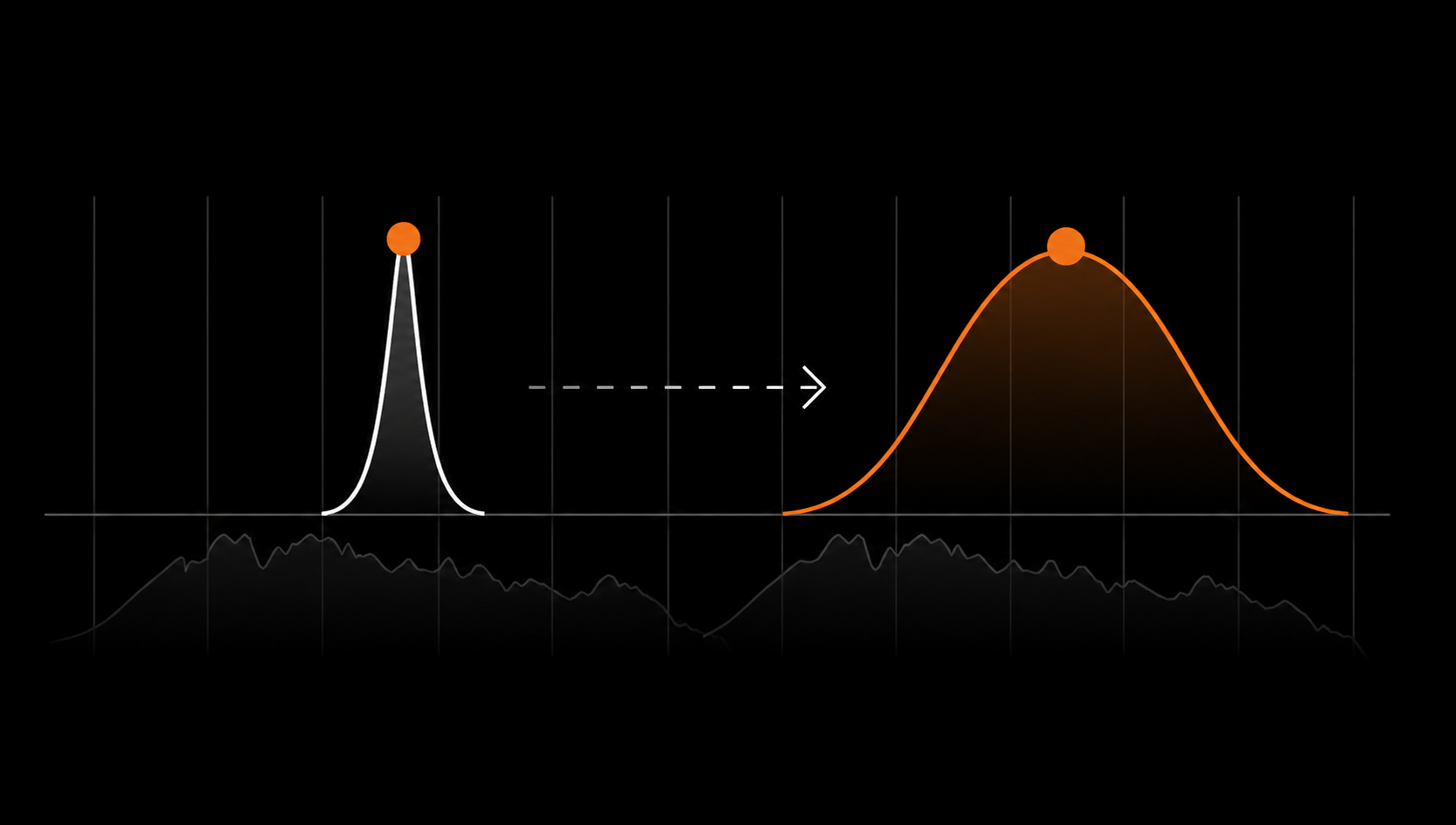
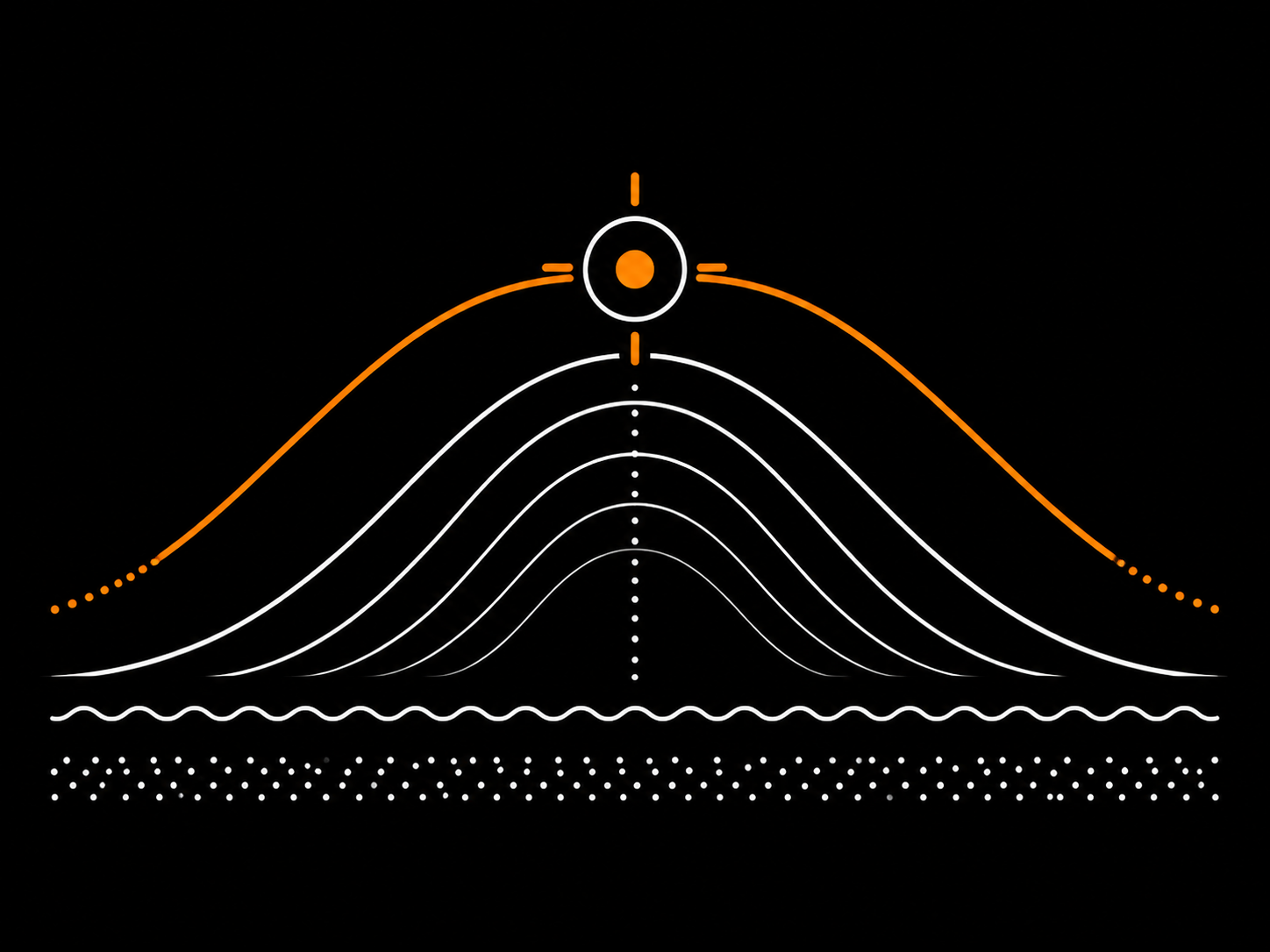
BROAD: the wide musical posture. Engaging BROAD lowers the effective Q and opens the bell into a wide musical curve across roughly two-to-three octaves, depending on band and setting. Same centre frequency, different posture. The wide moves the standard Qs can't reach. One toggle. No second plugin instance.

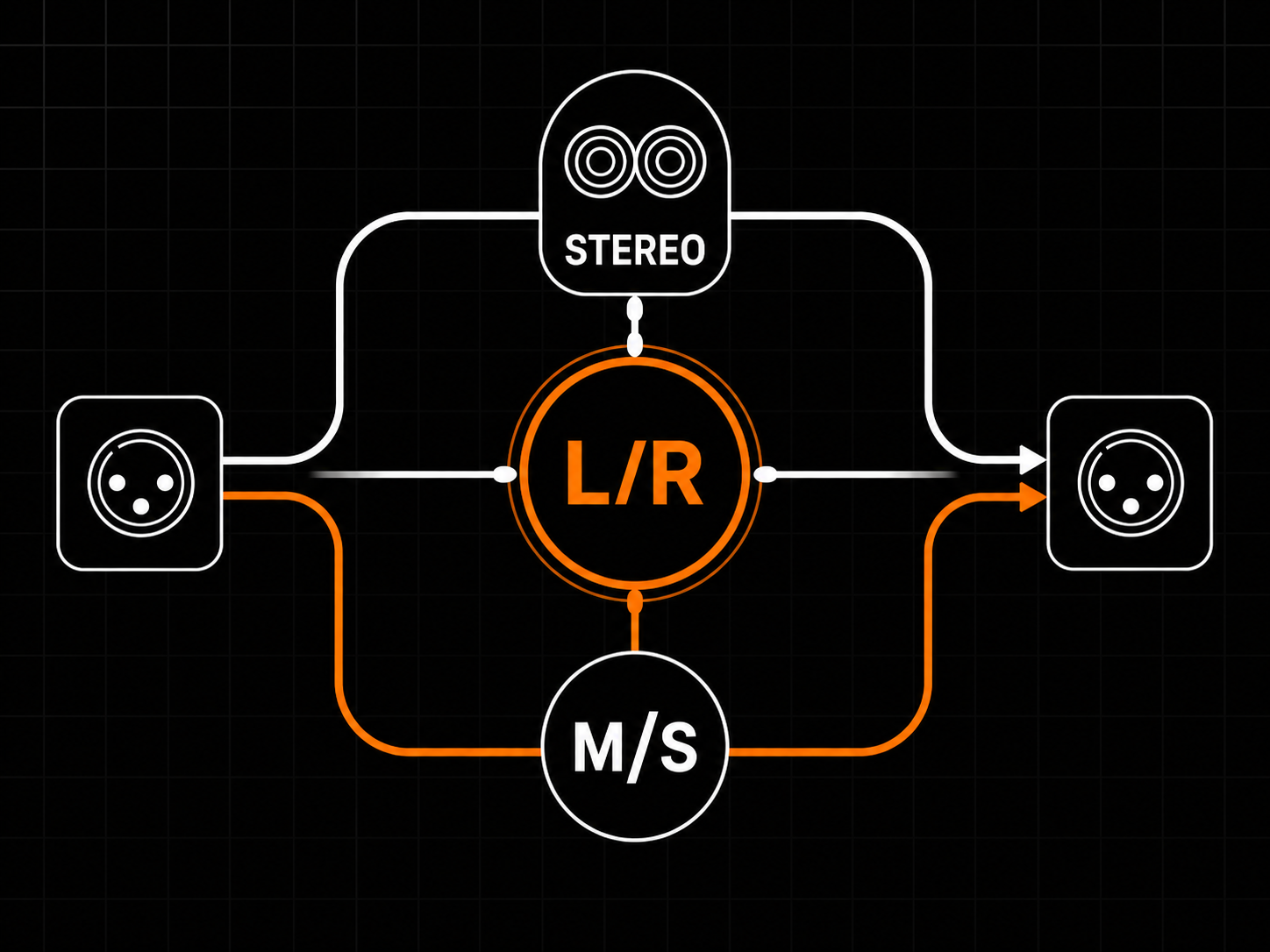
Stereo, Left/Right, or Mid/Side. Channel Mode switches Smith Island EQ between linked Stereo, independent Left/Right, and independent Mid/Side operation. In Mid/Side mode, encode and decode are handled internally, so the two lanes process Mid and Side without extra routing plugins.

The GLOBAL panel. Below the channel strips: Channel Mode, Lane Link, Character, Master Bypass, and per-lane input/output gain staging with optional Auto Gain. Use OUTPUT trim to compensate perceived loudness when comparing dry/wet, or enable Auto Gain when you want a 0 VU / -18 dBFS RMS reference point. Your ear still makes the final call, because meters are useful but not magic.

Pitfalls worth avoiding. Don't insert after the limiter and push top end - you're past the safety net. Don't A/B by ear while moving OUTPUT - your ear chases loudness. Be careful stacking Character with saturation, tape, or a hot limiter; level-match and A/B before deciding. Don't reach for narrow Qs to fix a mix-bus problem - that usually belongs upstream in the mix.
  • 5 sections per channel
  • Stepped controls
  • BROAD mode
  • Stereo / L/R / M/S routing
  • Editing toolbar
  • Offline-first activation
Lifetime bundles
Get Smith Island EQ in a lifetime bundle.

All current and future plugins in that bundle. Updates included for life. Prices rise as more plugins are added.

Learn more
Confident moves on the master bus.

Stereo mastering EQ. Stepped frequencies, BROAD bells, Stereo / L/R / M/S routing. VST3 + CLAP, Linux + Windows.

Smith Island EQ UI
5 sections per channel

Lo Shelf - Lo - Mid - Hi - Hi Shelf. Same five on every strip, every routing mode.

Stepped controls

24 frequency positions per band and 5 bandwidth positions per bell band. Recallable settings, comparable across sessions.

BROAD mode

One toggle per band opens the Q into a sweeping musical bell across two-to-three octaves.

01
STEPPED PRECISION

Five sections, stepped knobs

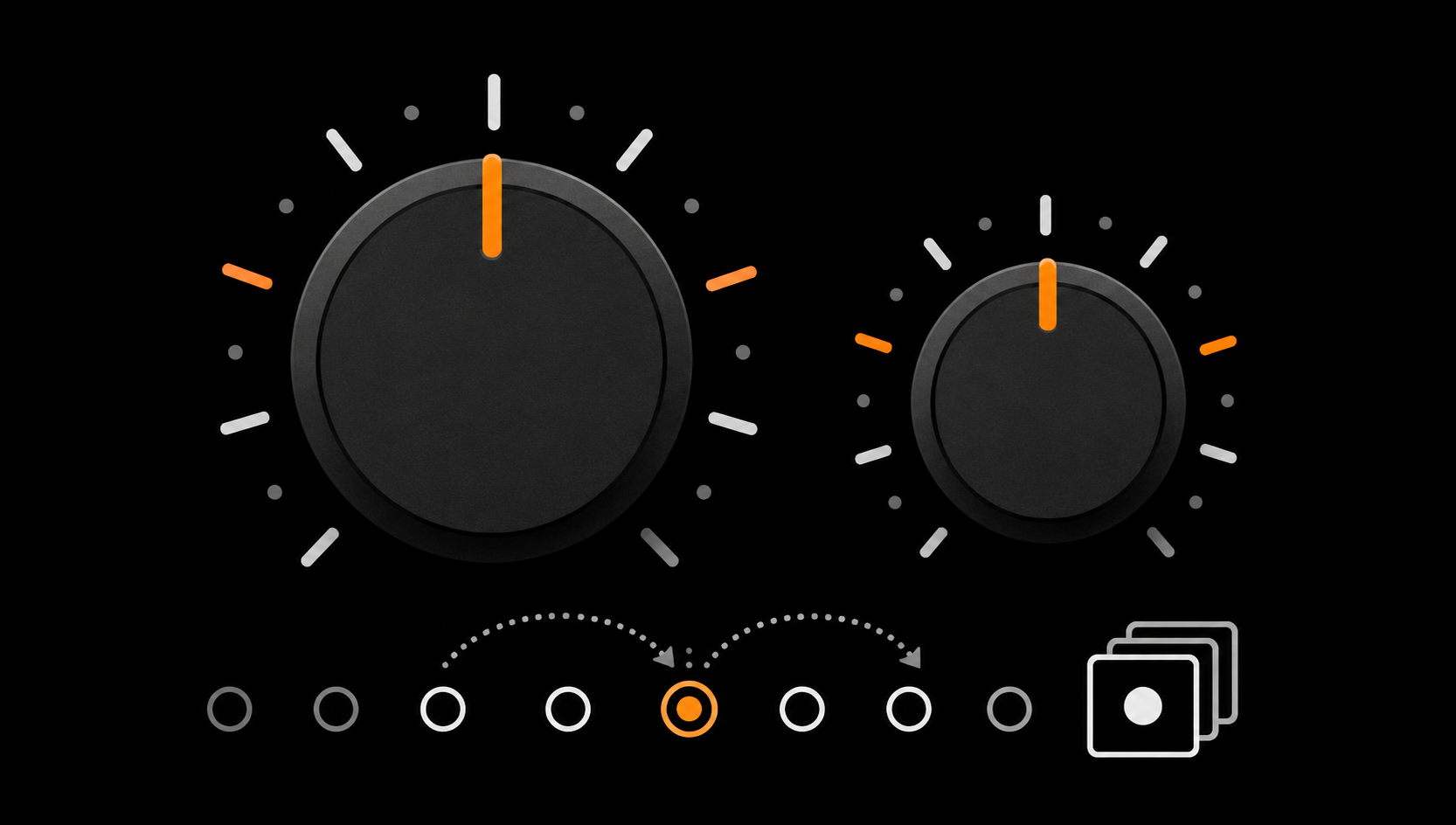
Five EQ sections, 24 stepped frequency positions per band, five stepped bandwidth positions per bell band, and double-click knob reset.

Five sections, stepped knobs
02
ROUTING IN ONE CLICK

Stereo, L/R, or M/S

Three channel modes, internal Mid/Side encode/decode, and Lane Link mirroring.

Stereo, L/R, or M/S
03
WIDE. MUSICAL. INSTANT.

BROAD on every band

Per-band BROAD toggle, two-to-three-octave wide curves, no second plugin needed.

BROAD on every band
04
DESIGNED FOR THE BUS

Master, mix, or group bus

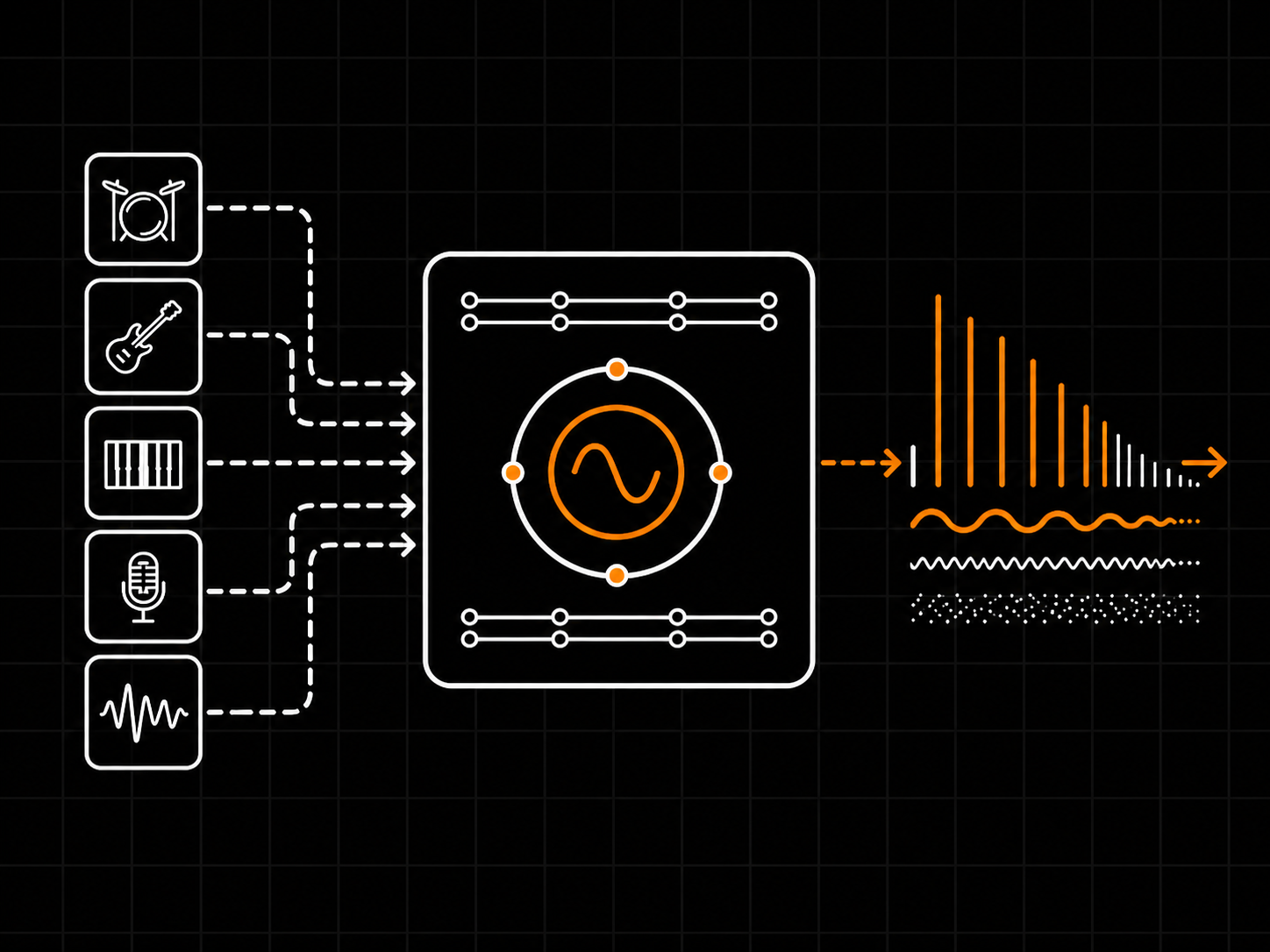
Auto-Gain at 0 VU / -18 dBFS RMS, optional Character colour imprint, 0-sample reported latency, and 64-bit internal EQ processing.

Master, mix, or group bus
Overview
Plugin type Stereo parametric mastering EQ
Use cases Mastering EQ, mix-bus polish, broad tonal shaping, subtle corrective EQ
Channel modes Stereo (Linked), Left/Right, Mid/Side
Lane linking Linked Stereo collapses to a single full-height lane; independent L/R or M/S processes each lane separately
Reported latency 0 samples
Processing
Sections per channel 5 (Lo shelf, Lo, Mid, Hi, Hi shelf)
Frequency steps 24 stepped frequency positions per band
Bandwidth steps 5 stepped Q/bandwidth positions per bell band
BROAD mode Per-band wide-curve mode; opens the bell into a wide musical curve across roughly two-to-three octaves, depending on band and setting
Character Global colour control
Internal processing 64-bit floating-point internal EQ processing
Controls
Band knobs FREQ + GAIN + Q per section
Lo shelf / Hi shelf FREQ + GAIN
BROAD toggles Per band, footer row
Character Global colour
Channel Mode Stereo / Left-Right / Mid-Side
Lane Link Linked / Unlinked
Master Bypass Global
Input / Output Gain staging with optional Auto Gain
Auto Gain Input and output gain staging helpers targeting 0 VU / -18 dBFS RMS
A/B compare Header-level
Knob reset Double-click any knob
Metering
Input meters Per active lane, peak + RMS
Output meters Per active lane, peak + RMS
EQ curves Per-lane curve over live IN + OUT spectrum
Footer readout Latency, sample rate, CPU, version
Formats
Plugin formats VST3, CLAP
Sample rates 44.1, 48, 88.2, 96, 176.4, 192 kHz
Channel layout Stereo in / stereo out
Automation All main controls exposed to host automation
Preset format Single-file .smithpreset XML
System Compatibility
Windows 10 / 11 (64-bit)
Linux x64 glibc 2.35+
Tested / recommended Ubuntu 22.04+, Debian 12+, Mint 21+, Fedora 36+, Pop!_OS 22.04+
Rolling distros Arch / Manjaro / EndeavourOS / Garuda, openSUSE Tumbleweed
macOS Not currently shipped
CPU x86_64 with SSE2
RAM Negligible (DSP-only)
Internet Not required for activation
Licensing
License model Offline, machine-based
Activation Local license file
Machines Unlimited (personal use)
Resale Not transferable
Ownership Perpetual license, free updates included
Installation
Windows VST3 C:\Program Files\Common Files\VST3\
Windows CLAP C:\Program Files\Common Files\CLAP\
Linux VST3 ~/.vst3/ or /usr/local/lib/vst3/
Linux CLAP ~/.clap/ or /usr/local/lib/clap/
Components VST3 + CLAP for Windows and Linux
Authorization Local license file, no internet check
Smith Island EQ is a stereo parametric EQ designed for the master bus and mix-bus tone shaping. It has stepped frequencies and stepped Q values on the bell bands, a wide-curve BROAD mode per band, and Stereo / Left-Right / Mid-Side routing. The goal is confident, recallable tone moves rather than tiny corrective surgery.
It is designed for broad, musical moves: shaping the overall tone of a mix, lifting or trimming an octave-wide region, or balancing the stereo image. Stepped frequencies and stepped Q values keep settings recallable and consistent across sessions.
Start on the mix bus, the master bus, group buses (drums, vocals, strings), and stem buses. It also works on individual tracks when you want stepped, recallable tone moves rather than narrow surgical filters. For narrow notches or surgical cleanup, use a continuous parametric EQ first.
Both. The stepped controls and Auto-Gain are aimed at mastering and bus work, but nothing prevents you from using it on a single track. If you need very narrow notches at arbitrary frequencies, a continuous parametric EQ will fit better.
Yes, for broad tonal shaping and bus sweetening. The bell bands cover musical tone-shaping ranges, the shelves handle the top and bottom edges, and BROAD mode is built for wide balance moves.
Yes, especially for tone shaping (more weight, more air, gentler mids). For narrow notches at arbitrary frequencies, a continuous parametric EQ is a better fit.
On bus duty it works on all of them. On drum buses, the shelves and BROAD bells help shape weight and air. On vocal buses, broad mid moves sit well. On bass, the Lo shelf and Lo bell handle weight and tightness.
Five sections per channel: Lo shelf, Lo bell, Mid bell, Hi bell, Hi shelf. Each bell band has FREQ + GAIN + Q; each shelf has FREQ + GAIN. In Stereo (Linked) mode you control one lane; in L/R or M/S mode each lane has its own five sections.
The Lo shelf lifts or trims the low end below its frequency setting; the Hi shelf does the same at the top. They handle the broad tilts at the edges of the spectrum, leaving the three bell bands for the body of the mix.
Stepped frequencies mean settings recall the same way every session and translate across material. Each band has 24 stepped positions across its usable range, which is enough resolution for musical moves without inviting sub-Hz tweaking.
Each bell band has five stepped Q positions, from broad to focused. Stepped Q values keep tonal decisions consistent and avoid the trap of dialling endlessly between near-identical curves.
BROAD is a per-band wide-curve mode. Engaging BROAD opens the bell into a wider musical curve spanning roughly two to three octaves around the centre frequency. Use it for tilts and broad balance moves rather than narrow corrections.
Character is a global colour control. It changes how the EQ shapes the signal as a whole, adding a small amount of harmonic colour. Leave it off for clean moves; turn it up when you want the EQ to leave a subtle colour imprint on the chain.
Auto-Gain helps input and output gain staging stay sensible. The targets are 0 VU / -18 dBFS RMS, a common working reference in many gain-staging workflows. It does not replace careful gain staging, but it helps reduce loudness bias when you A/B boosted and cut curves.
Three: Stereo (Linked), Left-Right, and Mid-Side. Stereo (Linked) collapses the two lanes into one full-height set of controls. Left-Right gives each side its own EQ. Mid-Side splits into the centre (Mid) and the stereo difference (Side).
Use Mid-Side when you want to treat the centre and the sides differently: tighten the centre low end, add air to the Side signal, or adjust stereo ambience without brightening the lead vocal. It is most useful on the master bus and stereo bus duty.
Use Left-Right when one side of the stereo image needs a different correction than the other (off-centre mics, asymmetric panning, an instrument that lives on one side). For symmetric content, Stereo (Linked) is usually the right starting point.
When the channel mode exposes two lanes (L/R or M/S), Lane Link ties the two lanes together so a knob move on one applies to both. Unlink the lanes when you need to treat them differently.
A/B keeps two independent control snapshots so you can flip between them and judge which one fits the mix. Move to slot B, dial a different curve, then toggle to compare. The choice that survives level-matched A/B is usually the one to keep.
Double-click any knob. The control returns to its centre or default position.
Yes. In v1.1.0, the plugin window supports free resizing: drag the window edges or corners to make the interface larger or smaller. The plugin remembers the window size and restores it the next time it opens.
Reported latency is 0 samples. You can leave it on any track without thinking about delay compensation.
It does not. The bell and shelf filters are designed to behave well at standard sample rates without needing internal upsampling. Internal processing is 64-bit float.
44.1, 48, 88.2, 96, 176.4, and 192 kHz.
Smith Island EQ is designed to be light on CPU. Any modern x86_64 processor with SSE2 should handle multiple instances comfortably, depending on host, sample rate, and project load.
VST3 and CLAP for Windows and Linux.
Windows 10 / 11 (64-bit), and Linux x86_64 with glibc 2.35 or newer. Tested distributions include Ubuntu 22.04+, Debian 12+, Mint 21+, Fedora 36+, Pop!_OS 22.04+, and rolling distributions such as Arch, Manjaro, EndeavourOS, Garuda, and openSUSE Tumbleweed.
Not currently. Windows and Linux only.
Not currently. VST3 and CLAP only.
No. Licensing is offline and machine-based, with a local license file. No external dongle, no account check at every load, no constant internet connection.
Yes. Activation does not require internet, and the plugin does not phone home during normal use.
No. The plugin does not send usage data, session data, or audio analytics anywhere.
After purchase you receive a license file and download links. Drop the license file in the location described in the welcome email; the plugin reads it locally on the next session reload. No online check, no expiry.
Windows VST3 goes in C:\Program Files\Common Files\VST3\, Windows CLAP in C:\Program Files\Common Files\CLAP\. Linux VST3 in ~/.vst3/ or /usr/local/lib/vst3/, Linux CLAP in ~/.clap/ or /usr/local/lib/clap/.
First, confirm the files are in the format folder your DAW scans. Then rescan plugins from the DAW preferences. On Linux, confirm the plugin bundle or binary has executable permissions. If your DAW supports only AU or AAX (some Pro Tools / Logic setups), Smith Island EQ will not appear there because those formats are not currently shipped.
The demo is the full plugin with periodic short demo interruptions. All controls, modes, and features are available, so you can decide whether it fits your workflow before buying.
Yes. Demo renders include the same demo interruption as live playback, so they are not a substitute for the licensed version on a real session.
There is no single right answer. EQ before compression shapes what the compressor reacts to; EQ after compression shapes the result. On the mix bus, broad shelves often sit after compression while corrective moves go before. Try both and trust the one that survives the A/B.
Set the channel mode to Stereo (Linked), leave BROAD off on every band, set Q to a middle position, turn Auto-Gain on, and start with the Lo shelf and Hi shelf at zero. From there, make one band-at-a-time decisions instead of stacking moves.
With Character off, Smith Island EQ is designed for clean EQ moves. Turn Character up if you want the EQ itself to add a small amount of harmonic colour to the chain.
All main controls are exposed to host automation, including band frequency, gain, Q, BROAD toggles, channel mode, lane link, Character, Auto-Gain, and Master Bypass.
Write to support@mouseplugins.com. Include your operating system, DAW version, and a short description of the issue. Responses come from a small team, so concise context speeds things up.
What's Included
Smith Island EQ box
  • Smith Island EQ Plugin
  • Quick Start
  • Full User Manual
  • Factory presets
Supported Formats
CLAPVST3
System Requirements
Windows: 10 or later
Linux x64: glibc 2.35+
  • Ubuntu 22.04+
  • Debian 12+
  • Linux Mint 21+
  • Fedora 36+
  • Arch / Manjaro / EndeavourOS / Garuda
  • openSUSE Tumbleweed
  • Pop!_OS 22.04+
CPU: Any 64-bit x86
Host: Any VST3 or CLAP host
Free updates Included for Smith Island EQ 1.x
Secure payments Stripe, PayPal, wallets, Klarna when eligible
Human support Real replies when something breaks
Cart
Cart empty
Browse Plugins