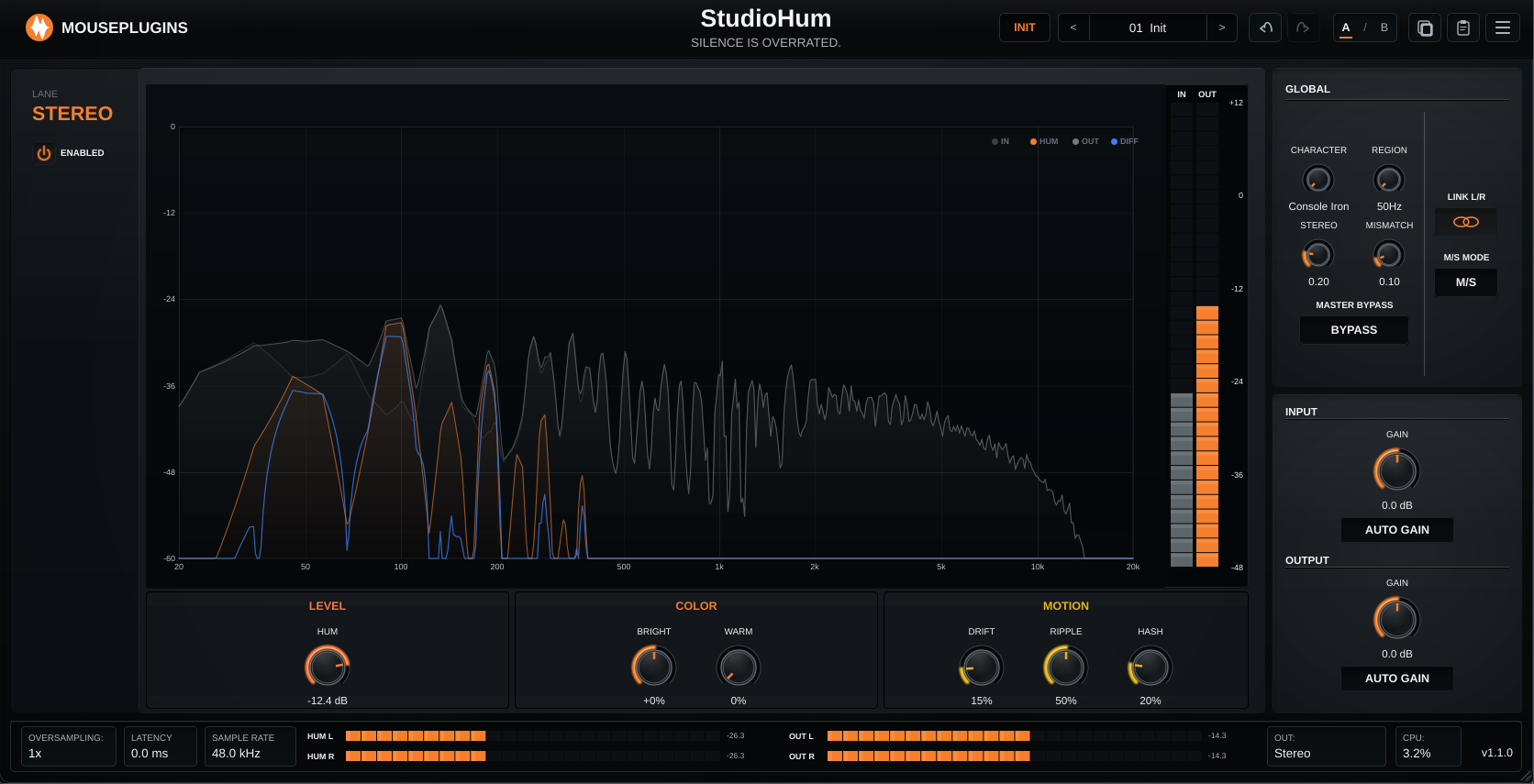
StudioHum
Overview
A workflow-focused update: clearer gain control, easier licensing, and a smoother first-run experience.
Stereo gain workflow
* Input and Output Gain are now easier to work with. * Auto Gain is clearer. * Better lane behaviour.
- Use linked stereo for normal work.
- Use independent left/right when you need separate channel trims.
- Use mid/side-style lane control when that fits the mix better.
- When Input Auto Gain is active, the matching manual input link controls are hidden.
- When Output Auto Gain is active, the matching manual output link controls are hidden.
- This keeps the UI focused on the controls that are actually active.
- Linked controls and per-lane edits stay in sync more predictably when switching between stereo and independent workflows.
Menu and daily use
* Added Reset to Init in the plugin menu. * Added MousePlugins Website in the plugin menu. * License, Quick Start, and Manual access remain available in the same menu.
- Restores StudioHum to its default starting point.
- Opens mouseplugins.com directly from the plugin.
Demo and licensing
* Added a clearer license panel and trial status chip. * Demo behaviour is now enforced consistently. * Offline activation is unchanged. * Existing licenses continue to work.
- It is now easier to see when StudioHum is running in demo mode.
- The activation flow is clearer when pasting and saving a license key.
- Unactivated copies remain fully usable.
- Demo mode periodically inserts silence.
- Saving a valid license disables the demo interruptions automatically.
- No login.
- No account.
- No internet connection required.
- You do not need a new key for v1.1.0.
- License state is shared across CLAP and VST3 on the same machine.
Linux xompatibility
* Linux DAW smoke-test builds target glibc 2.35 for broader compatibility across current distributions. * VST3 and CLAP are both included and can be copied directly to your usual DAW plugin folders. * Windows builds are unchanged for this release.
Should I update?
* Yes, if you use Auto Gain - the UI is less confusing and hides controls that are not active. * Yes, if you work in stereo, L/R, or M/S - the gain workflow is cleaner and more predictable. * Yes, if you are testing the demo - licensing and trial feedback are clearer.
Notes
* Existing projects and presets load normally. * Existing licenses and activations are preserved. * The core StudioHum sound remains compatible with previous sessions.