
MousePlugins

Mastino 60

Fast VCA compression.

Fast hard-knee VCA-style compression for drums, bass, and buses. Sidechain filter, stereo link, parallel mix, fixed low latency.

Formats CLAP VST3
€59.00 v1.1.0
Sign in to leave feedback

Stripe checkout. Cards, PayPal, wallets, and eligible Klarna instalments may be available.

Fast compression that bites back.

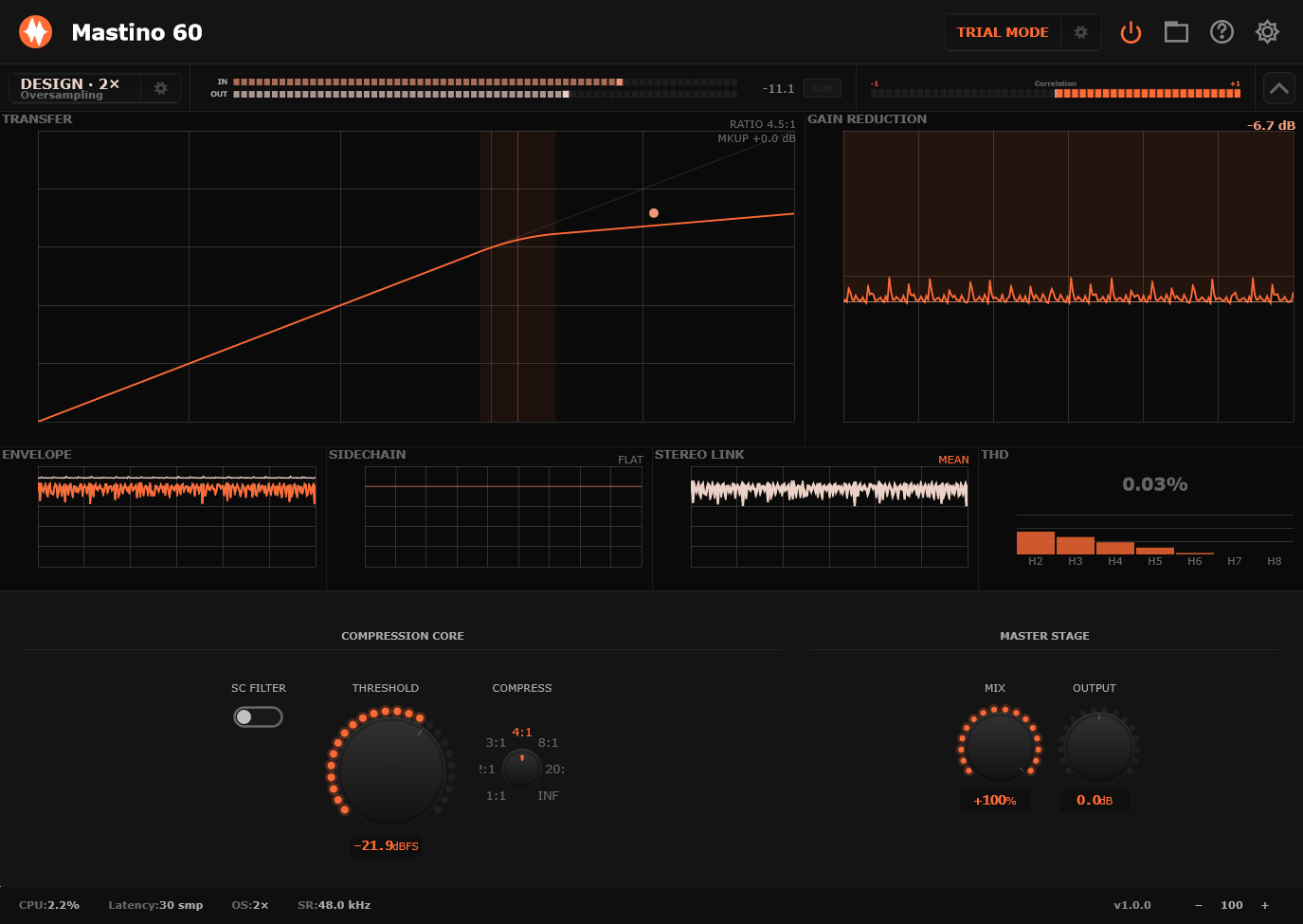
Mastino 60 is a direct compressor: threshold sets where the clamp begins, Compress sets how hard the detector turns gain down, and Output brings the level back where it belongs. It is built for decisive dynamics work rather than invisible levelling.

The sidechain filter changes what the detector listens to. Push it when kick drums or bass fundamentals are making the compressor overreact; pull it back when you want the full signal to drive gain reduction. Stereo Link controls whether the detector behaves as one linked stereo control path or lets each side move more independently.

Mix is built in because this style of compression often sounds best when the obvious version is blended under the clean one. Quality modes let you pick the right CPU/accuracy point for tracking, mixing, or rendering, while the plugin reports fixed low latency to the host.

Mastino 60 is offline-first. The plugin does not phone home during use, does not collect telemetry, and does not require an internet connection after activation. One license file, one plugin.

  • Drum Clamp
  • Bass Lock
  • Parallel Crush
Lifetime bundles
Get Mastino 60 in a lifetime bundle.

All current and future plugins in that bundle. Updates included for life. Prices rise as more plugins are added.

Learn more
Fast compression that bites back.

Fast hard-knee VCA-style compression for drums, bass, and buses. Sidechain filter, stereo link, parallel mix, fixed low latency.

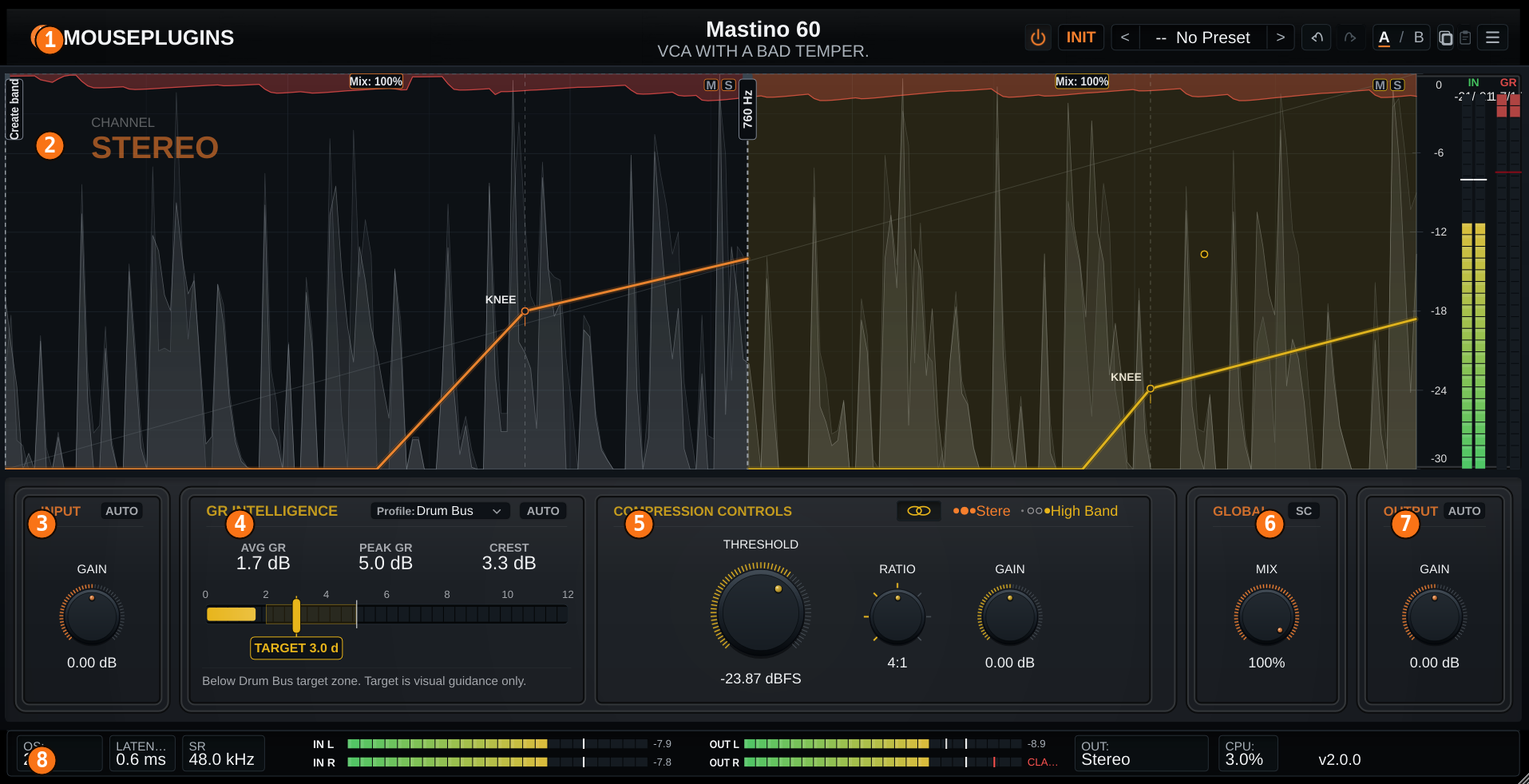
Mastino 60 UI
Drum Clamp

Fast gain reduction, hard-knee attitude, and enough recovery movement to make close mics and buses feel more urgent.

Bass Lock

Hold low-end notes in place without turning the attack into paste. Use the detector filter when the lows push too hard.

Parallel Crush

Drive it harder than you should, then pull Mix back. The useful range is not hidden in a menu.

01
VCA-STYLE GRIP

Hard-knee detector for punch

A hardware-inspired VCA-style detector with a hard-knee response curve, built for fast gain reduction, transient control, and the kind of grip that works on drums, bass, buses, and mix buses.

Hard-knee detector for punch
02
FOUR QUALITY MODES

Live 1× to Master 8×

Live, Design, Mix, and Master modes give you 1×, 2×, 4×, and 8× oversampling. Track with zero added latency, then switch up for mixing or mastering while keeping the same calibrated DSP behavior across the workflow.

Live 1× to Master 8×
03
ROUTING IN ONE CLICK

Stereo, L/R, or M/S

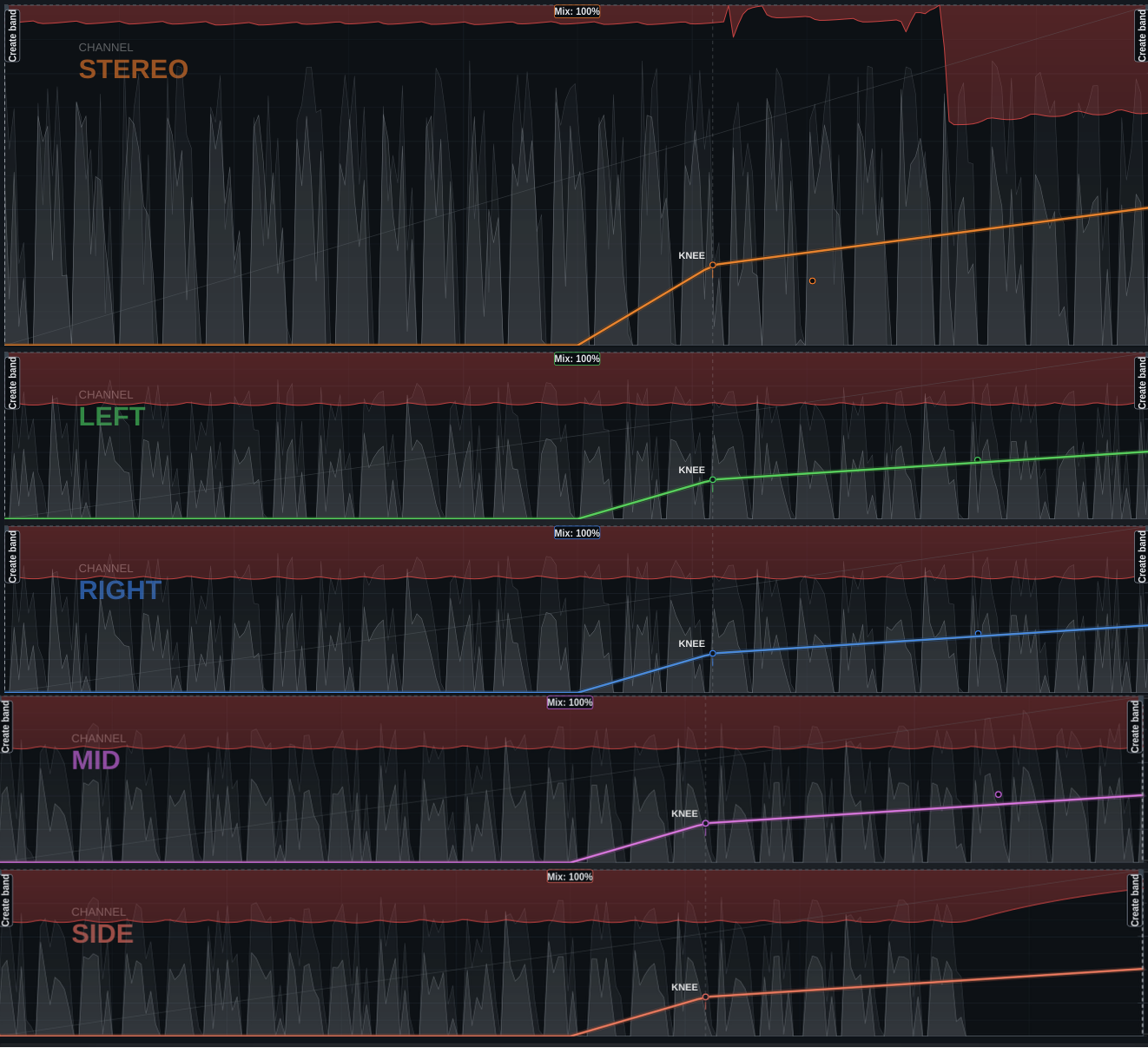
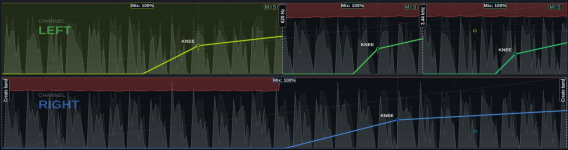
Switch between Stereo, Left/Right, and Mid/Side operation from one control. Internal Mid/Side encode/decode and Lane Link let you move quickly between classic stereo compression, independent dual-lane work, and width-aware processing.

Stereo, L/R, or M/S
04
BUILT FOR PUNCH

Drums, bass, percussion, and buses

Parallel Mix, pre-detector sidechain high-pass, Auto-Gain at 0 VU / -18 dBFS RMS, and 64-bit floating-point internal processing give Mastino 60 the control needed for drum hits, bass weight, percussion snap, and mix-bus compression.

Drums, bass, percussion, and buses
Overview
Plugin type Hard-knee VCA-style compressor
Use cases Drum bus, bass, vocal bus, mix bus, parallel compression
Channel modes Stereo, Left/Right, Mid/Side
Lane linking Linked or unlinked processing per mode
Reported latency 0 samples at Live/1x; higher fixed, host-compensated latency in oversampled modes
Processing
Signal path Input stage, sidechain HPF, detector, VCA-style gain reduction, parallel mix, output stage
Detector Hardware-inspired S-curve, hard-knee response
Stereo / lane linking Linked or independent detection, depending on Lane Link
Sidechain filter High-pass, pre-detector
Oversampling 1x, 2x, 4x, 8x
Quality modes Live 1x / Design 2x / Mix 4x / Master 8x
Internal processing 64-bit float
Controls
Threshold -60 to 0 dBFS, default -18 dBFS
Compress Detector strength / compression intensity
SC Filter Detector-only high-pass filter
Channel Mode Stereo / Left-Right / Mid-Side
Lane Link Linked / Unlinked
Mix Parallel dry/wet blend
Input / Output Gain staging with optional Auto Gain
Auto Gain Input and output gain staging helpers targeting 0 VU / -18 dBFS RMS
Knob reset Double-click any knob
Metering
Input meters Per active lane, peak + RMS
Output meters Per active lane, peak + RMS
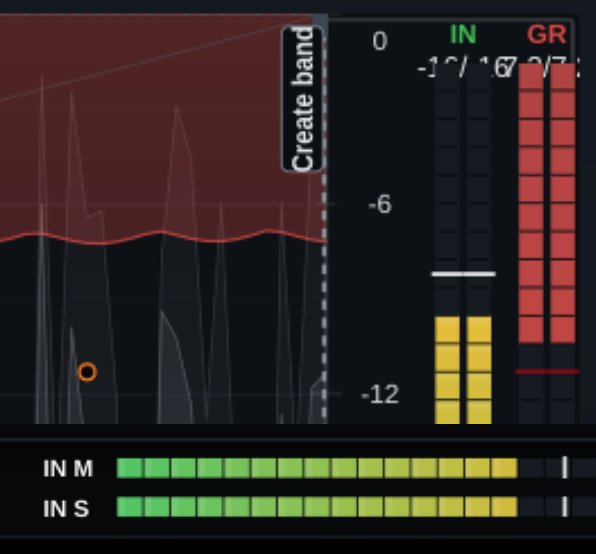
Gain reduction Visible per active lane
Footer readout Quality, latency, sample rate, CPU, version
Formats
Plugin formats VST3, CLAP
Sample rates 44.1, 48, 88.2, 96, 176.4, 192 kHz
Channel layout Stereo in / stereo out
Automation All main controls exposed to host automation
Preset format Single-file .mastinopreset XML
System Compatibility
Windows 10 / 11 (64-bit)
Linux Ubuntu 22.04+, Debian 12+, Mint 21+ (glibc 2.35+)
macOS Not currently shipped
CPU x86_64 with SSE2
RAM Negligible (DSP-only)
Internet Not required for activation
Licensing
License model Offline, machine-based
Activation Local license file
Machines Unlimited (personal use)
Resale Not transferable
Ownership Perpetual license, free updates included
Installation
Windows VST3 C:\Program Files\Common Files\VST3\
Windows CLAP C:\Program Files\Common Files\CLAP\
Linux VST3 ~/.vst3/ or /usr/local/lib/vst3/
Linux CLAP ~/.clap/ or /usr/local/lib/clap/
Components VST3 + CLAP for Windows and Linux
Authorization Local license file, no internet check
Mastino 60 is a hard-knee VCA-style compressor for fast, assertive gain reduction. It is built for material that needs grip: drums, bass, guitars, synths, and buses where control should be felt, not hidden.
Mastino 60 is designed for fast, assertive VCA-style gain reduction rather than invisible levelling. It can clamp peaks, add punch, and create audible movement when pushed. Use it when you want compression that shapes the sound instead of disappearing completely.
Start with drum buses, individual drums, bass, guitars, synth buses, percussion rooms, and parallel returns. It also works on a mix bus when used gently, but its natural strength is decisive control rather than invisible smoothing.
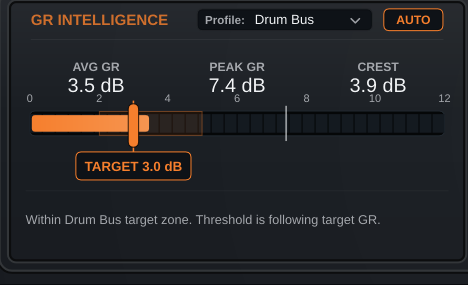
Yes. Mastino 60 is especially useful on drums when you want fast gain reduction, more urgency, and a harder clamp on peaks. Start with 3-6 dB of gain reduction on the loudest hits, then match Output before judging the result.
Yes. Use it to hold bass notes in place and keep low-end movement controlled. If the compressor reacts too much to deep fundamentals, raise SC Filter so the detector is less dominated by the lowest frequencies.
Yes, but it is not a soft vocal leveller. Use lower Compress settings and aim for moderate gain reduction. If plosives or breath pops trigger too much compression, raise SC Filter and level-match with Output.
Yes, carefully. Start with low Compress settings and only 1-2 dB of gain reduction. Raise SC Filter if kick or bass causes pumping. If the effect is too obvious, reduce Mix or move Mastino 60 to a drum or parallel bus instead.
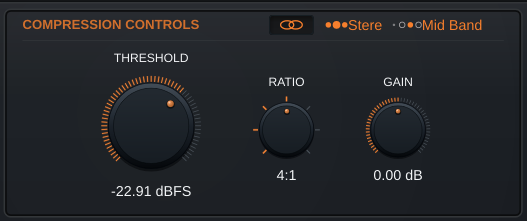
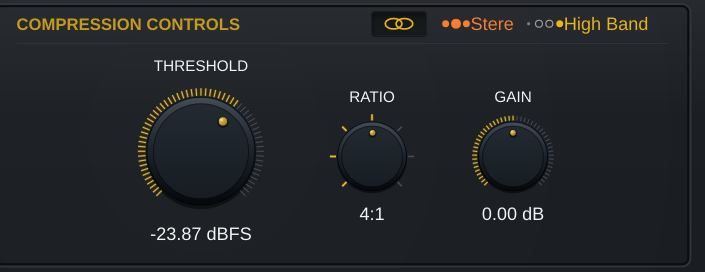
Threshold sets where compression begins. Lower it until the gain reduction meter moves with the loudest parts of the signal. If you lower it too far, the performance can become flattened or over-controlled.
Compress controls how firmly the signal is held once compression starts. Lower settings are better for control. Higher settings create stronger clamp, harder transient control, and more obvious movement.
SC Filter shapes what the detector listens to. Raise it when kick drums, bass notes, plosives, or low-frequency energy make the compressor overreact. Lower it when you want the full signal to drive gain reduction.
Stereo Link controls how much the left and right channels share gain reduction. Higher values keep the stereo image more stable. Lower values allow more independent movement between channels, which can feel wider or more animated but may also move the image.
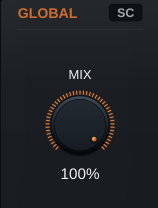
Mix blends the compressed signal with the dry signal. Keep it at 100% for direct compression. Lower it when the compressed sound has the right energy but the attack feels too controlled. For parallel crush, push Threshold and Compress harder than normal, then pull Mix back.
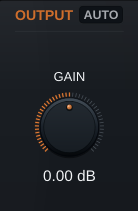
Output is the final post-compression level trim. Use it to match the active level to the bypassed level before deciding whether the compression is helping. Level matching makes bypass comparisons more reliable.
Quality selects the processing quality / CPU point. Live (1x) is the lowest CPU mode, useful while tracking or writing. Design (2x) is good for sound design and normal drafting. Mix (4x) is recommended for everyday mixing. Master (8x) is the highest quality mode, best for final renders. Use Live when you need responsiveness, Mix for most sessions, and Master when printing final audio.
Yes. Mastino 60 reports fixed low latency to the host so your DAW can compensate automatically. If timing seems wrong, check that plugin delay compensation is enabled in your DAW.
Compression often changes perceived loudness. Always level-match with Output before bypass comparison. If the compressed version is louder, it can seem better simply because of the level difference.
Raise SC Filter if kick, bass, or low-frequency energy is pulling the whole signal down. Use less Compress, raise Threshold, or reduce Mix if the pumping is still too obvious.
Raise Threshold, reduce Compress, or lower Mix. If you still want the body and density from heavy compression, use Mastino 60 in parallel and blend the compressed path under the dry signal.
Increase Stereo Link. A higher Stereo Link setting keeps left and right gain reduction moving together, which helps preserve image stability.
Mastino 60 is available as CLAP and VST3.
Mastino 60 supports Windows 10+ 64-bit and Linux 64-bit.
Not currently. Mastino 60 is built for Windows and Linux.
Mastino 60 supports 44.1 kHz to 192 kHz.
Mastino 60 requires a 64-bit x86 CPU.
No. Mastino 60 does not use iLok and does not require a dongle.
Yes. Mastino 60 processes audio locally and does not require an internet connection after activation.
No. The plugin does not collect telemetry and does not phone home during use.
After purchase, activate Mastino 60 using the license method provided by MousePlugins. After activation, the plugin can be used offline.
Install the VST3 or CLAP file into the plugin folder used by your DAW, then rescan plugins inside the DAW. Use VST3 if your host supports VST3, or CLAP if your host supports CLAP.
Check that you installed the correct format for your DAW, that the plugin file is in the folder your DAW scans, and that the DAW has rescanned plugins. Also check whether your DAW supports CLAP, VST3, or both.
The demo is fully functional, with every control active and no time limit. The demo adds a periodic noise burst that will also be printed in renders.
Yes, but the demo noise burst will be included in rendered/exported audio. Use the licensed version for clean final renders.
Yes. Push Threshold and Compress harder than you normally would, then lower Mix until the dry attack feels natural again. This is one of Mastino 60's main uses.
This style of compression often sounds best when the obvious compressed version is blended under the clean signal. Built-in Mix lets you do that directly without setting up a separate parallel bus.
Both can work. Put Mastino 60 before EQ when you want stable dynamics before tone shaping. Put it after EQ when you want the EQd signal to drive the detector. If low-end EQ makes the compressor overreact, raise SC Filter.
On drums and buses, Mastino 60 often works well before a clipper or limiter. Use Mastino 60 to shape movement and density, then use the next stage to catch peaks.
Not primarily. It can be used gently, but it is designed for fast, assertive VCA-style control. If you need completely invisible levelling, use conservative settings or choose a compressor designed specifically for transparent gain control.
Play the loudest section, lower Threshold until the gain reduction meter moves, set Compress for the amount of clamp you want, then match Output. After that, adjust SC Filter, Stereo Link, Mix, and Quality.
Use Mix (4x) for normal mixing. Use Live (1x) while tracking or writing, and Master (8x) when rendering final audio.
Visit the MousePlugins support page or contact support through the email listed on the website.
What's Included
Mastino 60 box
  • Mastino 60 Plugin
  • Quick Start
  • Full User Manual
  • Factory presets
Supported Formats
CLAPVST3
System Requirements
Windows: 10 or later
Linux x64: glibc 2.35+
  • Ubuntu 22.04+
  • Debian 12+
  • Linux Mint 21+
  • Fedora 36+
  • Arch / Manjaro / EndeavourOS / Garuda
  • openSUSE Tumbleweed
  • Pop!_OS 22.04+
CPU: Any 64-bit x86
Host: 64-bit VST3 or CLAP-compatible DAW
Free updates Included for Mastino 60 1.x
Secure payments Stripe, PayPal, wallets, Klarna when eligible
Human support Real replies when something breaks
Cart
Cart empty
Browse Plugins