Mastino 60
Overview
This update focuses on faster gain staging, cleaner level matching, and a more flexible stereo workflow.
What's new
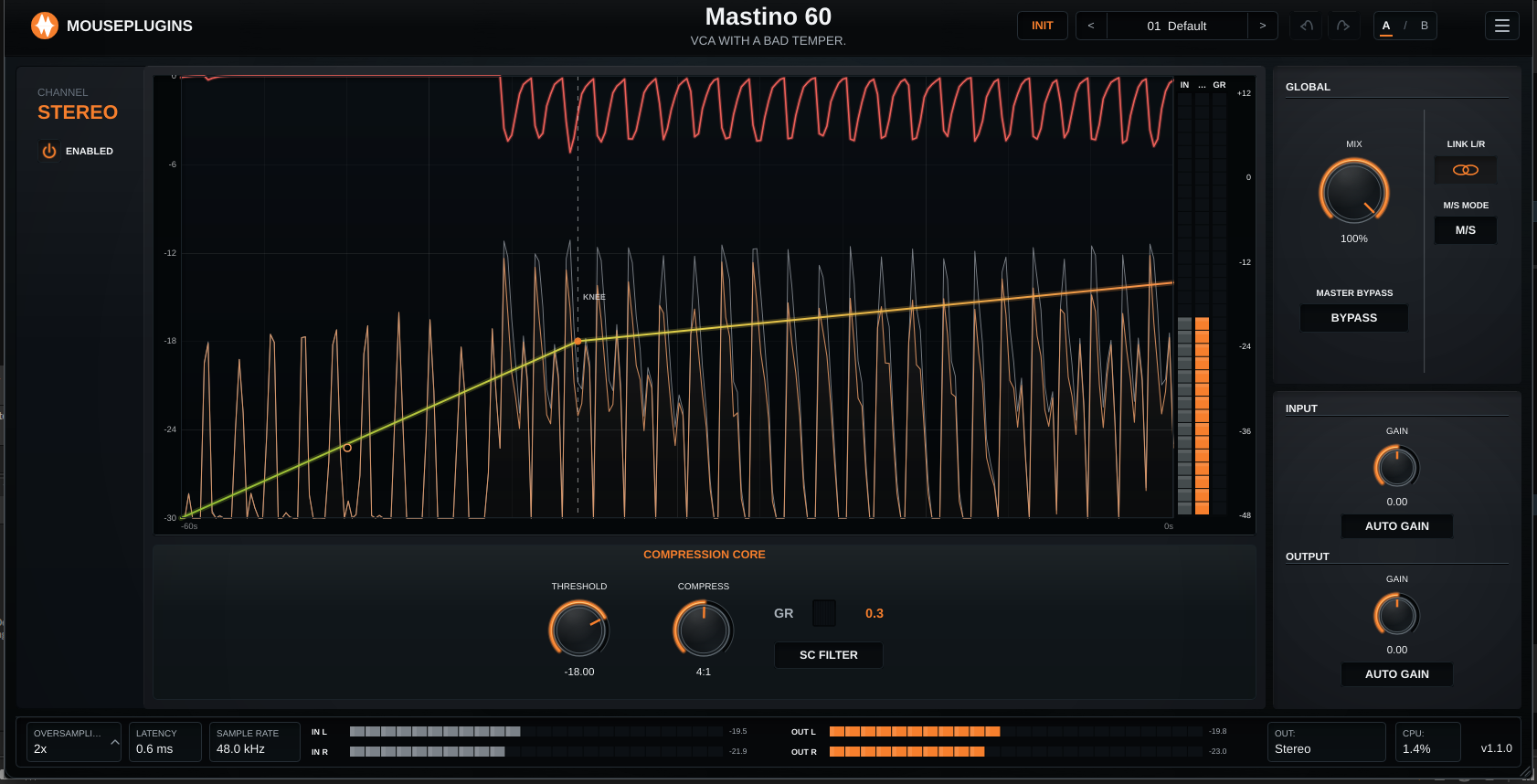
* Added Input Auto Gain to help bring quiet or loud sources into a useful working range before compression. * Added Output Auto Gain to help keep the final level consistent while you adjust compression. * Added a dedicated Input Gain control alongside Output Gain. * When stereo is unlinked, Input and Output Gain now split into separate lane controls: Left/Right or Mid/Side, depending on the selected mode. * Added L/R and M/S stereo operation for wider control over stereo material. * Added lane bypass controls under the LEFT/RIGHT lane labels, changing to MID/SIDE labels in M/S mode. * Added wider input and output meters in the footer for easier level checking. * Added a larger compressor graph with gain-reduction feedback and clearer level scaling. * Added trial status and license access directly in the header/menu. * Demo mode now uses silence instead of white noise when demo enforcement is triggered. * Input and Output gain controls are hidden while their Auto Gain options are enabled, keeping the control layout clearer. * Improved saved-session recall for the new gain and stereo options. * Improved UI text rendering and compatibility for special symbols. 333 Improved * More predictable level matching when comparing settings. * Safer final output handling for extreme material. * Better consistency between full-block and split-block processing. * Cleaner stereo-linked layout on first load. * Footer output meters now follow the selected stereo mode colors more clearly. * Additional validation across common sample rates and block sizes.
Notes
* Existing sessions open with Auto Gain switched off unless it was explicitly saved in the session. * Output Auto Gain takes over final level matching while it is enabled. * The plugin remains offline-first and processes audio locally.