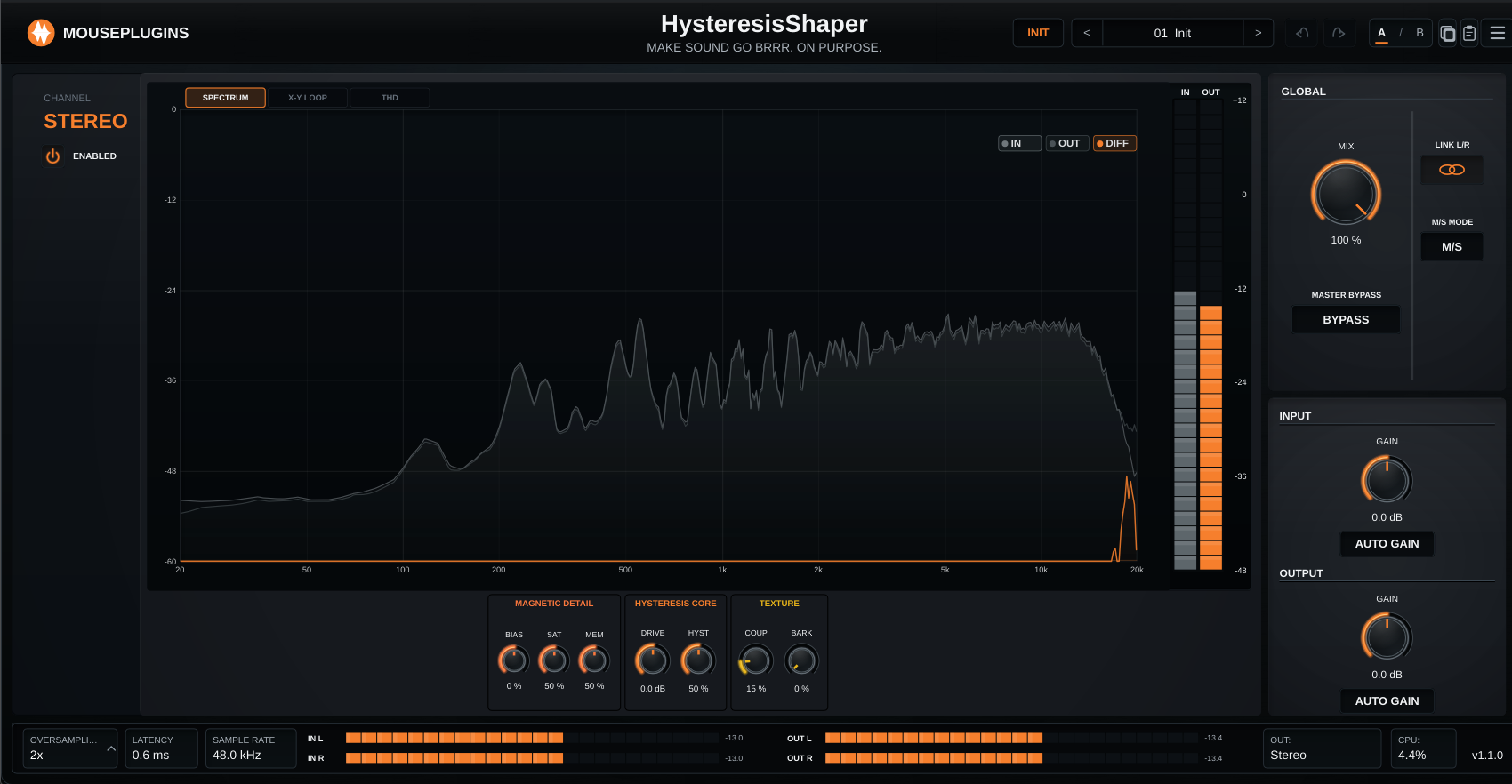
Hysteresis Shaper
Overview
Shared UI infrastructure update. Multiband â every band gets its own Hysteresis processi
Fixes
Fixed* Mix marker drag is now strictly vertical â sideways wobble no longer pulls the crossover with it. * Mix marker and frequency pill stay readable when parked at chart extremes (overhang the chart frame instead of being half-hidden). * Hover cursors: up-down on Mix markers, left-right on frequency pills. * Default state (crossovers parked at 20 Hz / 20 kHz, all band mixes at 100%, all per-band Hysteresis values matching) collapses to the v1.2 single-band processing surface, so old presets sound the sa * Spectrum display no longer shows a synthetic sloped line when the input is silent. * Meters and visualisations now return to zero when the plugin is bypassed in the host (DAW), instead of holding their last reading.
What's new
* Multiband mode: the chart now exposes two draggable crossover handles (low/mid + mid/high) and a Mix marker per band. Drag a Mix marker vertically to set how much of that band is processed vs passed dry. * Per-band Hysteresis Model: each band (LO / MID / HI) has its own Bias, Saturation, Memory, Drive, Hysteresis, Coupling, and Barkhausen values. Click LO / MID / HI on the chart to switch the 7 knobs under the chart to that band's parameters; values are independent per band. * The frequency tag pill that follows each crossover handle is now draggable too, so handles parked at 20 Hz or 20 kHz can still be grabbed and moved inward. * Editor keyboard shortcuts: Ctrl/Cmd+Z (undo), Ctrl/Cmd+Y or Shift+Ctrl/Cmd+Z (redo), Ctrl/Cmd+C (copy), Ctrl/Cmd+V (paste). Text-entry fields keep priority for the copy/paste shortcuts. * EULA link added to the plugin menu, immediately above About.
Notes
* Existing presets remain compatible â they load with their values on the MID band; LO and HI default to the neutral single-band values. * Existing licenses and activations remain compatib * Existing presets and projects remain compatible. * Existing licenses and activations remain compatible.