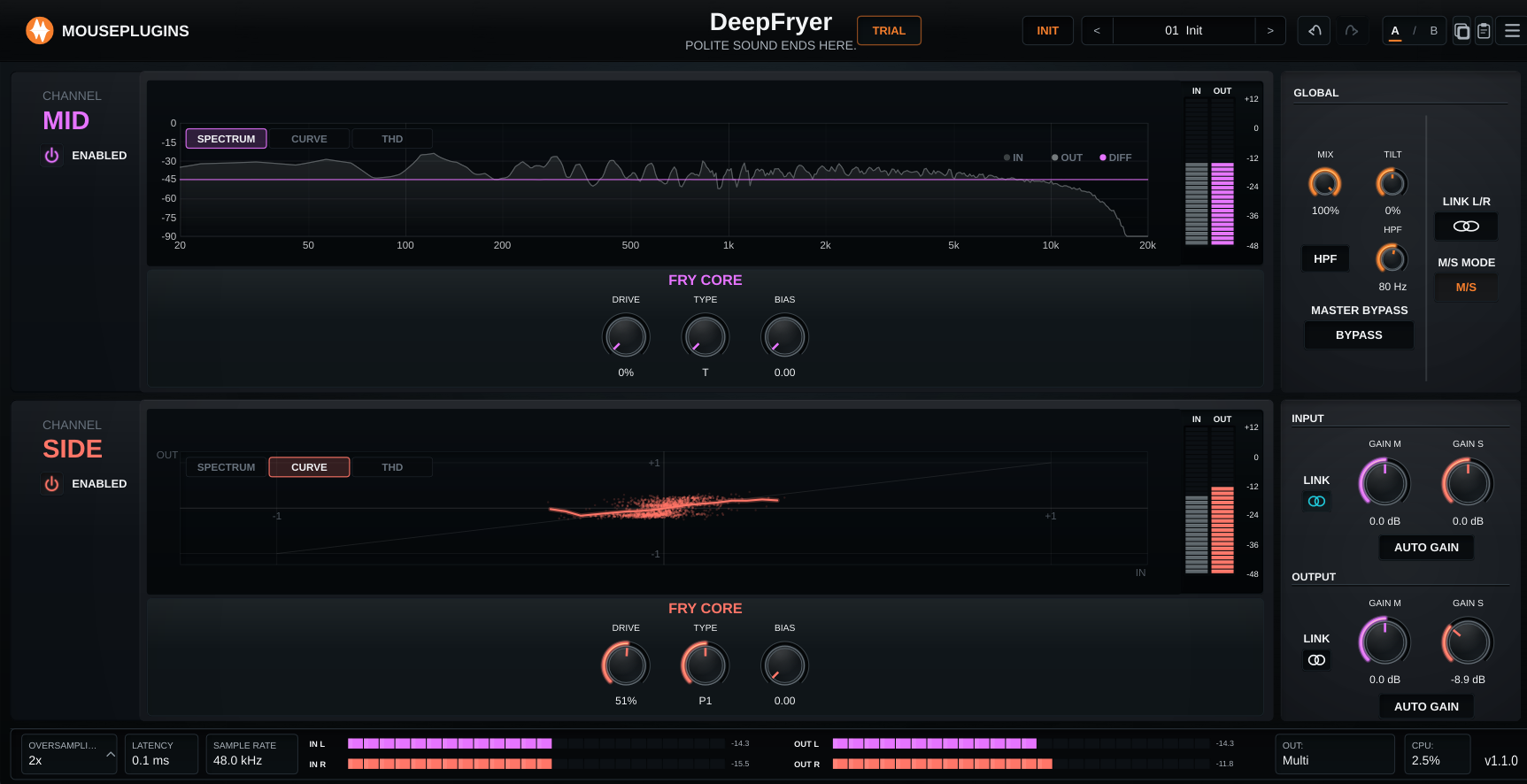
DeepFryer
Overview
Multiband saturation, a refreshed editor, and host-stability fixes.
Fixes
Fixed* Multiband: each band stays within its own frequency range -- a band set to 0% Mix or 0 Drive passes the dry version of that band cleanly. * Corrected the version number shown in the footer. * Spectrum no longer draws a sloped line on silent input; meters and visualisations return to zero when the host bypasses the plugin. * REAPER CLAP unload fix; ui-pro image-cache / Direct2D fix.
Multiband
* The chart now hosts a per-lane 3-band crossover. Drag the two handles to set the Low/Mid and Mid/High split frequencies; the frequency pill above each handle is draggable too. * Per-band Fry Core: click LO / MID / HI to point the Drive / Type / Bias knobs at that band. Each band saturates independently, with its own wet/dry Mix marker on the chart. * Crossovers start parked at 20 Hz / 20 kHz with band mixes at 100%, so a fresh preset behaves as a single band -- multiband is opt-in by dragging a handle inward. ###UI and workflow * The footer OUT display reports Mono, Stereo or Multi from the actual output feed. * Keyboard shortcuts work from the plugin window: Ctrl/Cmd+Z and +Y for Undo / Redo, Ctrl/Cmd+C and +V for Copy / Paste plugin state.
Notes
* Existing projects, presets, licenses and activations remain compatible; per-band Drive / Type / Bias default to the existing single-band values. * Per-band saturation uses more CPU than single-band -- check your project's headroom before automating crossover moves in a busy mix.