Sound Tools. Built Properly.
Audio plugins for mixing, mastering, and sound design.
Linux and Windows. Offline licenses. No subscription.
Install and update with MouseManager
Manage your MousePlugins VST3 and CLAP plugins in one place. No account or silent updates.
Lifetime Plugin Bundles
All current and future plugins in the bundle. Updates included for life.
Updates included for life. One-time payment. No subscription. Prices rise as more plugins are added.
Next bundle price review: 21 Nov 2026
Secure checkout by Stripe. Cards, PayPal, Apple Pay/Google Pay where available, and eligible Klarna instalments may be offered at checkout.
- All current plugins
- Future plugins included
- Free updates included
- Priority support
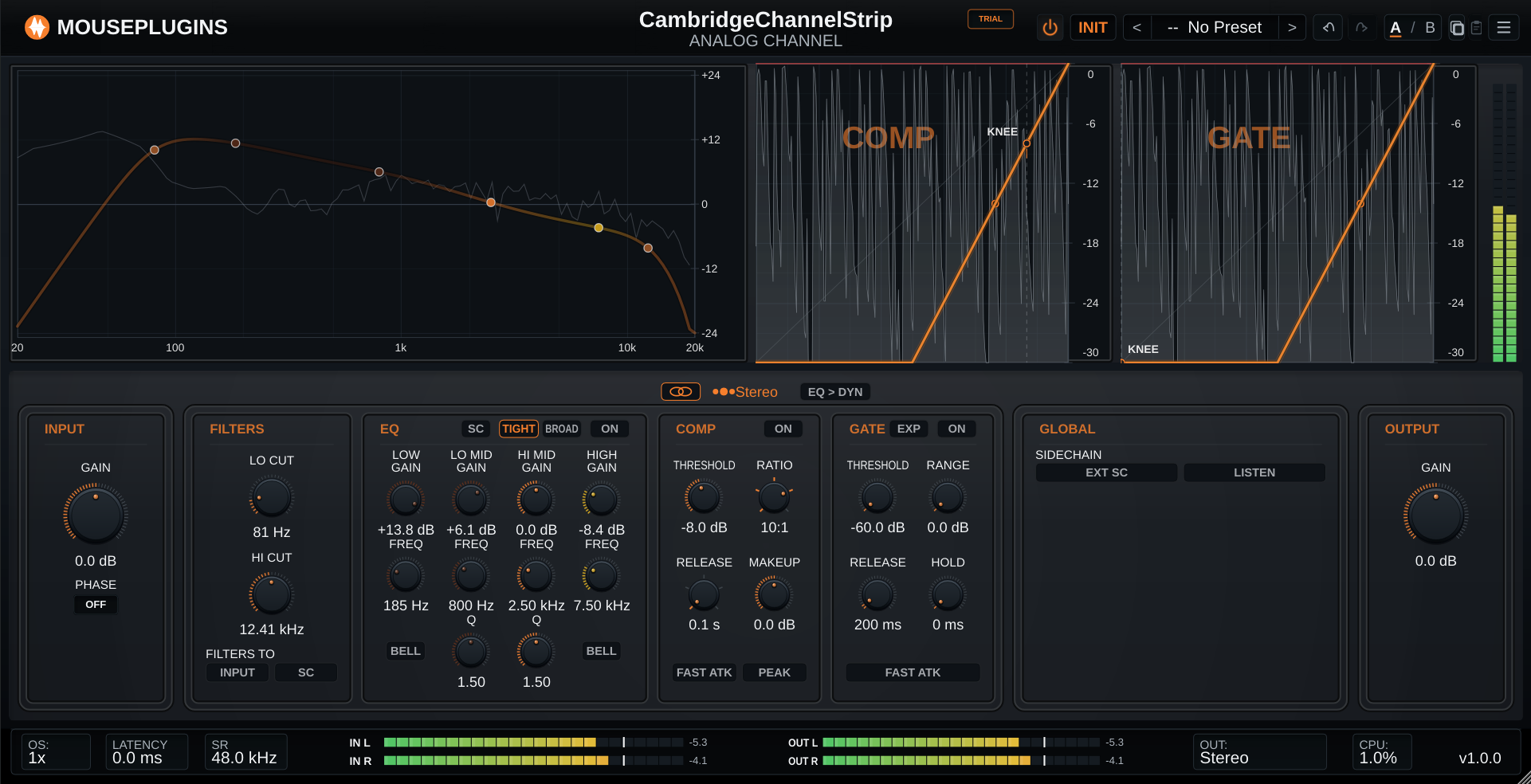
Cambridge Channel Stripv1.1.0
A complete channel strip in console order: input trim and polarity, high- and low-cut filters, a four-band EQ with two voicings, a compressor and a gate/expander. In Left/Right or Mid/Side each lane carries its own full strip.
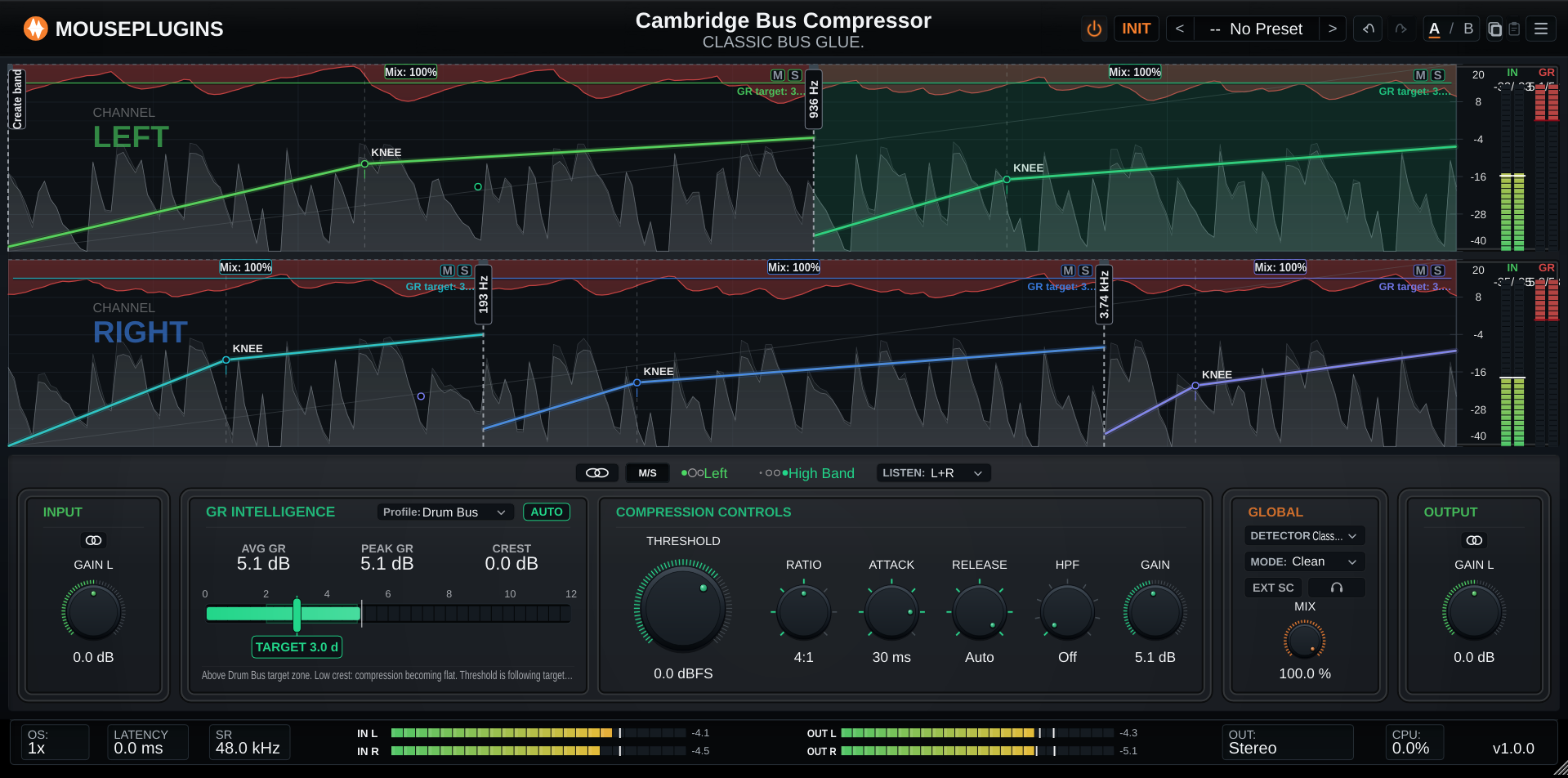
Cambridge Bus Compressorv1.0.0
Three-band, dual-lane bus compressor with guided GR Intelligence, an audio-clocked Auto GR servo, and per-band parallel mix. Free.
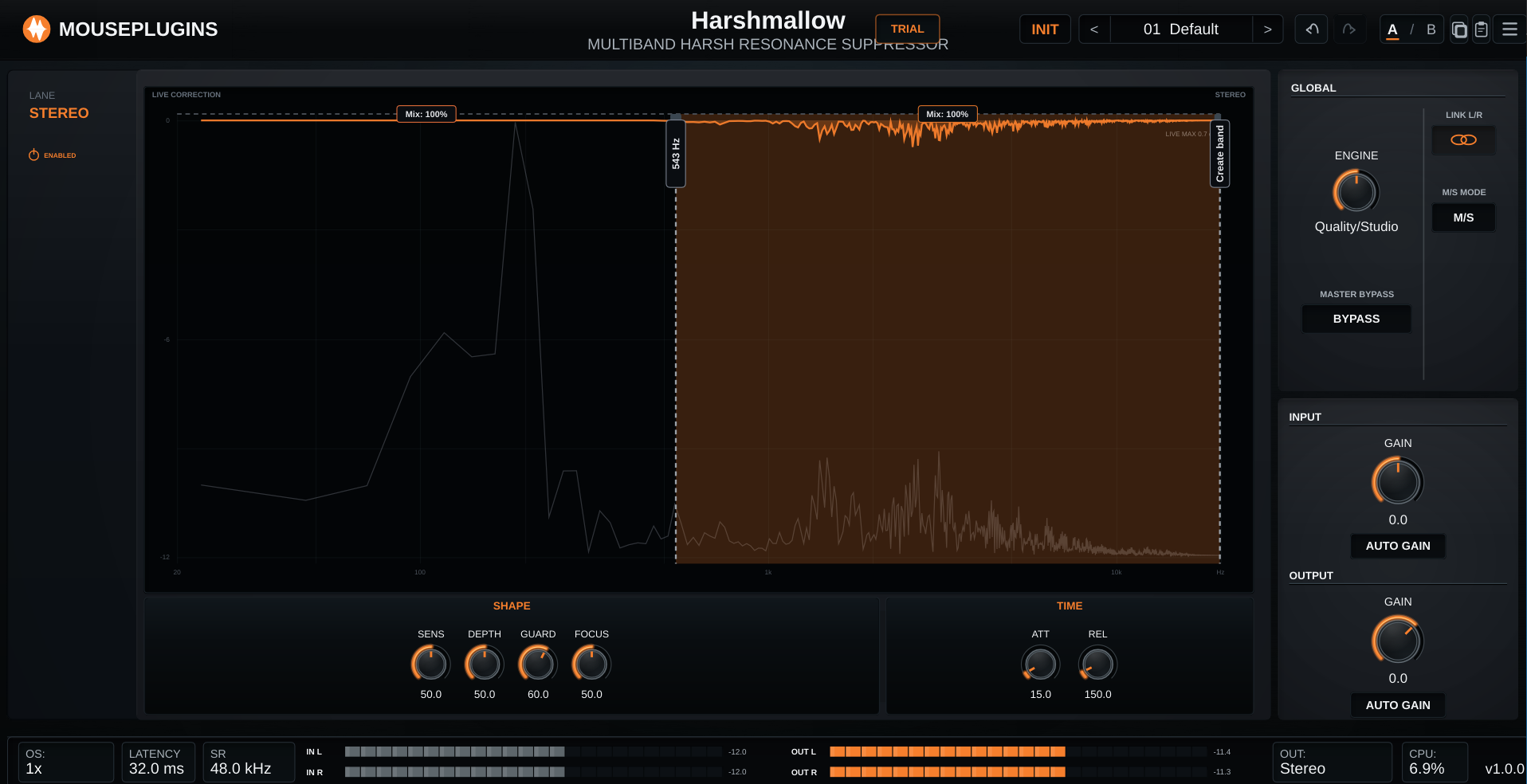
Harshmallowv1.0.1
Adaptive multiband de-harsher. Pulls down harsh upper-mid and treble energy only while it flares, then lets go - attenuation-only, Stereo or Mid/Side. VST3 + CLAP + Standalone, Linux + Windows.
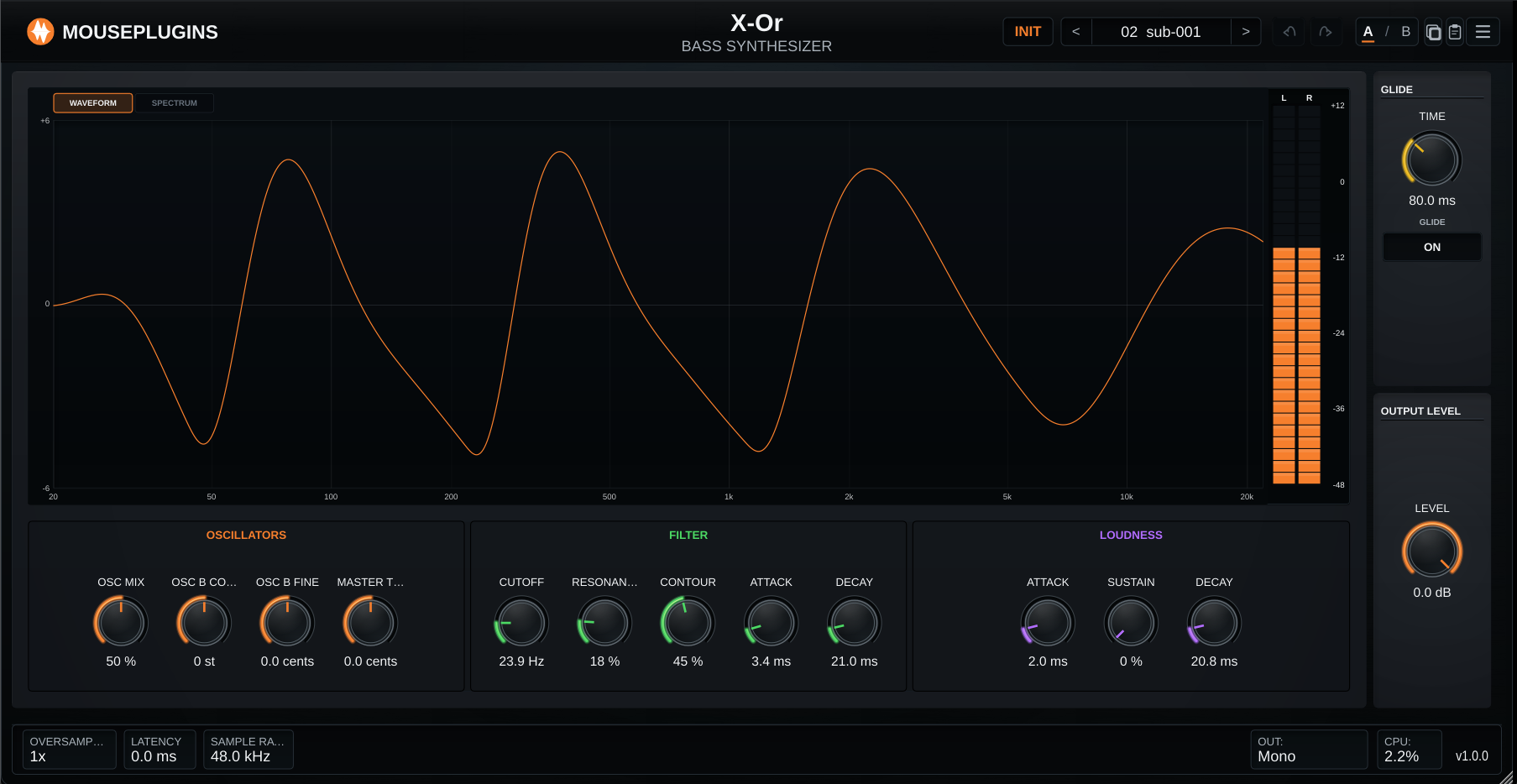
X-Orv1.0.3
Free two-oscillator mono bass synth. Dual saws, resonant low-pass with contour, loudness envelope, glide. VST3 + CLAP, Linux + Windows.
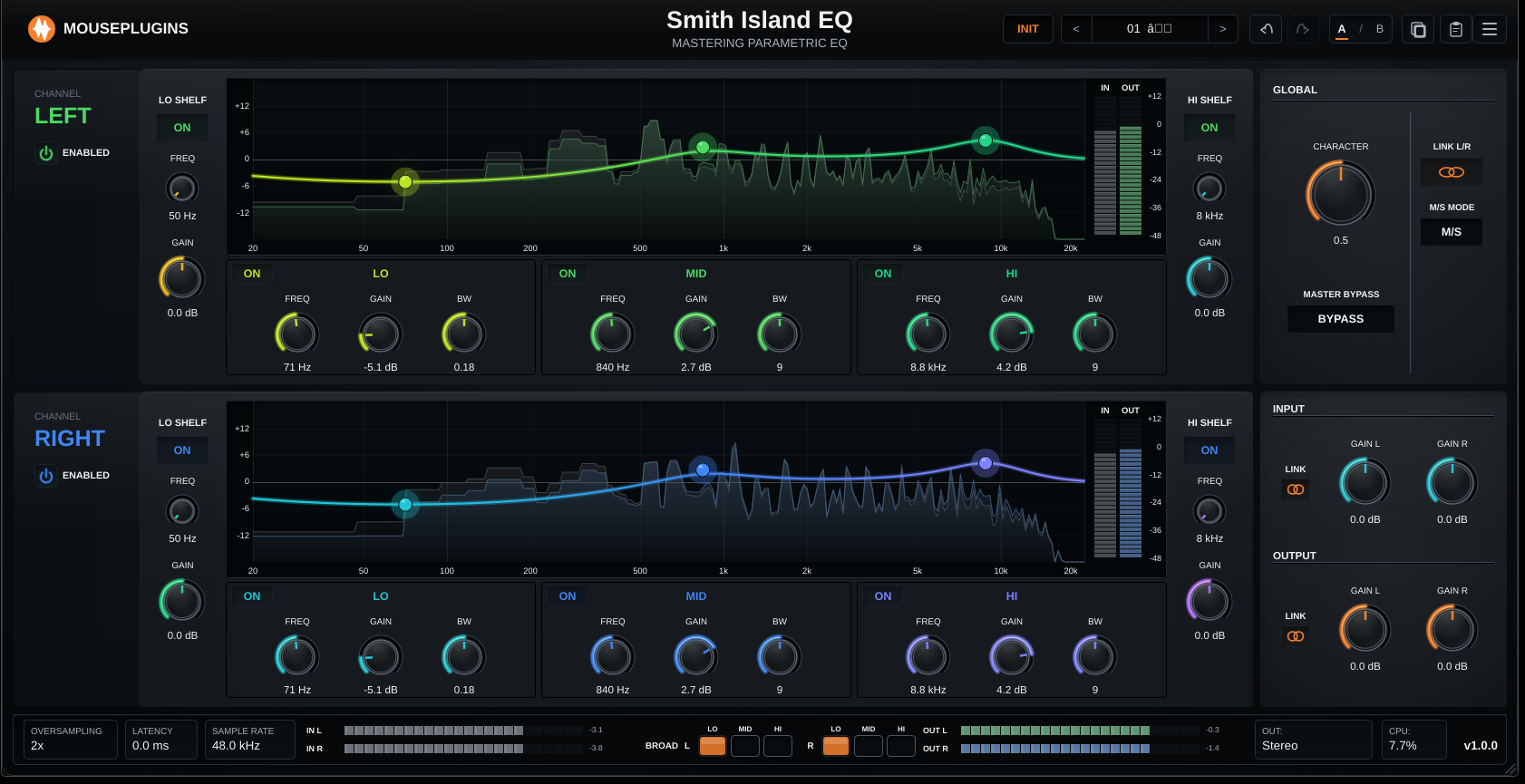
Smith Island EQv1.2.1
Stereo mastering EQ. Stepped frequencies, BROAD bells, Stereo / L/R / M/S routing. VST3 + CLAP, Linux + Windows.
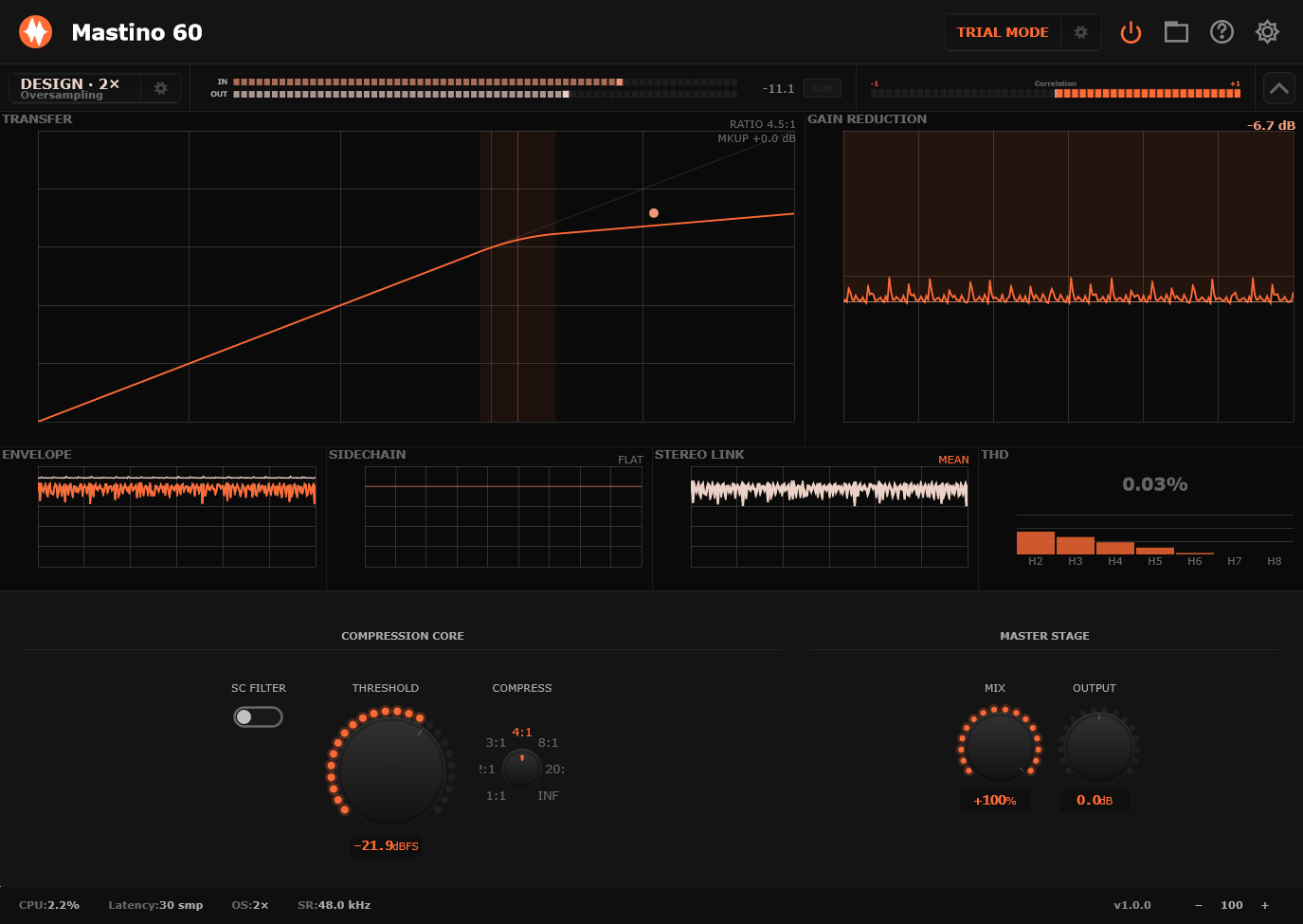
Mastino 60v2.0.2
Fast hard-knee VCA-style compression for drums, bass, and buses - now three-band. Per-band threshold, compress and makeup gain, two crossovers, sidechain filter, stereo / L-R / M-S, parallel mix.
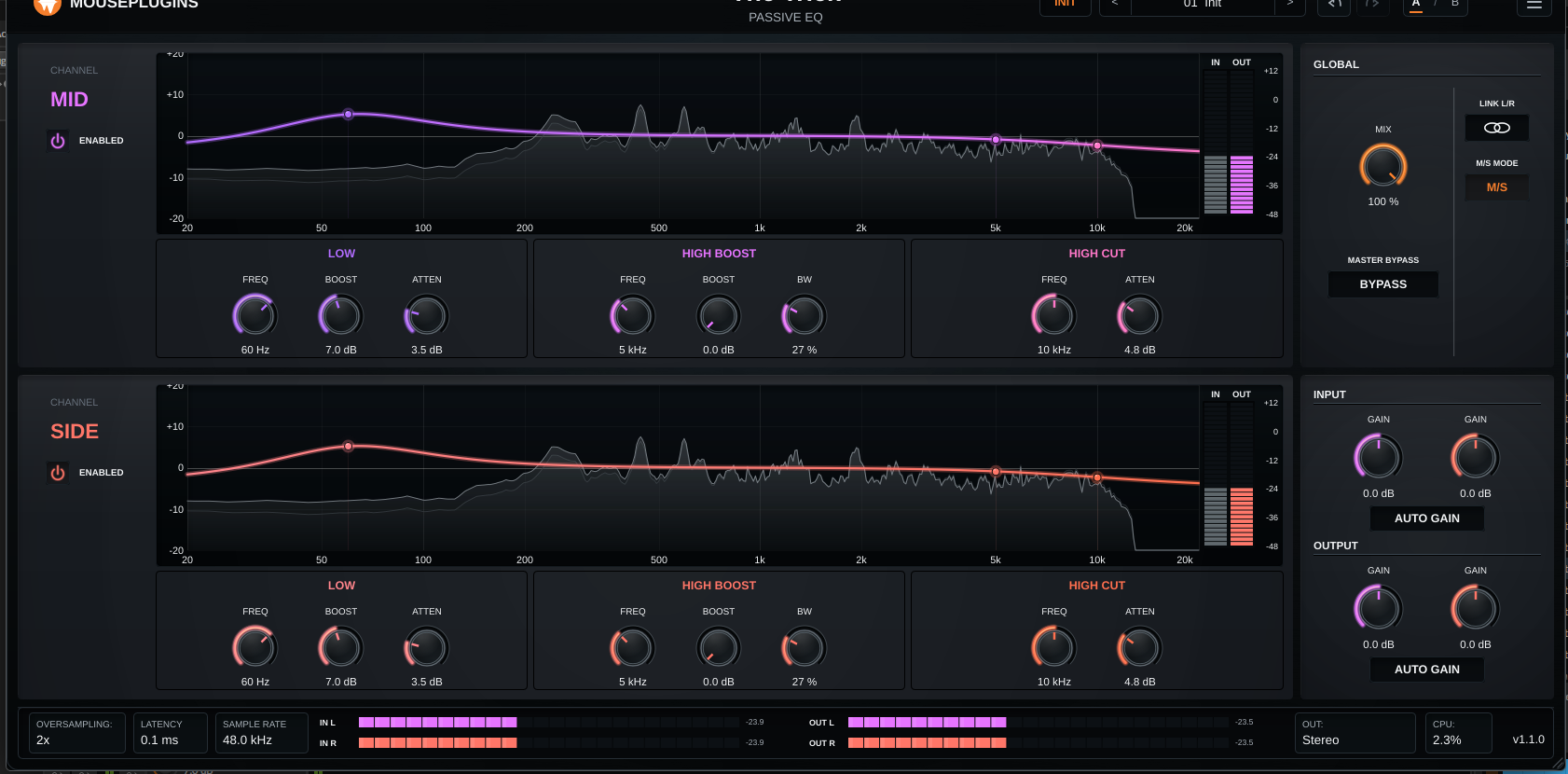
The Trickv1.2.1
Circuit-style passive program EQ. Tube and transformer colour. The boost-and-cut interaction, built into the topology.
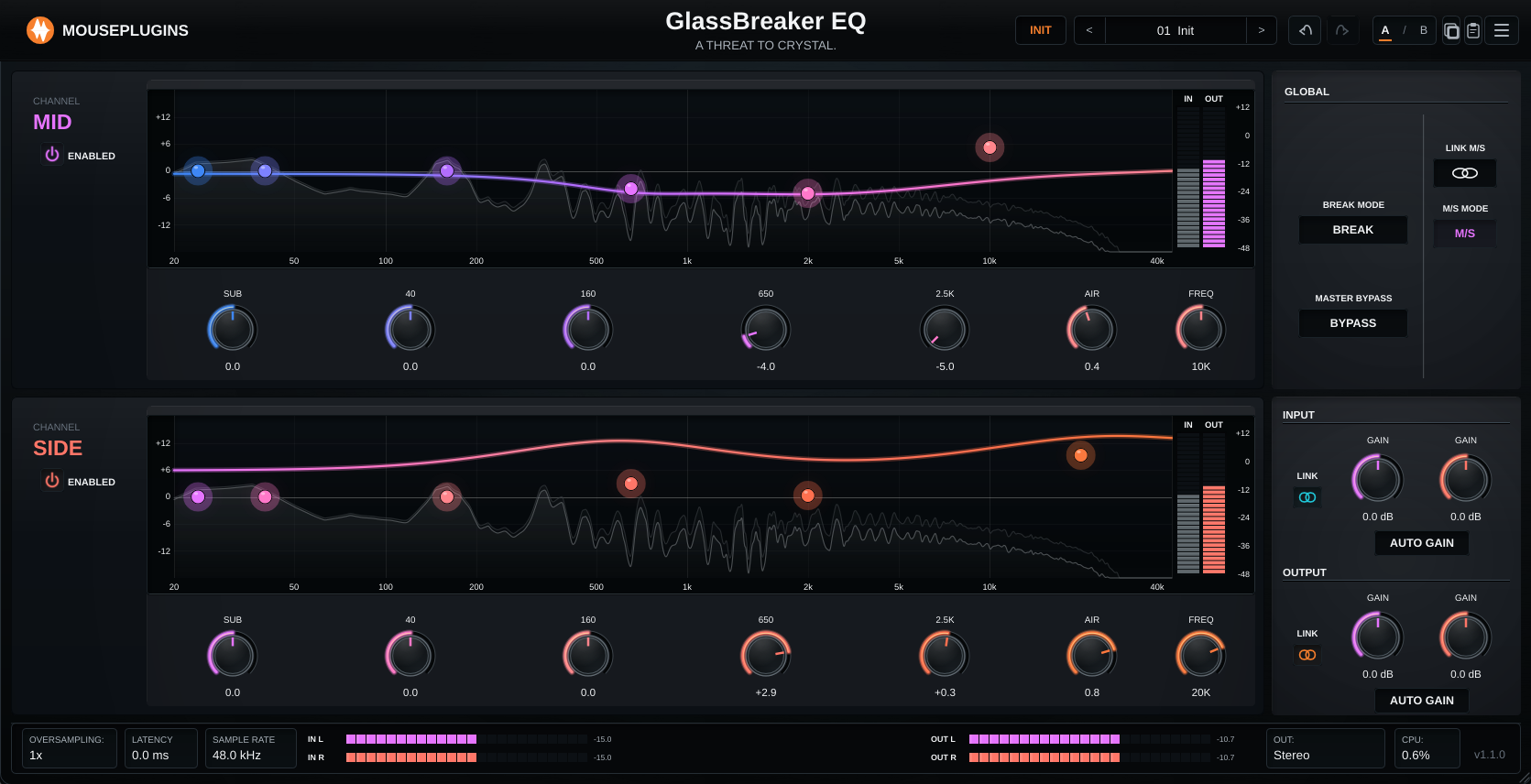
GlassBreaker EQv1.2.1
Measurement-fitted broad-stroke EQ with a selectable high-shelf air section. Five fixed bands, complementary filter bank, reports 0 samples of latency.
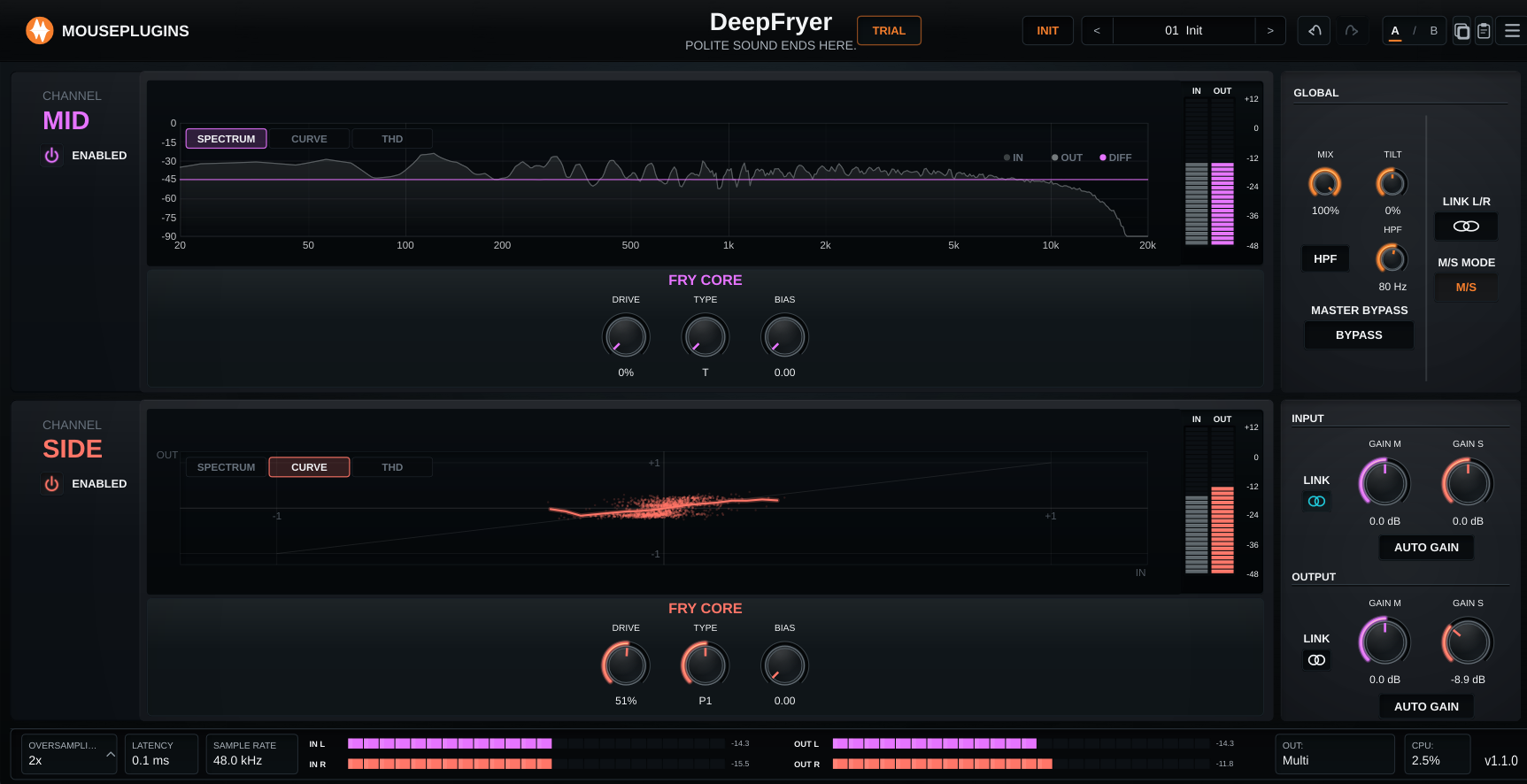
DeepFryerv1.2.1
Measurement-fitted tube saturation. H2 body and roundness at low Drive, H3 takes over between 50-80%. Three tube-style voicings, Bias control, up to 8x oversampling.
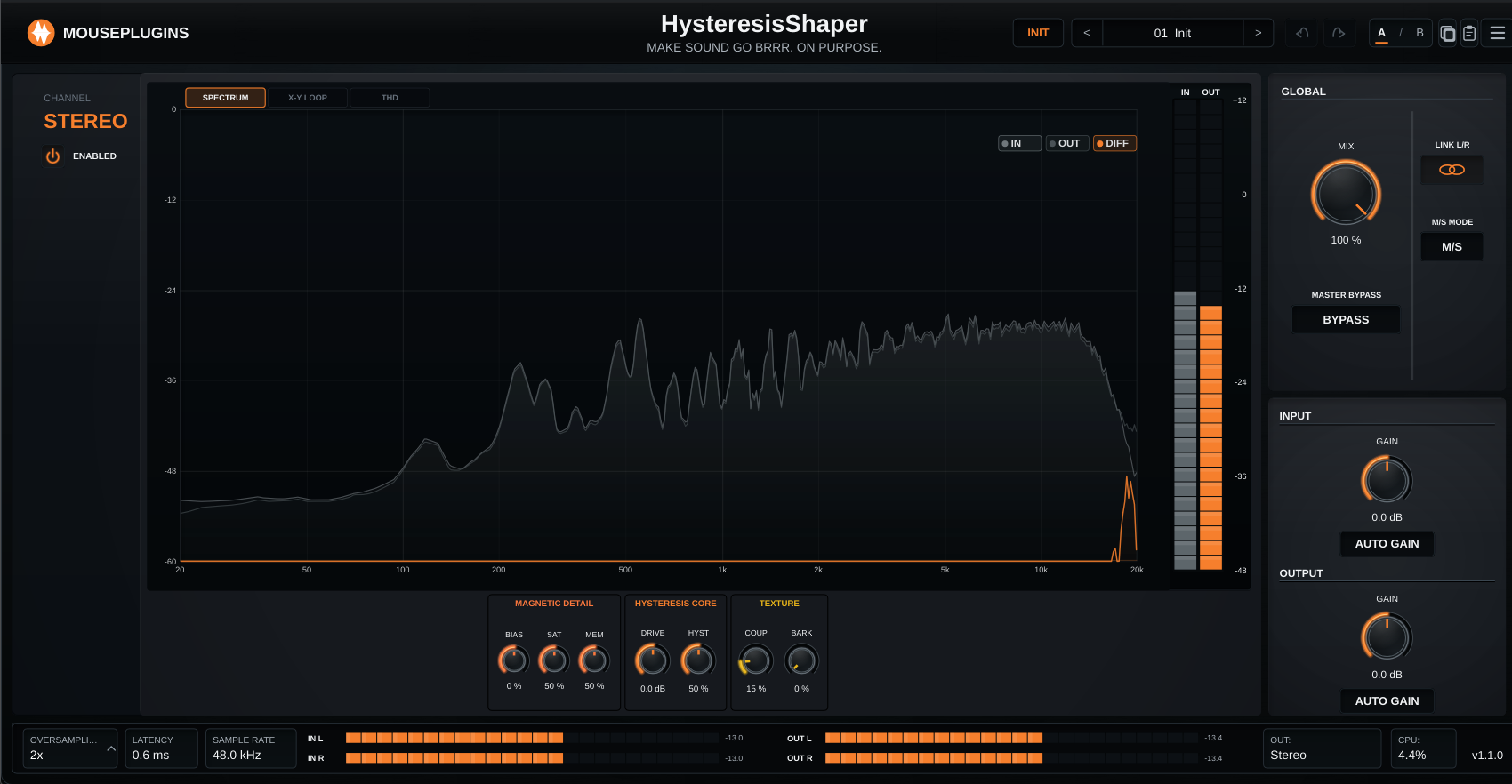
Hysteresis Shaperv1.2.1
Magnetic hysteresis saturation. Stateful and history-dependent, with four quality modes and 0 samples latency in Live.
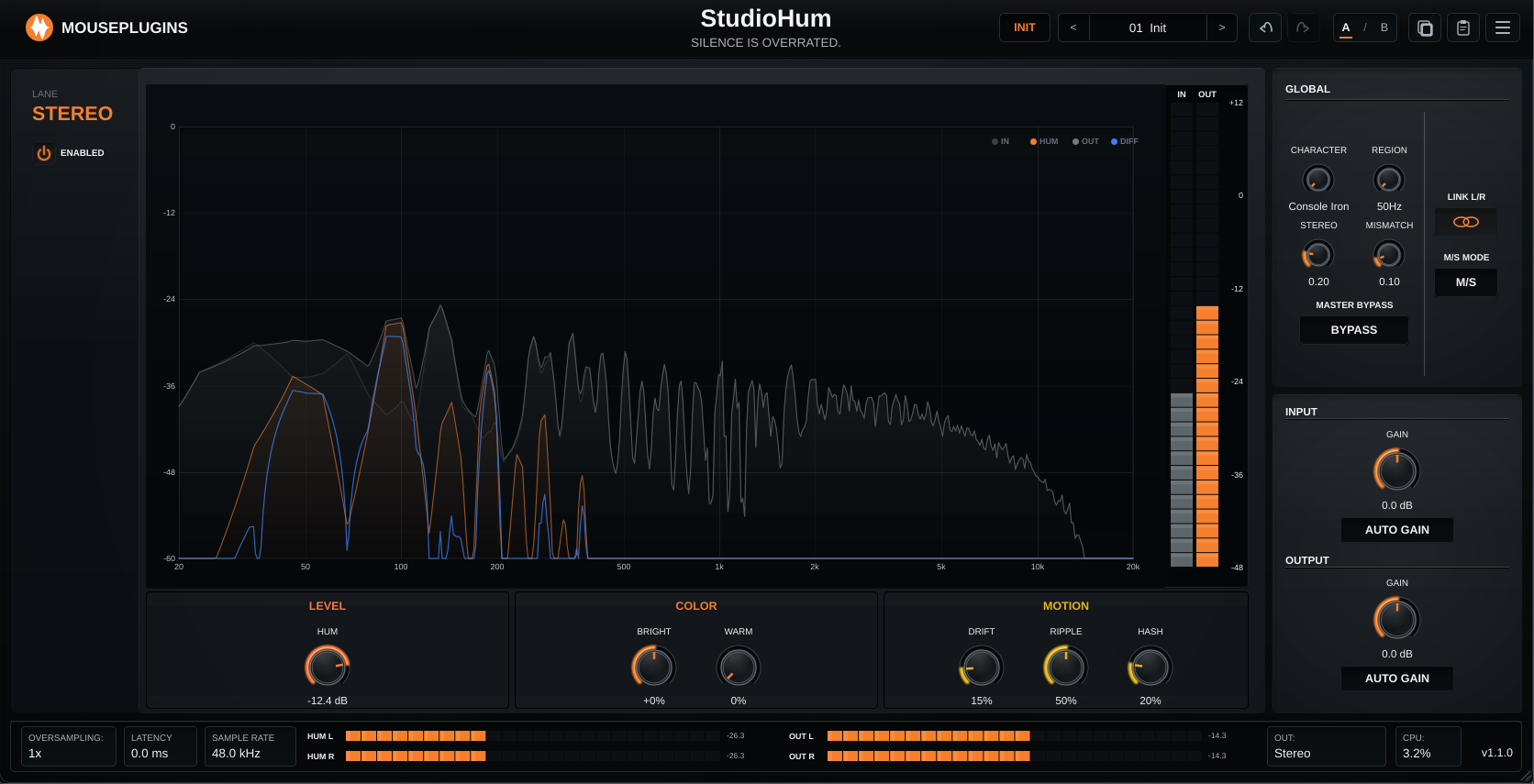
StudioHumv1.2.0
Studio-hardware-style hum generator. Three archetypes, drift engine, reports 0 samples of latency.